




Videos are everywhere. We shoot them on our smart phones, share them to social media, messengers and more.
Up until now, the only way to share a video to Invision Community was to use a service like YouTube or Vimeo. If you uploaded a video file it would be treated like an attachment, and if the user clicked the link it would download it to their computer.
In Invision Community 4.3 we've improved this. Now if you upload a video file (mp4/3gp/mov/ogg/ogv/mpg/mpeg/flv/webm/wmv/avi/m4v), it will embed similarly to an image.
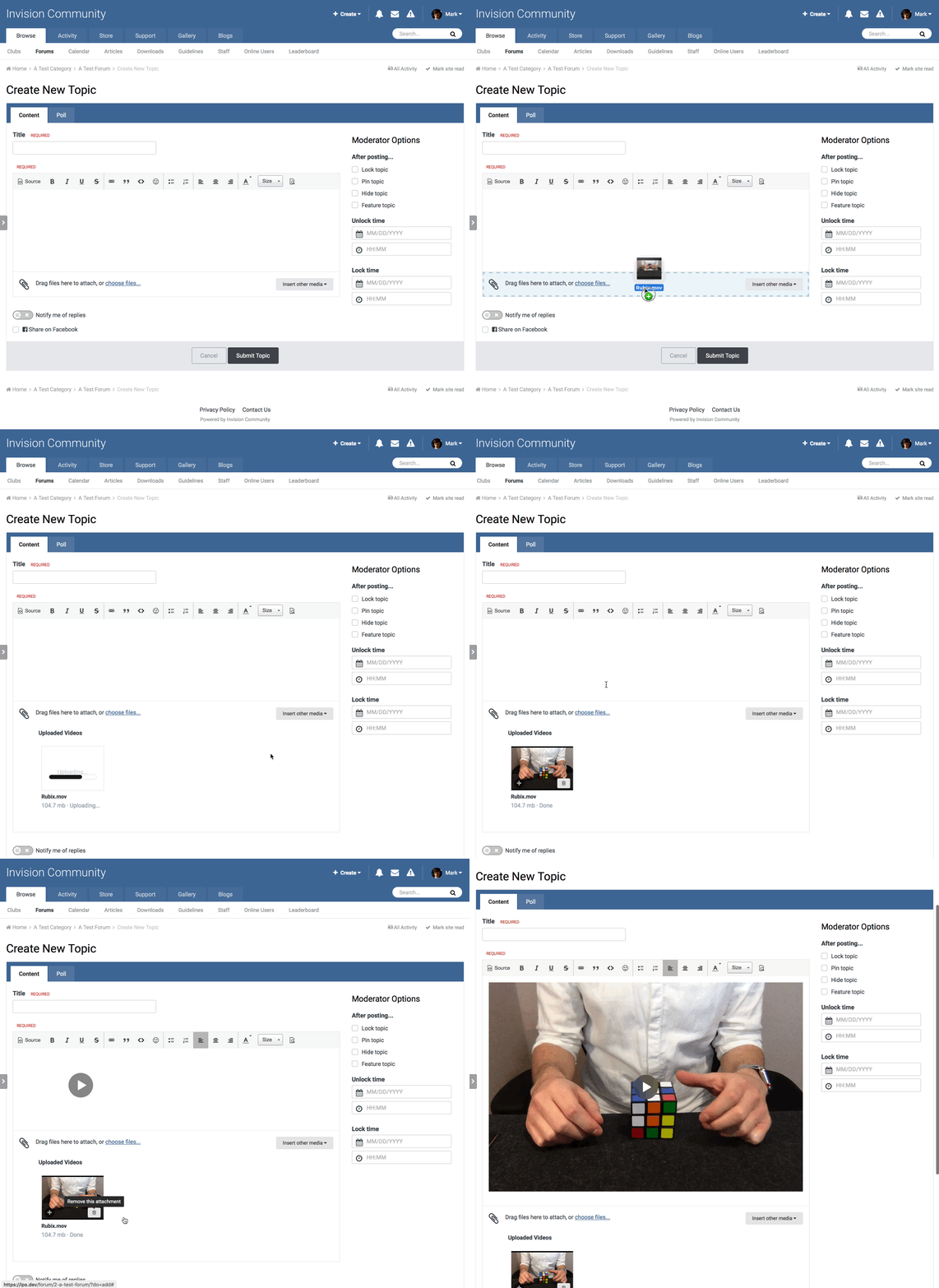
Uploading a video
When viewing an uploaded video, if it is in a format that the user's browser and platform natively supports, it will show an embedded player. This will have all of the features supported by the operating system - for example, almost all browsers support fullscreen, and Safari supports Airplay and picture in picture.

An uploaded video
If the video is in a format not supported, it displays exactly as it does now - as a download link.

An uploaded video in a browser without playback support for that format

