


Customer referrals can be an effective way to drive additional sales on your site. By offering a small incentive, you can encourage your existing customers to promote your community and products to others.
You can configure referral settings in the Admin CP by navigating to:
Members → Member Settings → Referrals
Switching On Referrals
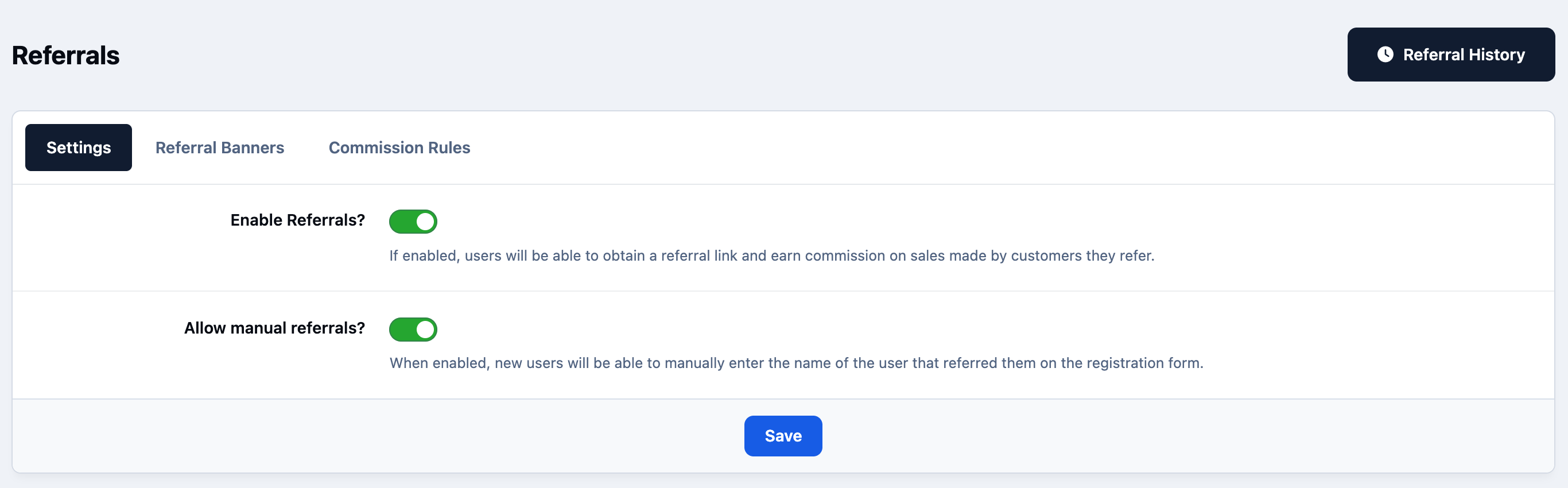
Once you enable referrals and save the setting, you’ll see three tabs available.
The first tab provides general settings and will look similar to the screen shown below. From here, you can switch the referral system on or off and choose whether customers can view the commission rules.
In most cases, you’ll want to leave this option enabled so customers can clearly understand how commissions are calculated. However, if you’re using more complex commission rules, you may prefer to disable this. Doing so will provide you with an editor where you can enter custom information explaining how referral commissions are earned.
Switching On Referrals
Referral Banners
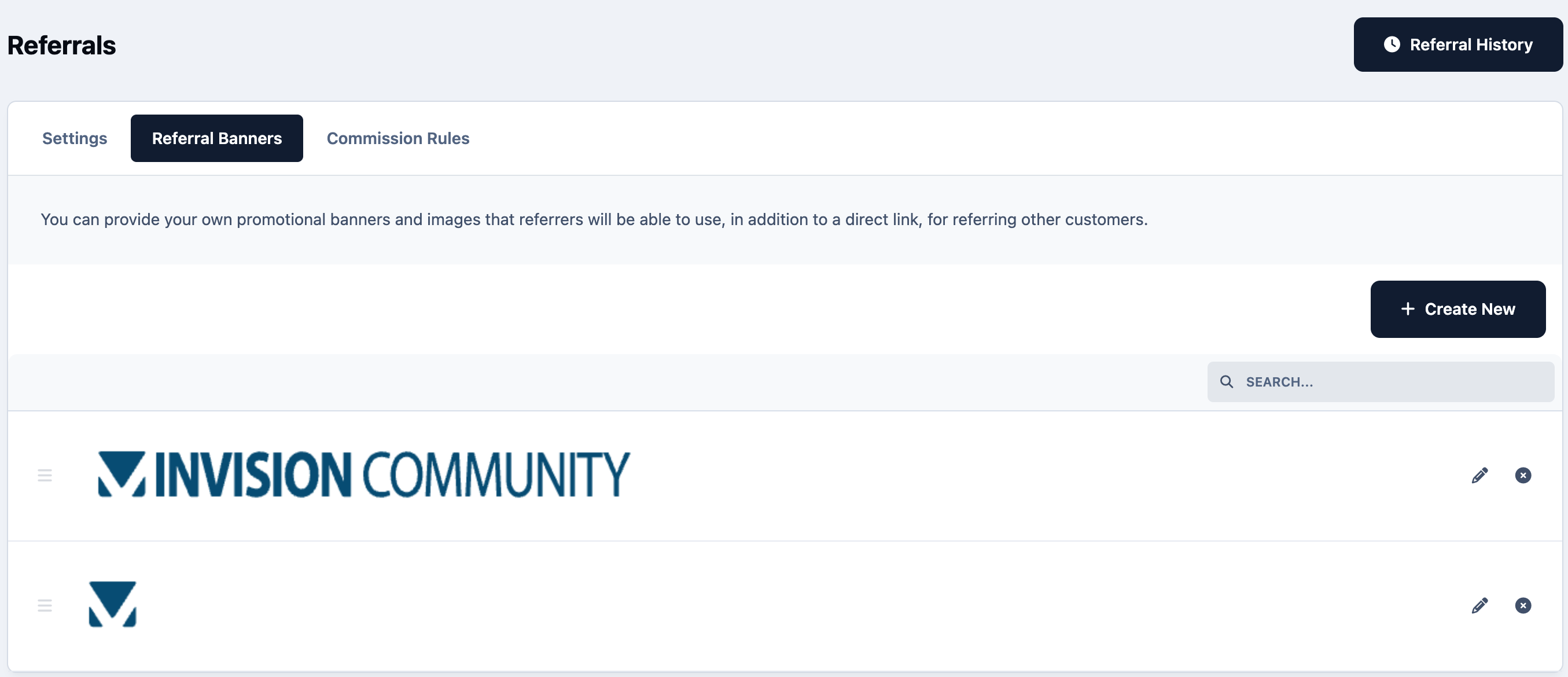
If you’d like customers to promote your site or products using referral banners, you can create and manage these within the Referral Banners tab.
You can add as many banners as you wish, and these will be made available to your customers for use when referring others. The system automatically provides the appropriate referral links for each banner in both HTML and BBCode formats, making it easy for customers to share them on websites, forums, or social media.
Customer Referral Banners
Commission Rules
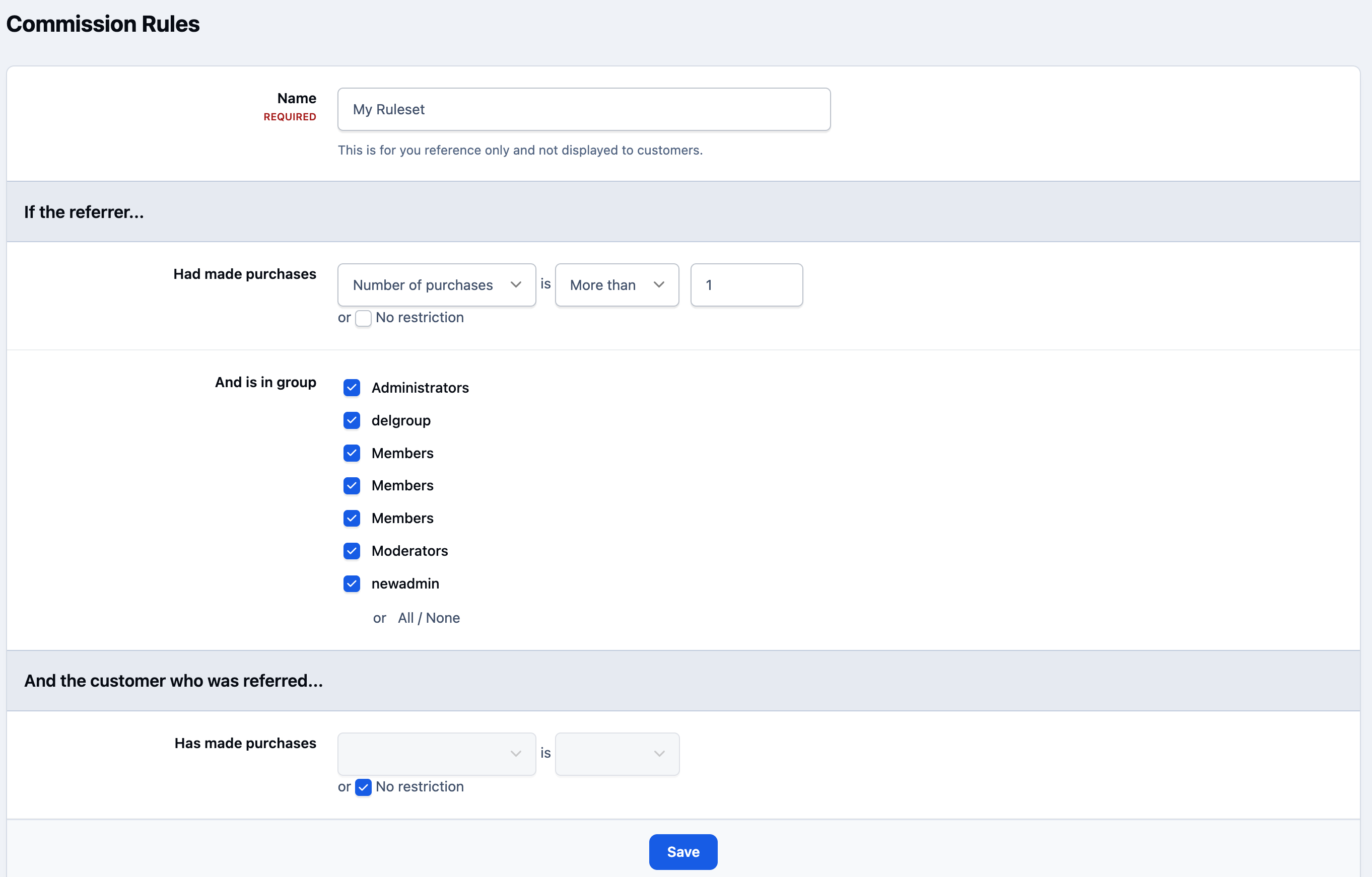
The last tab displays a list of all commission rules currently configured and allows you to create new ones.
Selecting Create New will open a screen similar to the one shown below.
From here, you can define a commission rule set and specify the percentage (or fixed amount, if applicable) that will be paid to the referrer for qualifying sales. This gives you full control over how referral rewards are calculated.
Commission Rules Settings
On the customer side
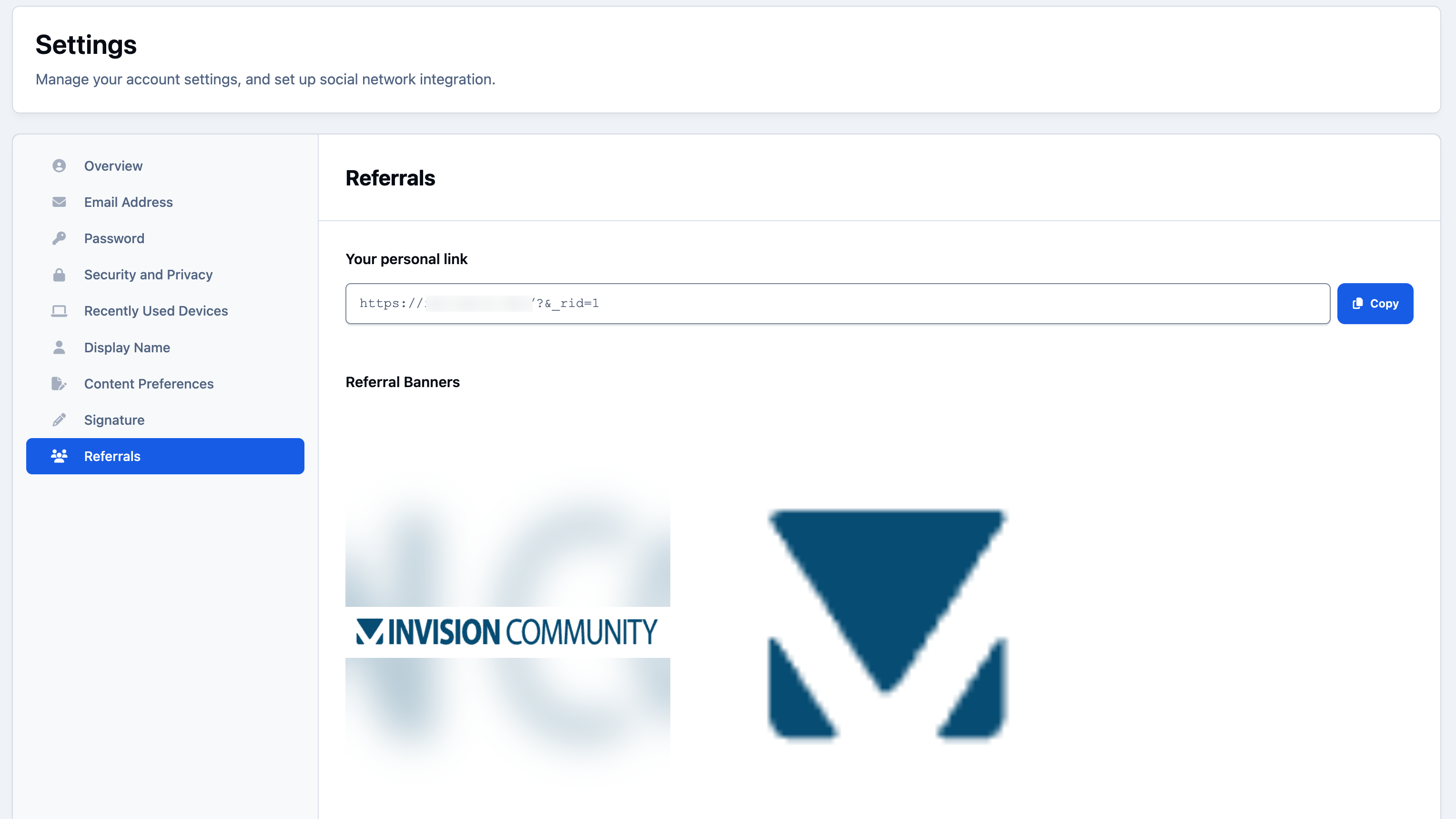
By default, the referrals area on the front end of your site can be found under Store → My Details → Referrals (this location can be changed using the Menu Manager if required).
In this section, customers will see their unique referral links, which they can share when promoting your site. Anyone who registers or makes a qualifying purchase using one of these links will be recorded as having been referred by the customer who shared it.
Customers Account Settings - Referrals
Important Note
It’s important to note that referral commissions only apply to new registrations made through a valid referral link.
If the purchaser is already a registered member of your site, no referral commission will be awarded, regardless of whether they accessed the purchase through a referral link.
Recommended Comments