


Erki Laansalu
Clients
-
Joined
-
Last visited
Everything posted by Erki Laansalu
-
Yes - the link composition was the key. The link needs to be vimeo.com/1234457789 etc But they recently changed the sharing model, that in default it's expiration date for unlisted videos. So the link is vimeo.com/share/erafash2135ec Need to change the expiration date for unlisted video to no expiration first. That seems to be a recent Vimeo updated. Anyways - solved
-
I'm still struggiling with it. The way I copy the link to forum is simple share link. And Invsion community converts it into embeded Vimeo link. And it has worked well for over 1,5 years, over 60 videos in posts. Why the suddend change? I cann't find any significant update from Vimeo side. If I take any random video from Vimeo, then it will show the video correctly. I'm not sure if it is Vimeo - it seems to be a bug in Invision Community Forum. When the first "preview" of "embed" is made then in some situation it shows up as a external link rather than embedded video. Can somebody help me with that?
-
Okay - so I should contact Vimeo for that? Same link but sometimes if we use it in forum before the upload is compete in Vimeo, then it will show up as a rich hyperlink. But if the upload is complete then it will show up as embedded video. I'm not the one uploading those videos - so I'm solving this on the behalf of my team but it's a reaccuring problem, so we'll need some kind of solution.
-
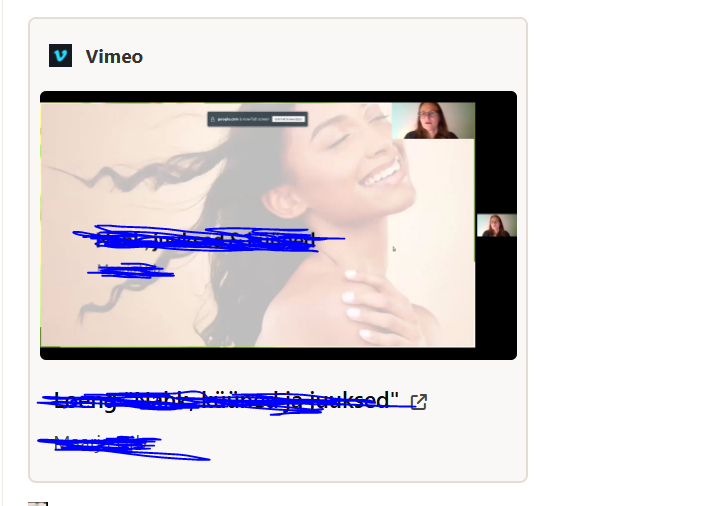
Hi I have an error with my forum that the videos from Vimeo and not showing up correctly. 8 times out of 10 they show up correctly as a windows where you can click a play button and watch the video. Regular deal. But in some cases the embedmed shows up as external link with and image included (see the image below). But it should be shown as a videofile Is there a way in Invision Community to update metadata to Vimeo or external links - similarly to Facebook sharing debugger (https://developers.facebook.com/tools/debug/) At the moment the solution has been that I reupload the video, because the metadata for that specific link is now set and will not update. This a reoccuring thing and we would like to solve this once and for all. Thank you!

-
For people who might have a similar need in the future. Our solution was to use code {{if \IPS\Member::loggedIn()->member_id && !\IPS\Member::loggedIn()->inGroup([11])}} {{\IPS\Output::i()->redirect( \IPS\Http\Url::internal( 'app=forums&module=forums&controller=index' ) );}} {{else}} Sample text {{endif}} Which in essence shows one home page for logged in account and other custom home page to guests and other member groups. Both guest version and for logged in accounts home page can be edited thorugh invision community page editor.
-
What is the best resource for creating custom application? Any links that I could send to my developer? Thanks
-
Hello Invison team Our team would like to change our forum home page for guests and non paying members as a custom landing page. We have a separate landing page, where we introduce our community and from there usually people go directly to /subscriptions page. The main reason why this arises not, is for the referral links to work more efficiently. At the moment referral link from a paying customer directs to the forum home page, which in our case, if you are not logged in and paying member, is pretty empty. What is the best workaround to ease this sign up process? Would like the referral link to direct to either /subscriptions page at minimum. or to custom home page which has different elements from page builder. Done with cooperation with out PHP developer. Option 3 which I cann't think of at the moment but which has solved similar problem previously. Thank you!
-
It was not visible for admins - that's why the confusion. All good!
-
Hello Invision Community Team, I’d like to start by saying that I really like the anonymous posting feature. We have a forum where this functionality is very useful. However, we’ve encountered a challenge: when the original post doesn’t include all the necessary details, the original poster needs to continue the thread—also anonymously—to clarify or respond to follow-up questions from admins. At the moment, I can’t find a solution for this use case. Is there a way for comments or replies under the original post to also be anonymous? Thank you in advance.

