


Mowgles
Clients
-
Joined
-
Last visited
-
Fixed it. Hahaha. My god. Was just in safari settings. Selecting between the A or a for reader view. Had a mare 😆 Thanks for the reply
-
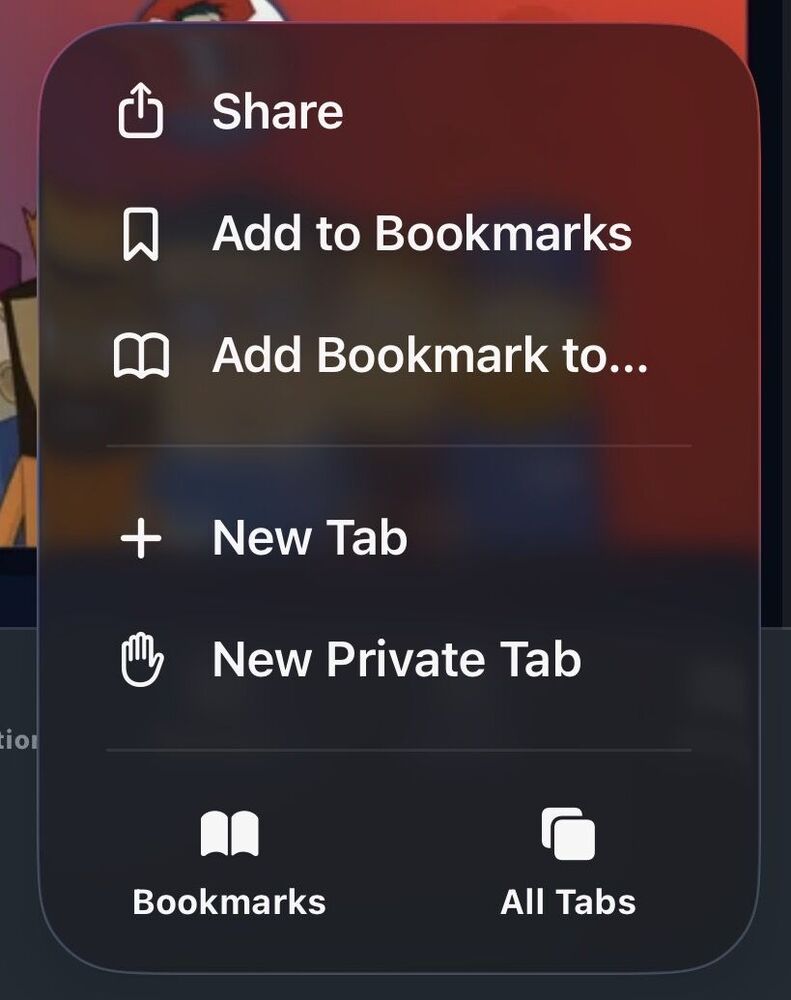
Both menus have no option for that nor does the bottom of the forum. Also tried looking in Safari settings also. Bit odd that it’s only for my forum it’s happening haha as this forum has it showing correctly.
-
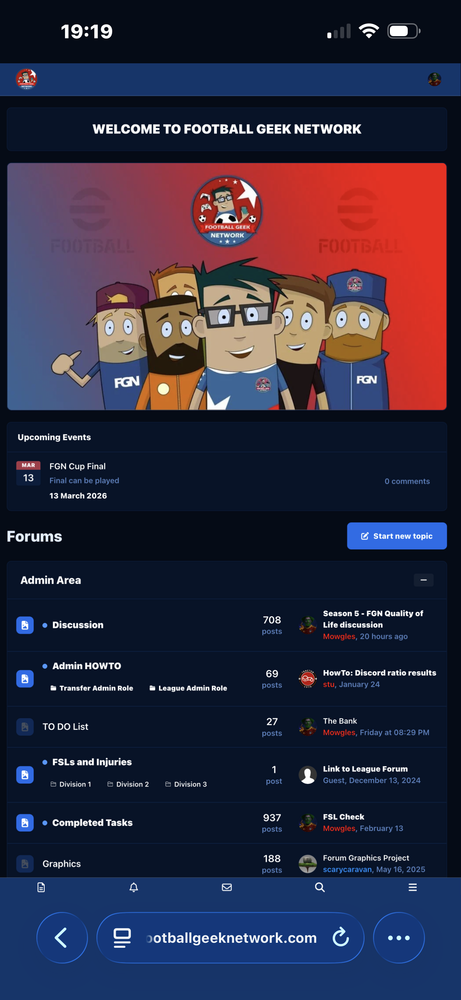
Hey unsure if this is a setting changed on acp or on phone but my forum is loading as a full desktop view as opposed to usual view. Noticed this forum loads correctly. Even the web app (when share and save shortcut) ends up looking like below. Have I accidentally changed something 😆
-
-
-
The ability to view at bottom who’s on a thread was part of packages before these cloud packages. 6-7 years ago when prices were also lower. I understand things increase in price and features are decreased or scaled down to be more “pay per feature”. I guess the days of forums are numbered if that’s how pricing works. It’s all good :)
-
Thanks. That’s unfortunate. Wasn’t the ability to see whos viewing thread something that was available before for free years ago? How come it’s now in the higher tier when already paying 99 dollars for this one? Haha. Thanks for the response.
-
Really enjoying v5. It’s stunning and smooth so far. One question though, when it was fresh installed was able to see who was viewing a thread on the forum as well as see who was typing. Can no longer see this now. Was this taken away or is it a setting need to change? Incredible work on v5! Loving it.
-
this is perfect thanks so much!
-
-
Is there a way of disabling the stock smil;eys, emojis, icons and other stuff on v5? I had custom emojis added and they are now at the bottom of the list with the stock ones burying them. Can these be removed? Cannot see them in the customisation section of ACP?
-
Is there a way to remove the line between the activity feed posts? It looks like all the posts are related/connected when they are not. eg is there a way for it to appear like the blogs view




