Christian Meixner
Clients
-
Joined
-
Last visited
Everything posted by Christian Meixner
-
Well actually you can. You just need to know the correct URL.
-
I understand that. Still we need more help to do that, simply by being able to download the XML files of the original language (as we can do for translations), to use external software (or even AI) to assist with this job. Reviewing 18.000 resources withing the UI of the (still very good) build in translation tools would take way to long. Well, anyways I figured out how to access the XMLs, put them into a sorting tool and can now do a side by side compare of v4 and v5 with a local diff tool. This speeds up the process by like a thousand times.* I don't know why it's such a "secret" to access those XML files, which are shipping with the software I'm paying for, so that you can not assist here. * e.g. for "core" application it comes down to only like 700 changes, from which about 50 to 100 are ACP which I don't care to translate
-
No, I do not expect to translate 18000 Resources keys after each major update! If I have to expect this for every major update, we will definitely change the platform. Back then, when we decided for Invision Community there was a working marketplace which provided well maintained language packs. This was a key feature to us as we evaluated the platform. This has vanished now. And I'm not willing to put weeks of work into reviewing the translations (10s per key = 50 hour net of work!) Also this is just not necessary as most of the resources did not change at all. But I need an efficient way to find those that did. So providing the language files that ship with the product would be the minimum. Can I get the language files of v4 and v5 from the self-hosted version then? Anything that helps is highly appreciated.
-
Well, now, like an hour after clearing the system cache, the translations suddenly appeared in the editor toolbar. Do I have to do this all the time if I make changes to the editors toolbar translation?
-
I've now cleared the system cache via the support dashboard and also cleared the browser cache. Nothing changed. All other translations update instantly in the frontend after saving and reload.
-
You may have a look here: https://forum.community.smapone.com/courses/module/38-was-ist-agilit%C3%A4t-im-unternehmen/?&lesson=157
-
Seriously? This would take days of work. Could you then please provide the original language for v4 and v5 as XML files for download somewhere, so that I can use a diff-tool at least? I can't download the original language files on my own from ACP, because it will only export translated keys, which is empty for the original language. Thanks. I'd love to have that. But I won't be able to use it directly, because we have made some custom translations to match the style of our community. But I could give it a try with a diff tool, so see whats missing.
-
deleted ... wrong thread
-
When upgrading from IC4 to IC5 some of the existing text resources where updated/modified. Some of them are more serious than others, e.g. in activity_member_reacted, the way how the embedded images are reference has completely changed and thus leads to broken images in the activity feed if not fixed/updated in the translation: (BTW: the original text on the left side has some unnecessary white space ( ) which makes the images not align properly in the activity feed). Now the question is: How can I find all the resources that have been modified in the original language with the IC5 update, so that I can review and update them in the translation if needed? Reviewing all of the like 18000 keys is not an option!

-
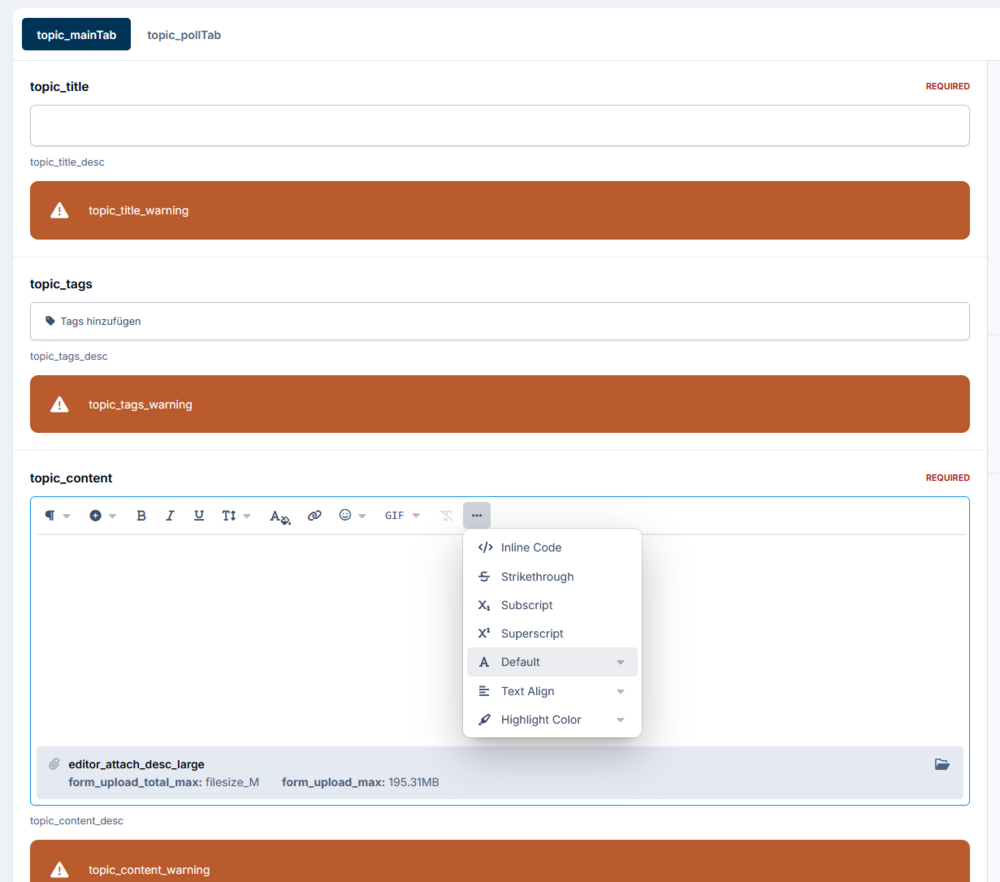
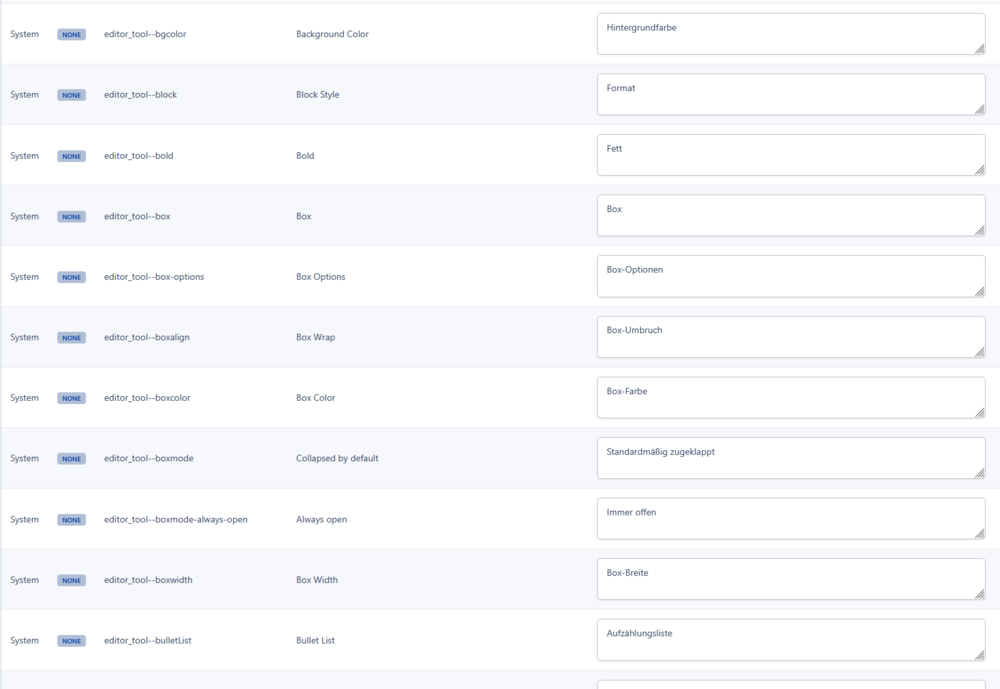
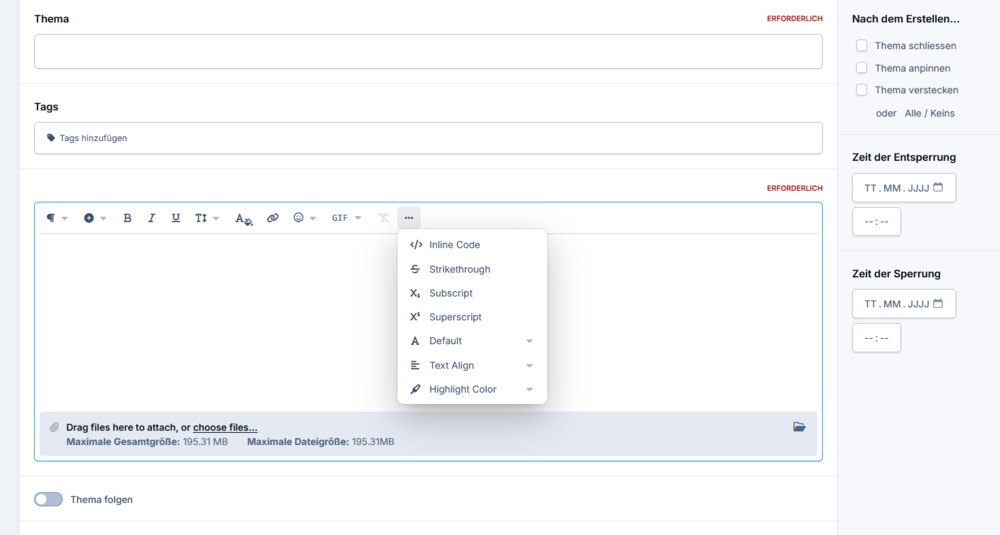
The translated keys for the editor toolbar are not applied to the actual editor in frontend. Translation for editor toolbar in ACP: Translation in frontend (toolbar still in English): No translation keys shown for editor toolbar.
-
Update: The problem seems to only affect lessons in courses. Embeded Videos in Forums posts seem to be fine. At least that saves me from having to search all forums.
-
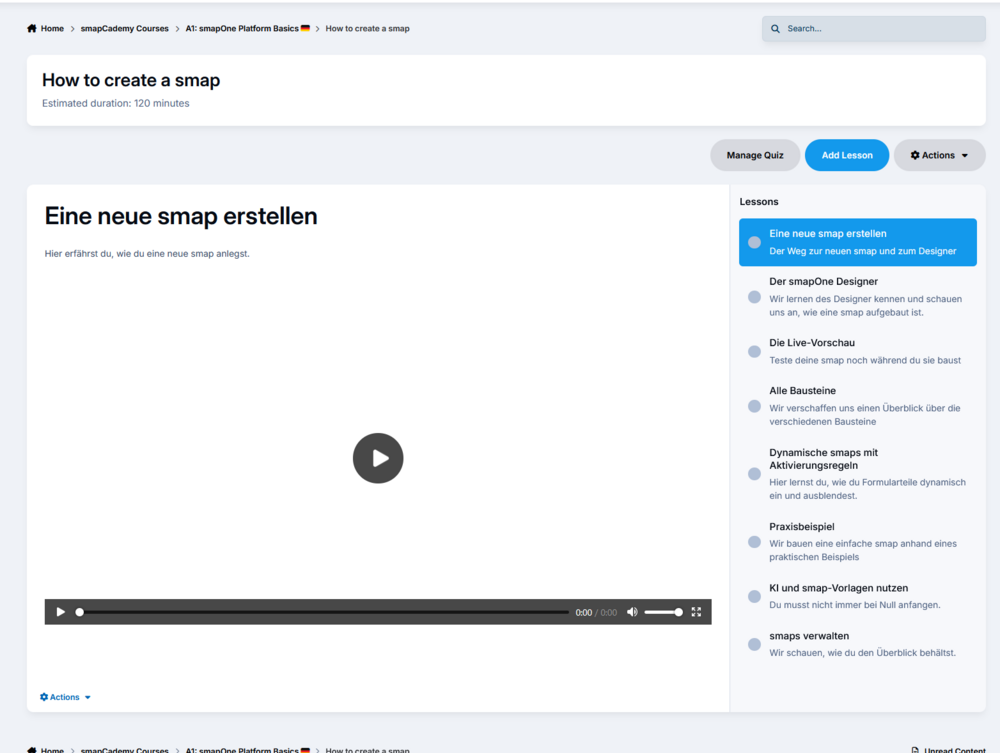
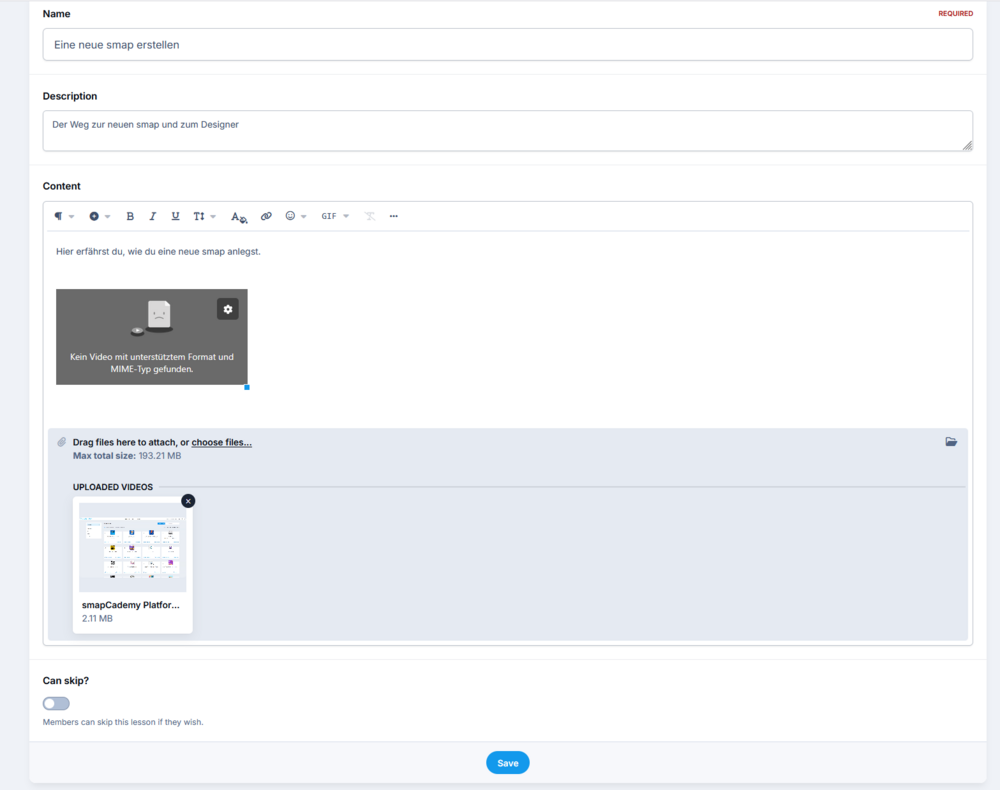
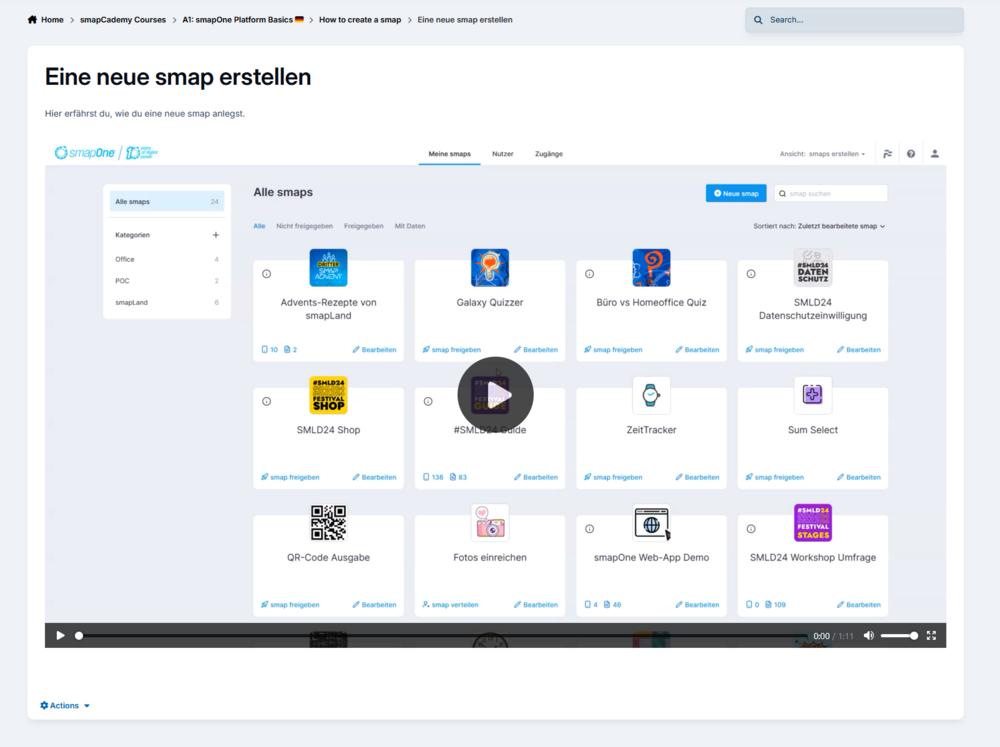
I've just updated to IC5. Now all existing video embeds are broken (video file is attached to post). See screens below. I have to manually edit the post, remove the broken embed and insert a new one. This is huge! We have almost a hundreds of tutorial videos in our courses lessons and in post all over the Community. Is there a way to fix this globally? Is there a way to find all post containing videos so I have a chance to fix them manually?
-
Hi. The post editor messes up if you type a second $ character anywhere in a line. Let's take this example sentence: The product costs 200 Dollar and shipping is 10 Dollar. Now lets type the exact same sentences but lets use $ instead if Dollar: The product costs 200 and shipping is 10. You may try out right here in Forum. This is very unexpected and confusing for average users. Screenshot attached.

-
Hello Invision Team. The rank progress bar in the personal menu is calculated incorrectly, if your rank is higher than the lowest rank. The bar is counting as if the progression to the next Rank would start from 0 points. So if you have just been promoted to the next rank then the bar starts not empty (as it should), but instead is already almost completely filled. Here is what is currently used to calculate the width of the bar (untouched default theme): This calculation does not take into account that the points needed to get the next rank do not start from zero but from the starting point level of the current rank. So the correct calculation would be: calc((myCurrentPoints-currentRankStartPoints) / (nextRankStartPoints-currentRankStartPoints) * 100%) So in my case this would be: calc((2949-2600) / (3900-2600) * 100%) Which would be 27% (which is correct) instead of 75%. Could you please fix this (please fix for v4.7).


-
How can I see there who created a specific lessen within a course?
-
Well ok, than it would be helpful at least to see who has created a lesson or have a way to change ownership to another instructor. Are there any ways to see or to that?
-
I did a little more testing and the reason for the problem might be another one. Some of the courses have multiple instructors and it might be that one of them has creates a lesson and another one later want's to add something to this lesson. So it might be, that the one who wants to edit is not the owner of the specific lesson. But you can not see, how had created a lesson initially and also it would be useful that all instructors can edit all contents of their course. But to give you a specific example, it happens if this user wants to edit this lesson. (you need to be in group "smapOne" or admin to access this course, if you check out).
-
We are using the "courses" feature a lot for e-learning within our community. And from time to time the contents of the courses needs to be updated. But after some time (maybe like 2 or 3 months) the course instructors are not allowed to edit the course's content anymore. Here is the message the get: In the group's settings under they are allowed to edit without time restriction: But they still get this message. It' works if I give them moderators, but I can't give moderator permissions to every course instructor, who's task is just to maintain a specific course and keep it's contents up to date. How can I give course instructors permissions to edit the contents of their own courses without time restrictions and without making them moderators?


-
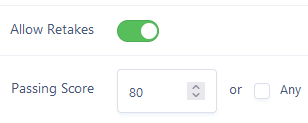
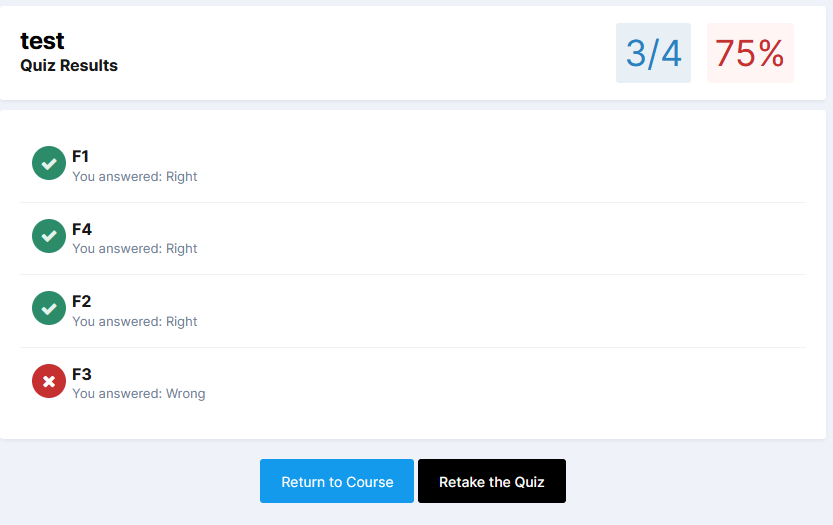
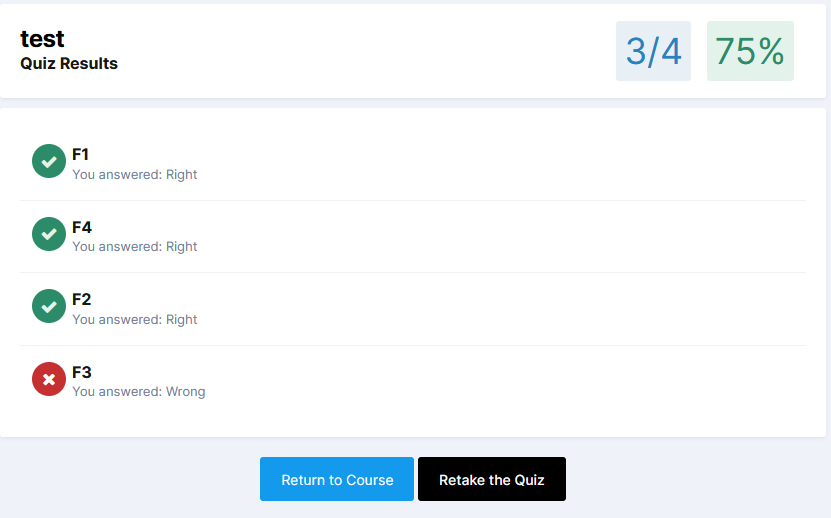
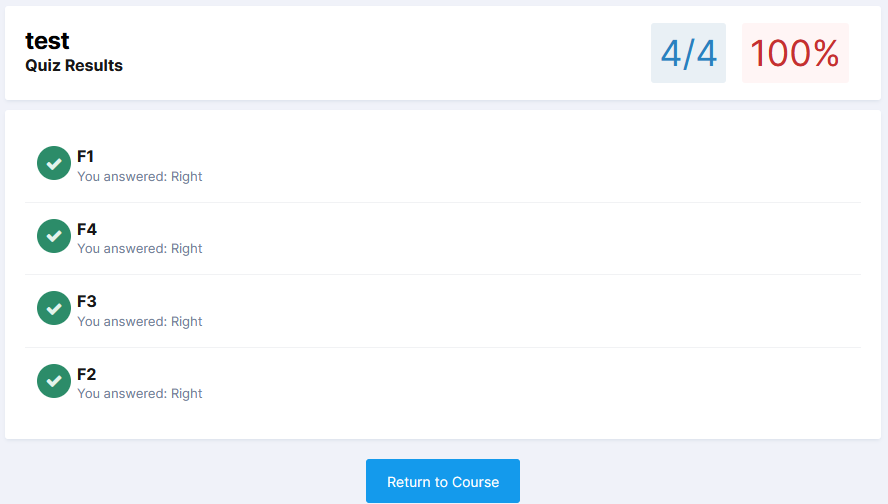
Sorry, it's me again. But that can't be right! I've done some further test and for me it looks like that global setting "Passing Score" actually is handled as a percentage value. See my test. I've created a simple course having 1 quiz with 4 question scoring 1 Point each. So the quiz has a total of 4 points. If "Passing Score" is set to 80: Result for answering 3 out of 4 questions correctly is failed (red "75%" in the top right corner): Now if I set "Passing Score" to be 70: The result for the very same quiz is "passed" (see the 75% in the top right corner is green now): And if you set "Passing Score" to more than 100 then you fail at the quiz (red colored "100%") even with all questions answered correctly. So it's not just in my mind. The setting says "Passing score" (an absolute value, just as you explained in your second answer) but it actually is handled as a percentage value (That's how your first answer reads to me, despite the actual setting does not tell that it expects a percentage value.) I think to get this straight at least the wording of the setting needs to be fixed. And it should not be possible to set it to more than "100", because that will break quizzes.

-
Oh, ok. Now I understand. I got your first reply wrong. Sorry for that! But then that whole setting would not be very useful, because it is a global setting. That means, that every quiz in ever module in every course needs to be designed in a way, so that all questions always sum up to the same total score. Otherwise, it feels random to the user how many questions of a quiz need to be answered correctly to pass it. I mean some quizzes have like 5 question others may have 20. Well, yes one could change the individual score for each question. But what if you add another question to a quiz later? Then you have to change all scores for all other questions in a quiz to match the total again? So, an absolute passing score should be set on quiz level, to be individually suitable for each quiz. But a global setting should be a percentage value to be applicable for all quizzes. At least what I've observed from my tests is, that users pass the quiz if they answer all questions of a quiz correctly, even if the total score does not exceed the set limit. I'd like to give some margin for wrong answers. But we currently have 22 quizzes in 18 courses with a total of more than 150 questions. It's impossible to make them all fit the same total passing score. So it's always 100% or nothing. 😕
-
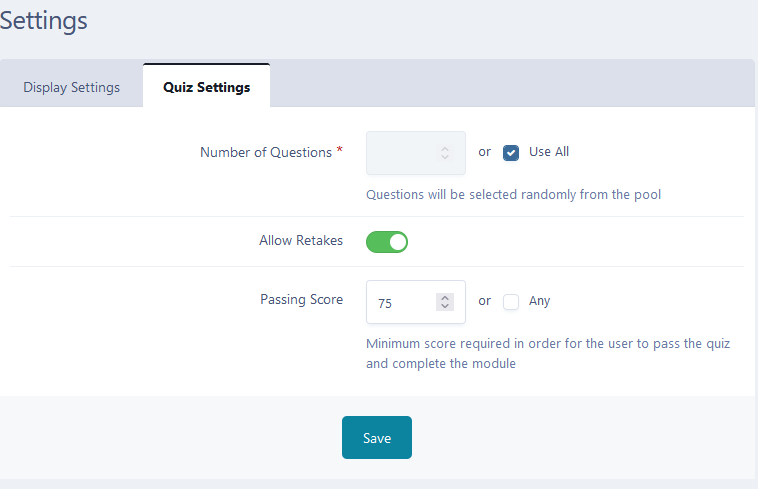
Sorry, but I think I don't understand what yo mean by that. The screenshots above are from the platform (AdminCP). We did not customize that. What do you mean by I "have invented a percentage"? I also don't see where the statement "As the setting says, its a percentage score" refers to. Because the setting literally says "Minimum score required in order for the user to pass the quiz and complete the module" and "passing score" and when editing a question in a quiz you assign it a "score". Maybe I miss the details here, because I'm not a native English speaker. But for me that refers to the very same: an absolute score as a passing limit. Not a relative percentage. So if it actually is a percentage (very much preferable), I guess wording should be changed for that setting. Also there should be a upper limit of 100 for that field. That would help to understand that setting.
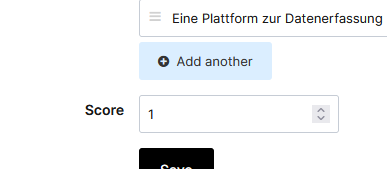
-
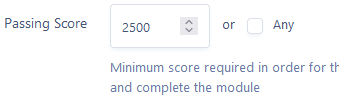
For course quizzes you can globally set a "Passing Score" which can be any number greater or equal 0. But how does that affect the course quizzes? Our course quizzes usually have like 5 to 15 questions and we score 1 point per question. So the users can get between 5 and 15 point. I want them do pass the quiz if they answer 75% of the questions correctly. So I've set the "passing score" to 75 but I don't know if that's the way it's meant to be, because it says "score" not "percentage" and the users can't even get 75 points if he answers 100% correct. Also It would be hard to make all the quizzes in a way that all answers always sum up to the exact same total score to make a global setting of an absolute score work? And what happens if I set the "Passing score" to like 2500?
-
Ok, I've figured it out. Seems like one of the scripts delivered by in Google Tag Manger seems to break the video embedding (and ad blocker fixes this by blocking GTM). Sorry for the inconvenience! I'll take a look into how to fix GTM.
-
Can you confirm that this is a bug or are we using it wrong? And if, so: what would we need to change to make it work?
-
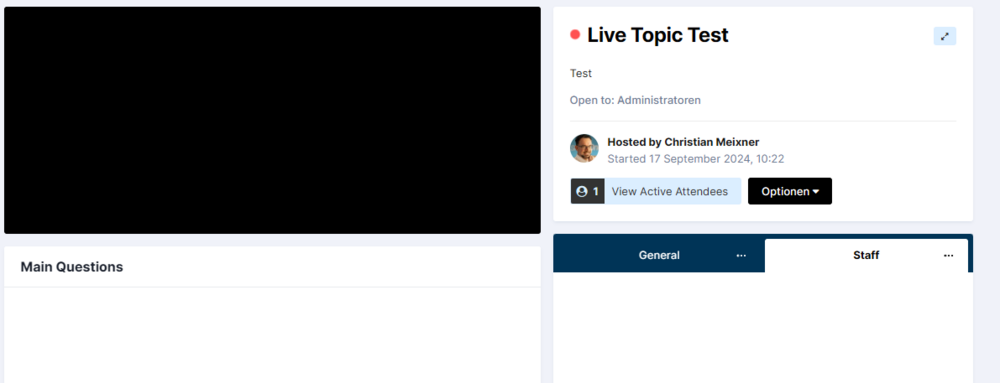
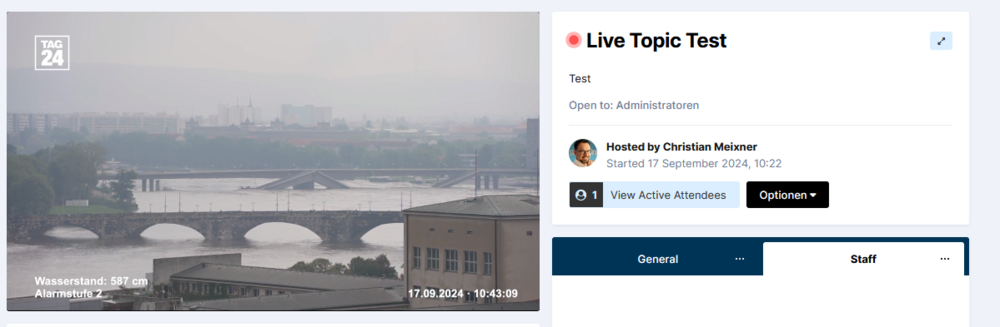
We've just tried out the new "Live Topics" feature that was added last year, but we didn't manage to get the live video stream working. What did we do? I have set up a new "test live topic" and entered a random currently running live stream from YT, e.g. that one: https://www.youtube.com/watch?v=nV8_nx_QpQM Also tried the URL vom YT's embed code: https://www.youtube.com/embed/nV8_nx_QpQM?si=QzsBwgEESYpC4Gcc The result for all browsers (except one, more below) is an empty black rectangle. Browsers tested: Chrome, MS Edge, Firefox, Safari, Chrome Mac. Result: The only combination where I could get it work, was Firefox (Windows) with an ad-blocker ("uBlock origin") enabled! When disabling the ad-blocker the video again does not show. We also tried several other currently running YT live videos. All with the same result. What are we doing wrong here? Any help appreciated.