Jump to content
View in the app

A better way to browse. Learn more.

Invision Community

A full-screen app on your home screen with push notifications, badges and more.

To install this app on iOS and iPadOS
  1. Tap the Share icon in Safari
  2. Scroll the menu and tap Add to Home Screen.
  3. Tap Add in the top-right corner.
To install this app on Android
  1. Tap the 3-dot menu (⋮) in the top-right corner of the browser.
  2. Tap Add to Home screen or Install app.
  3. Confirm by tapping Install.

AMG_Pagani

Clients
  • Joined

  • Last visited

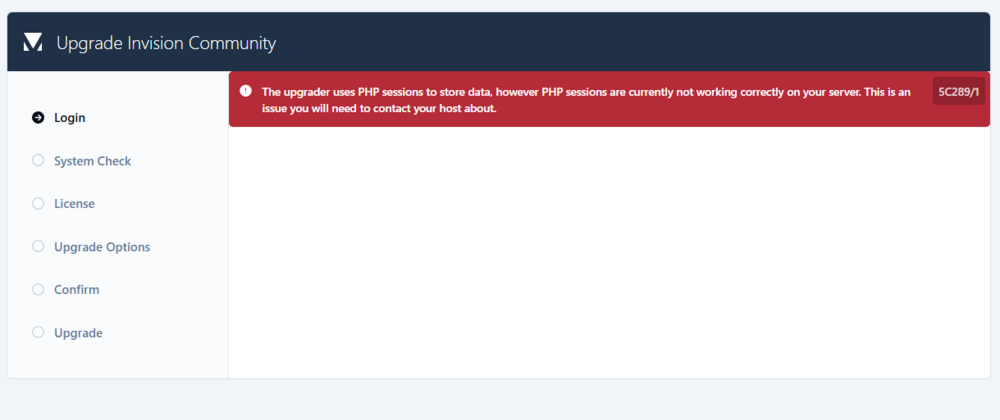
  1. I visited that page. There seemed to be some errors with logging in, which I made it through, but now have this error: My forum is hosted by Invision but I do not see any way to actually contact Invision for support.
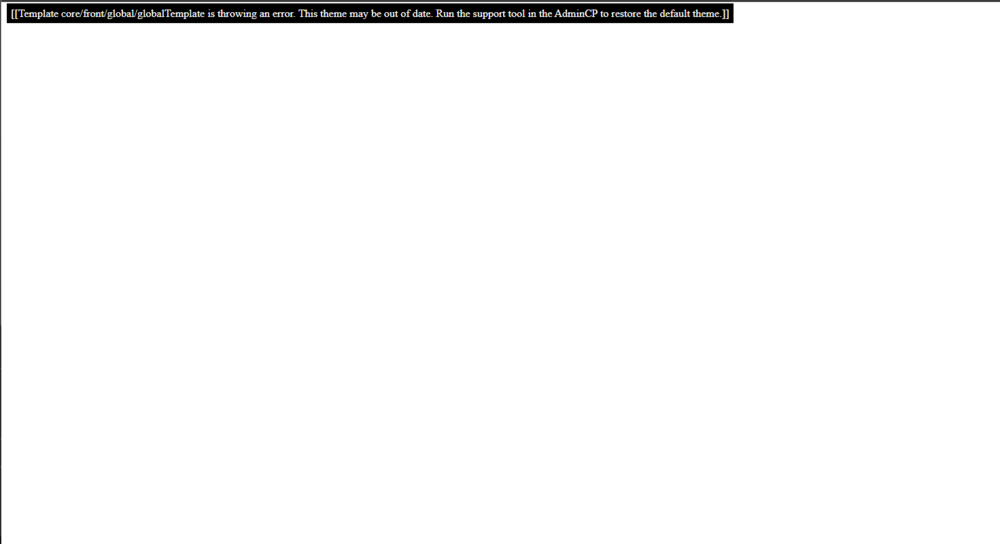
  2. Hello! I ran the v5 update on my forum (forums.atomicmassgames.com) and they are now throwing a template error : When going to the admin CP it is very wonky and none of the links or buttons work: Does anyone have any ideas on how to resolve this? Thank you for your time.
Account

Navigation

Search

Search

Configure browser push notifications

Chrome (Android)
  1. Tap the lock icon next to the address bar.
  2. Tap Permissions → Notifications.
  3. Adjust your preference.
Chrome (Desktop)
  1. Click the padlock icon in the address bar.
  2. Select Site settings.
  3. Find Notifications and adjust your preference.