Jump to content
View in the app

A better way to browse. Learn more.

Invision Community

A full-screen app on your home screen with push notifications, badges and more.

To install this app on iOS and iPadOS
  1. Tap the Share icon in Safari
  2. Scroll the menu and tap Add to Home Screen.
  3. Tap Add in the top-right corner.
To install this app on Android
  1. Tap the 3-dot menu (⋮) in the top-right corner of the browser.
  2. Tap Add to Home screen or Install app.
  3. Confirm by tapping Install.

goldalex

Clients
  • Joined

  • Last visited

Everything posted by goldalex

  1. Just curious if there's any timeline on when a fix will be implemented. We're continuing to see issues with uploads in particular from iOS. Here's an example of what a MOV file looks like. I know there used to be an extension to help with this, but it looks to have been depreciated.

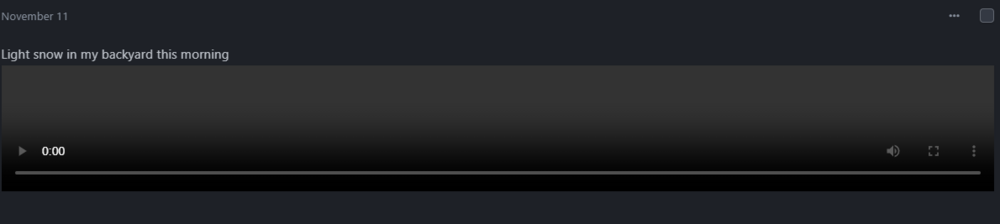
  2. Jumping on this thread as I may have a similar issue. I just upgraded for IPB 4 to IPB 5. All videos that have been uploaded seem to be broken. I see the player window but not video plays. I can see in devtools the URL for the video which is good and when I navigate to it I can download the video. But the player itself doesn't work. This screenshot is what the player window looks like. I cannot interact with it or get it to play. I've tried on both desktop and mobile. T
Account

Navigation

Search

Search

Configure browser push notifications

Chrome (Android)
  1. Tap the lock icon next to the address bar.
  2. Tap Permissions → Notifications.
  3. Adjust your preference.
Chrome (Desktop)
  1. Click the padlock icon in the address bar.
  2. Select Site settings.
  3. Find Notifications and adjust your preference.