


Dave Ambrose
Clients
-
Joined
-
Last visited
Everything posted by Dave Ambrose
-
I'm getting the banner, but it says already installed on cloud and we're on Invision's cloud hosting.
-
I'm new to cloud hosting. Should it have already been installed on our instance?
-
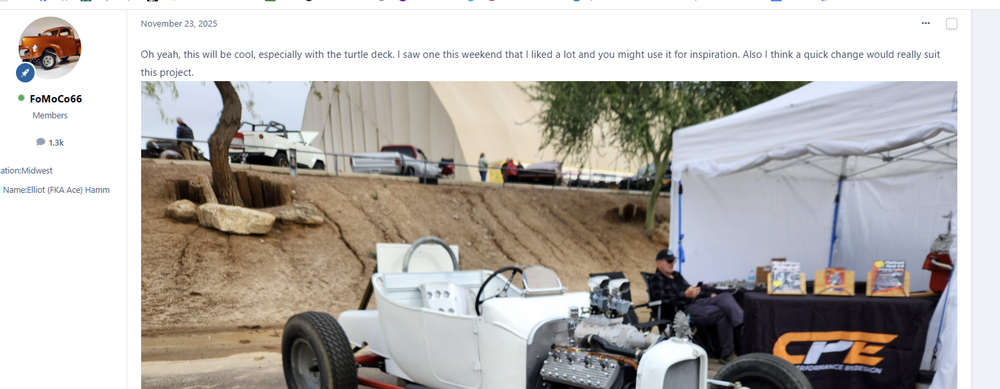
We're seeing an odd problem with images. On some posts, clicking the image brings up a black rectangle instead of a zoomed in image. If I copy the image location and open it in another tab, clicking on the image displays the magnified image as we'd expect. The problem appears in this post in the thread. https://forum.modelcarmakers.com/topic/204707-t-bucket-from-the-parts-bins/ Any insights would be appreciated.
-
We just moved to cloud hosting and we're seeing old posts get archived. This seems to also be removing the pictures associated with the posts. We do not want this to happen. Can someone explain what's happening? Update: Someone, not us, enabled the archiving. I've started it unarchiving the posts. Will the photos get restored too?
