


Mascot Insider
Clients
-
Joined
-
Last visited
Everything posted by Mascot Insider
-
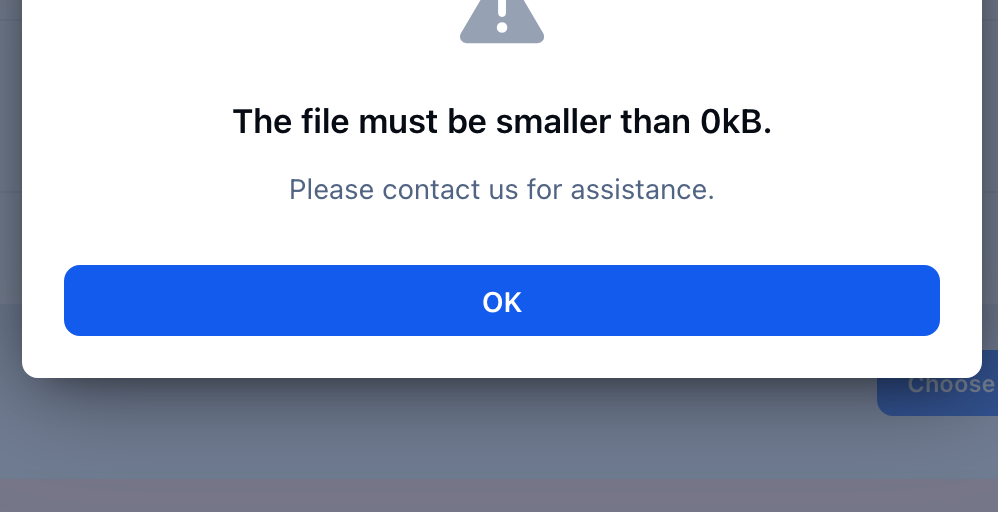
Mascot Insider replied to Mascot Insider's topic in Invision Community 5: Beta Testing's Beta DiscussionHi All, So keeping to one Topic now hoping the other one is deleted soon. I've decided to go with a Test Install because it looks like many old Plug-Ins are causing lots of issues even tho I disabled them so I reverted my website to Version 4. I'm having fun playing around with Version 5 but I can't upload anything... I've Checked: My Group setting is "Unlimited" I've checked my PHP.int and the limit is good... So I'm not sure what to do or am I missing a new setting in Version 5?
-
Mascot Insider replied to Mascot Insider's topic in Invision Community 5: Beta Testing's Beta DiscussionHi All, Just an update. Thank you all for your input! It looks like my FTP connection wasn't connecting to the server correctly and even though it showed it uploaded the File correctly it did not. Like @Hatsu mentioned my site is now displaying the correct actions and the Upgrade page is working! When I return home I look forward to beginning the process. Thanks so much!
-
Mascot Insider replied to Mascot Insider's topic in Invision Community 5: Beta Testing's Beta DiscussionThanks Miss B. I do understand the Risks with upgrading to Beta and have did some deep research before deciding to do it. And I have my site backed up! But that’s correct all files have been uploaded/replaced to the Version 5 files so not sure why it’s not triggering the upgrade! Tried that just says no Upgrade available.
-
Hello, So I wanted to go ahead and begin upgrading my Community to Version 5 to try out the new features. I'm Self Hosted and uploaded all the Files via FTP and went to /Admin/Upgrade but it just says I have nothing to upgrade to and shows Invision Community 4 Upgrader. What am I doing wrong? Thanks!

