Downloads posted by Ryan Ashbrook
-
These files are required to use developer mode in IPS Community Suite.
The developer files for IC5 are located in the download popup in your client area.
- 41,785 downloads
-
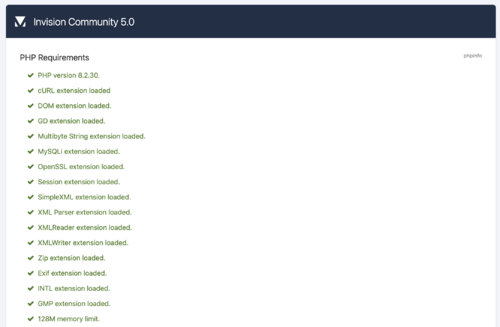
This script will check if you are ready to use Invision Community on your own server.
Simply upload the script either to the directory where your current installation is (if you want to test if you're ready to upgrade) or anywhere else on your server (if you want to test if you can perform a fresh install) and run it in your web browser.
Looking for the v4 requirements checker?
Select 'see changelog' below > select the most recent 4.x version > Click the download link that appears.
- 37,736 downloads