


Administrator and Moderator logs can be an important part of the IPS Community Suite. They allow you to track who performed specific actions within your community, such as hiding a post or deleting a member, providing transparency and accountability for moderation and administrative activity.
Finding Admin/Moderator Logs
You can access both moderator and administrator logs by navigating to the following area of the Admin CP
Members → Staff
and then selecting either Moderators or Administrators.
Within each of these sections, you’ll find a Logs button in the top-left corner of the page, which allows you to view a detailed record of actions performed by staff members.
Location Of Moderator Logs
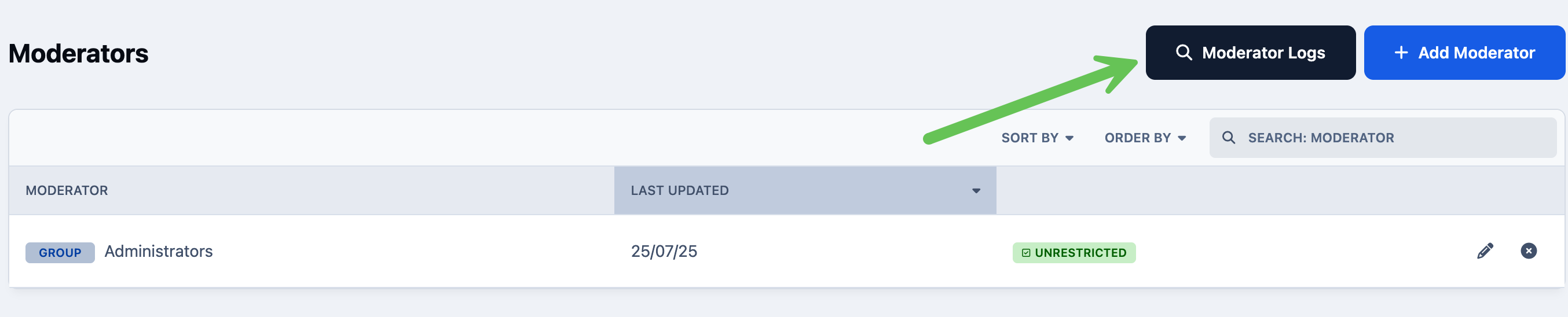
Logs for front end activity will be shown in the moderator logs section. Logs for admin side activity would be shown in the admin logs section
Example of Moderator Logs
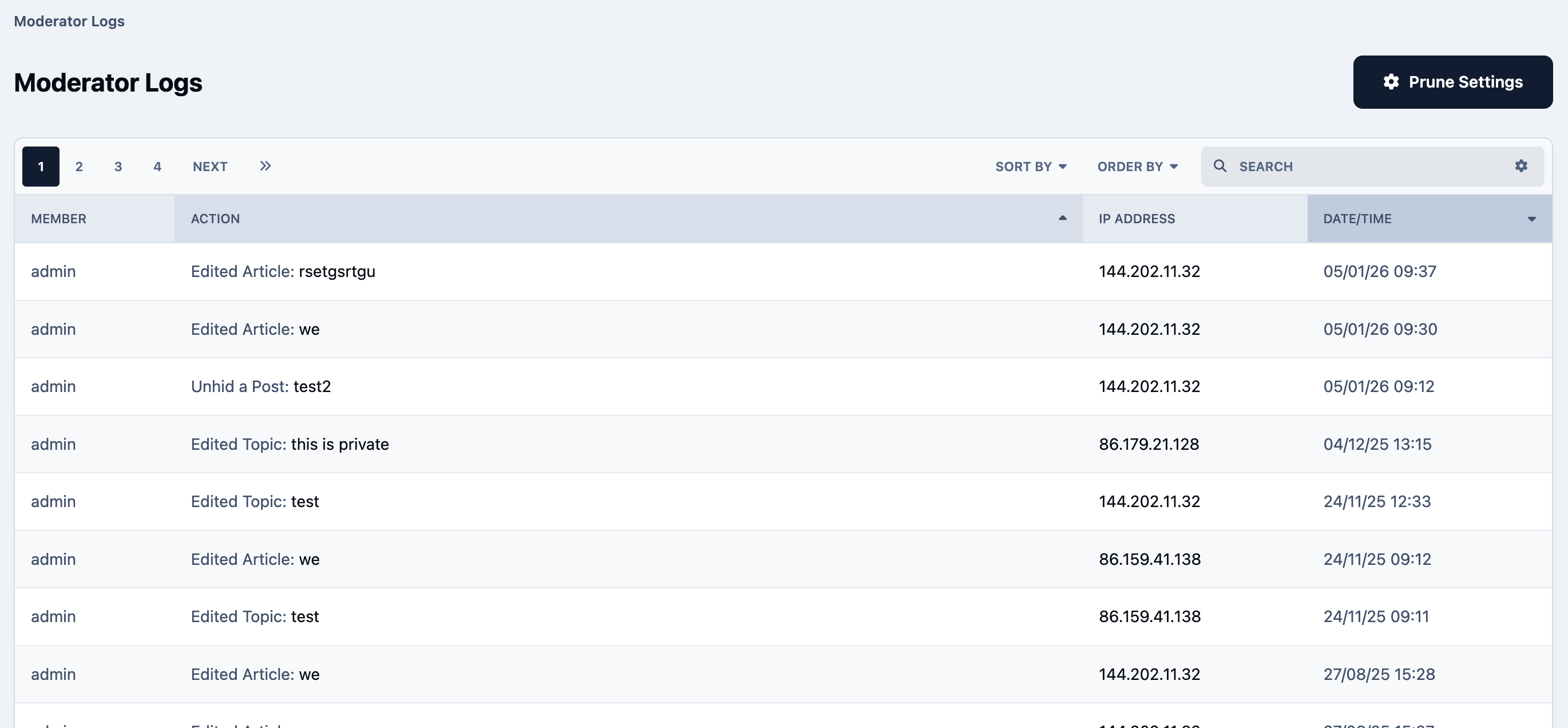
By default, moderator and admin logs are always kept. However if you wish to have these periodically prune, you can do this by selecting the 'Prune Settings' optoin at the top of the logs




Recommended Comments