


Attracting new members is an important part of growing your community, and your existing members can play a key role in that process. To support this, Invision Community provides built-in invite tools that allow members to invite others to join your site.
These invite sections make it easy for members to share invitations with potential new users and, if configured, can also be used to track and reward referrals.
Invites
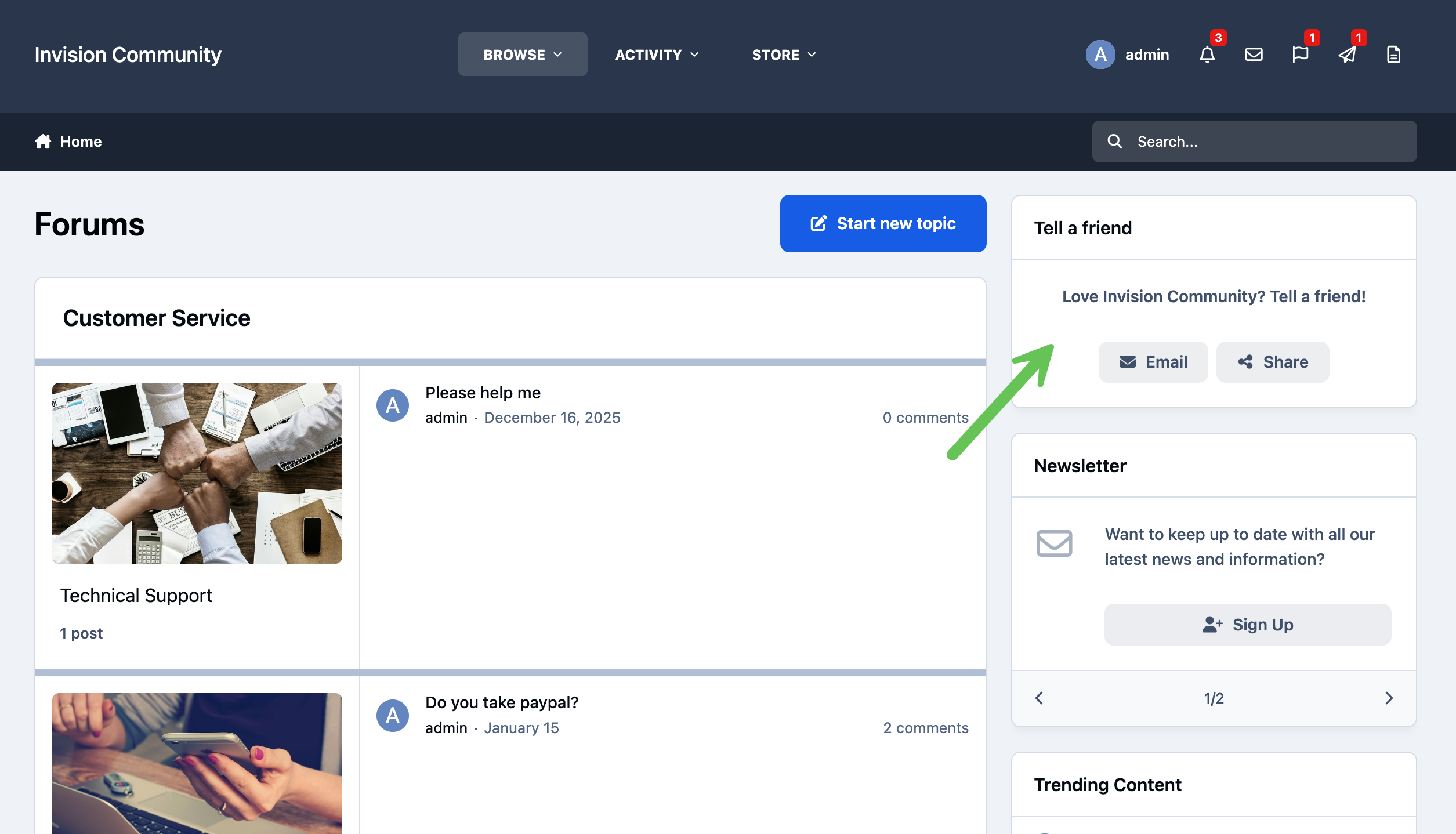
Members can invite others to join the community directly from the site using the 'Tell a Friend' widget. Once this is enabled, members can send invitations by email through a simple form.
Alternatively, selecting the share link provides a direct link to the site, unique if referrals are enabled, which can then be shared on social networks or copied and sent manually to potential new members.
Tell a Friend
Referrals
Referrals are a feature available with the Commerce application that allow you to provide members with unique banner links they can share to promote your site.
When referrals are enabled, members can earn credit for users who sign up through their links. If configured, you can also choose to award commission when a referred member goes on to purchase an item, giving you a flexible way to incentivize promotion and reward engaged members.
You can read more about how to set up referrals in the following commerce guide.
{CROSS LINK FOR REFERRAL GUIDE}
Recommended Comments