


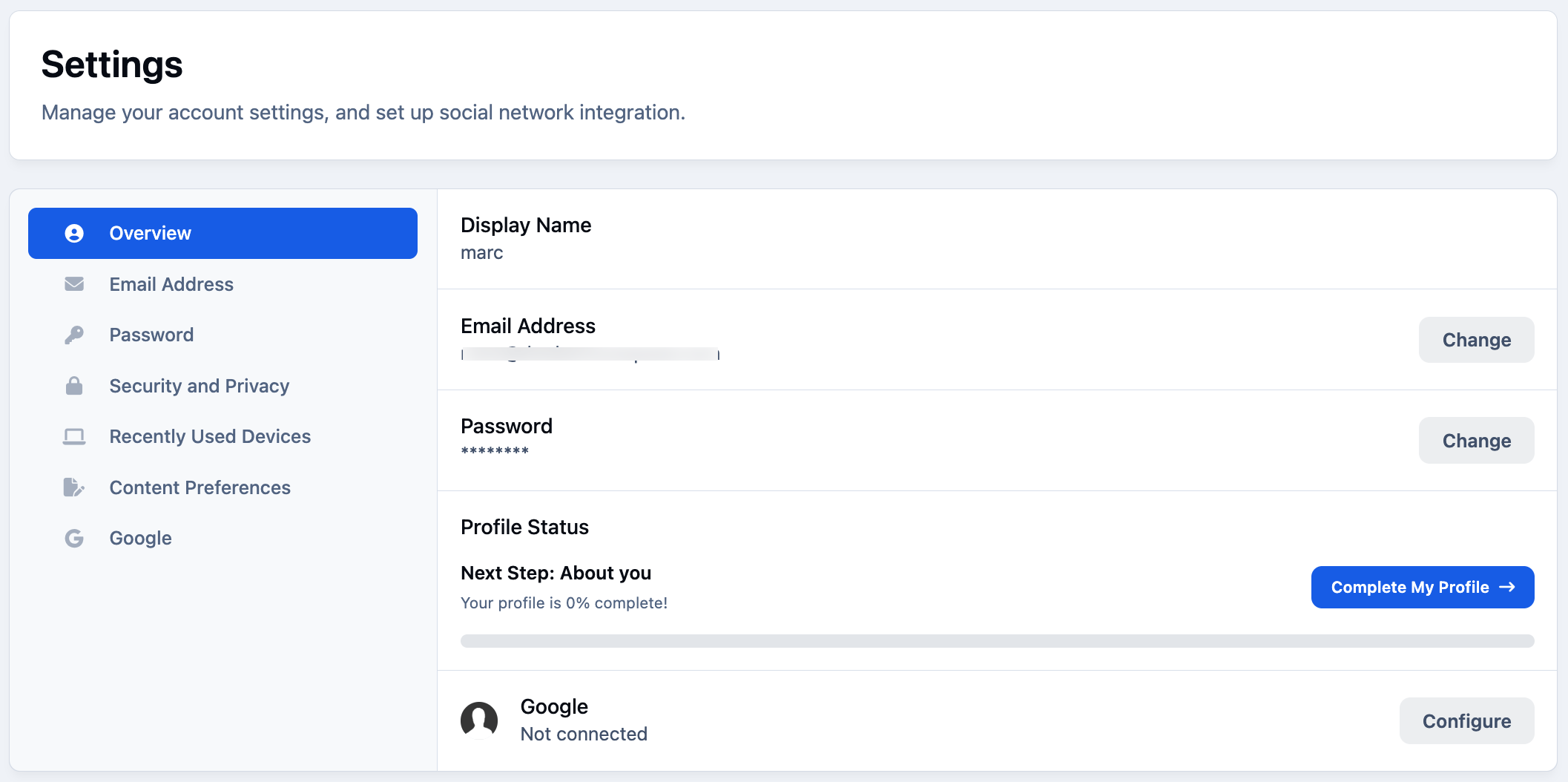
By selecting their name on the front end of the site and then choosing Account Settings, members will be taken to a screen similar to the one shown below. From here, they can adjust a variety of settings related to how their account behaves
Overview
On the overview page, members can see quick links to change email, password and display name. Along with any external accounts linked to their profile, such as Facebook or Google, along with quick links to other available account settings.
On the left you’ll find several tabs that allow members to manage a wide range of options. These include security-related settings, such as changing passwords and managing login information, as well as content preference settings, which control how content is displayed and what members see first when opening an item of content.
Together, the overview and settings tabs give members clear visibility and control over both their account security and their overall content experience within the community.
Account Settings Overview
Security Items
While some options—such as changing your password or email address—are fairly self-explanatory, there are additional security-related settings that are worth exploring in more detail. The first of these is Security and Privacy.
When you select this option, you’ll be prompted to re-enter your password. This extra step helps keep your account secure, particularly if someone gains access to a device where you are already logged in.
Account Security
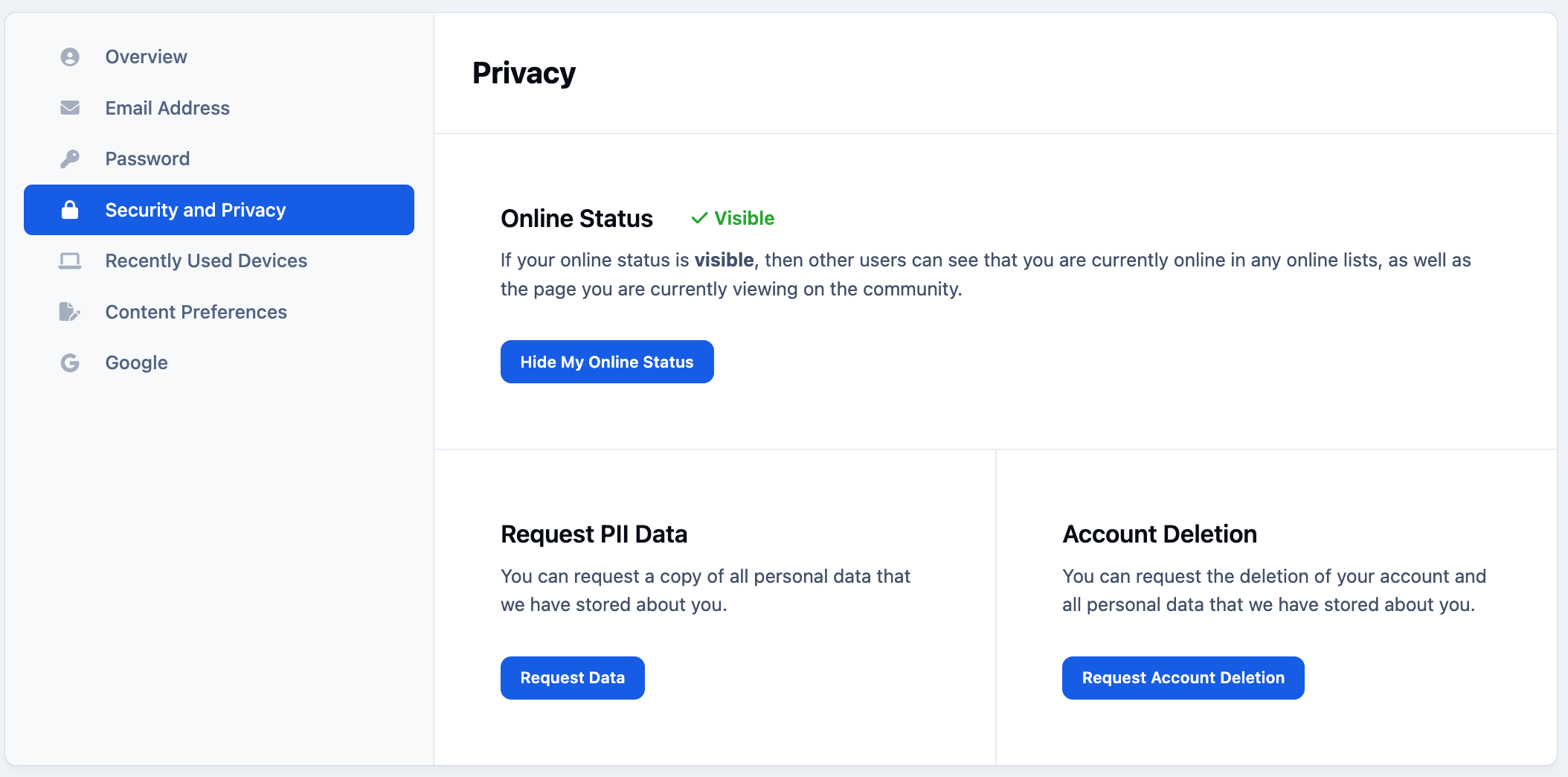
Within the Security and Privacy section, you’ll find the following options:
Online Status - Where permitted, members can choose to appear offline to other users. Whether this option is available can be controlled on a per-group basis within the Admin CP.
Request PII Data - This allows members to request a copy of their personally identifiable information (PII). When submitted, the request is logged in the Admin CP under
Members → PII & Deletion Requests
Request Account Deletion - This option allows members to request the deletion of their account. As with PII requests, these are sent to the Admin CP and can be managed from Members → PII & Deletion Requests
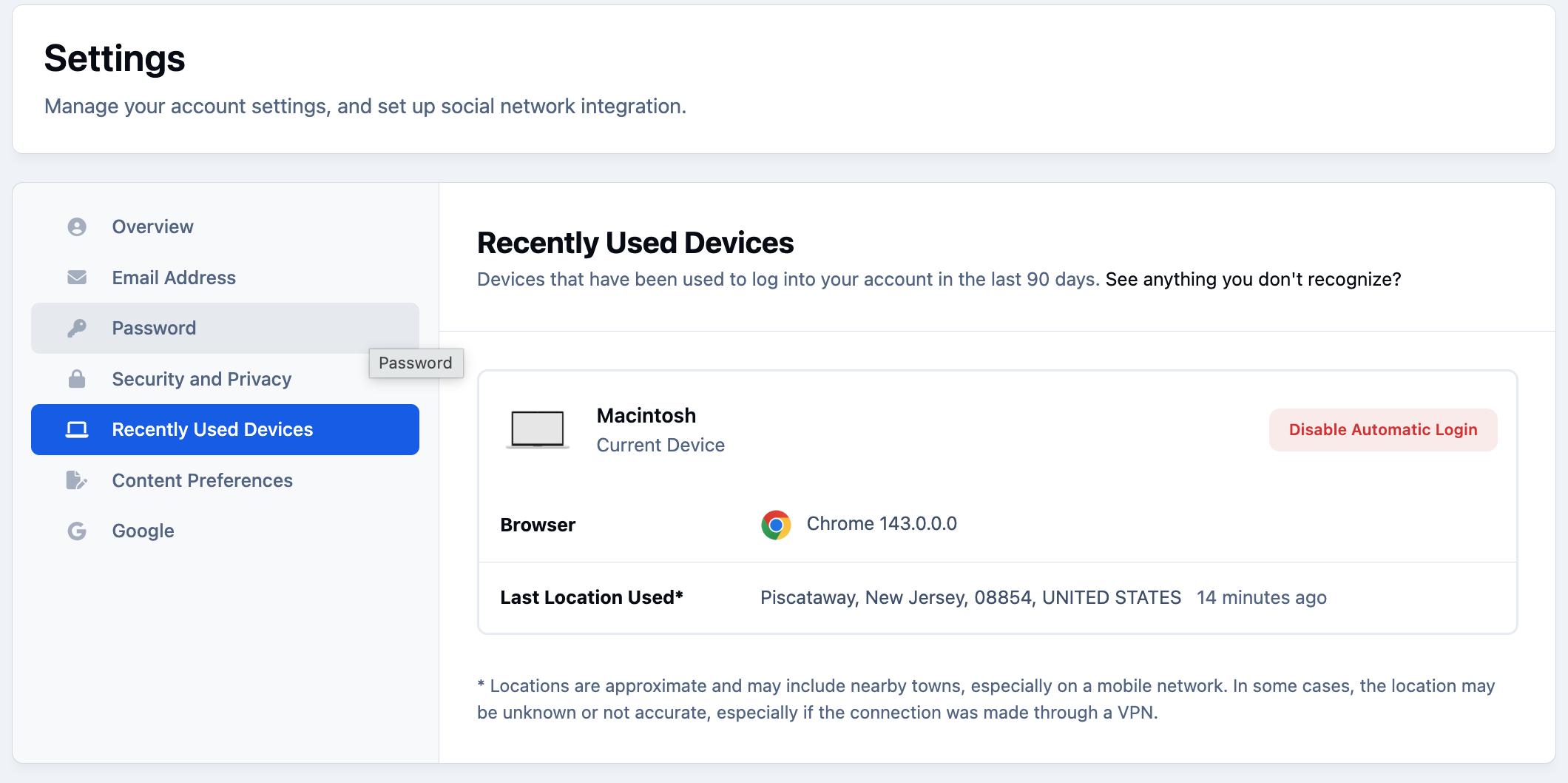
Recently used devices allows your members to see all devices that have recently logged into their account. This gives users the power to log out devices where needed.
Recently Used Devices
Content Preferences
Content preferences allow members to choose where they land when clicking a link to an item of content. For example, they can decide whether they want to jump to the first unread item, the most recent reply, or another preferred location.
Content preferences
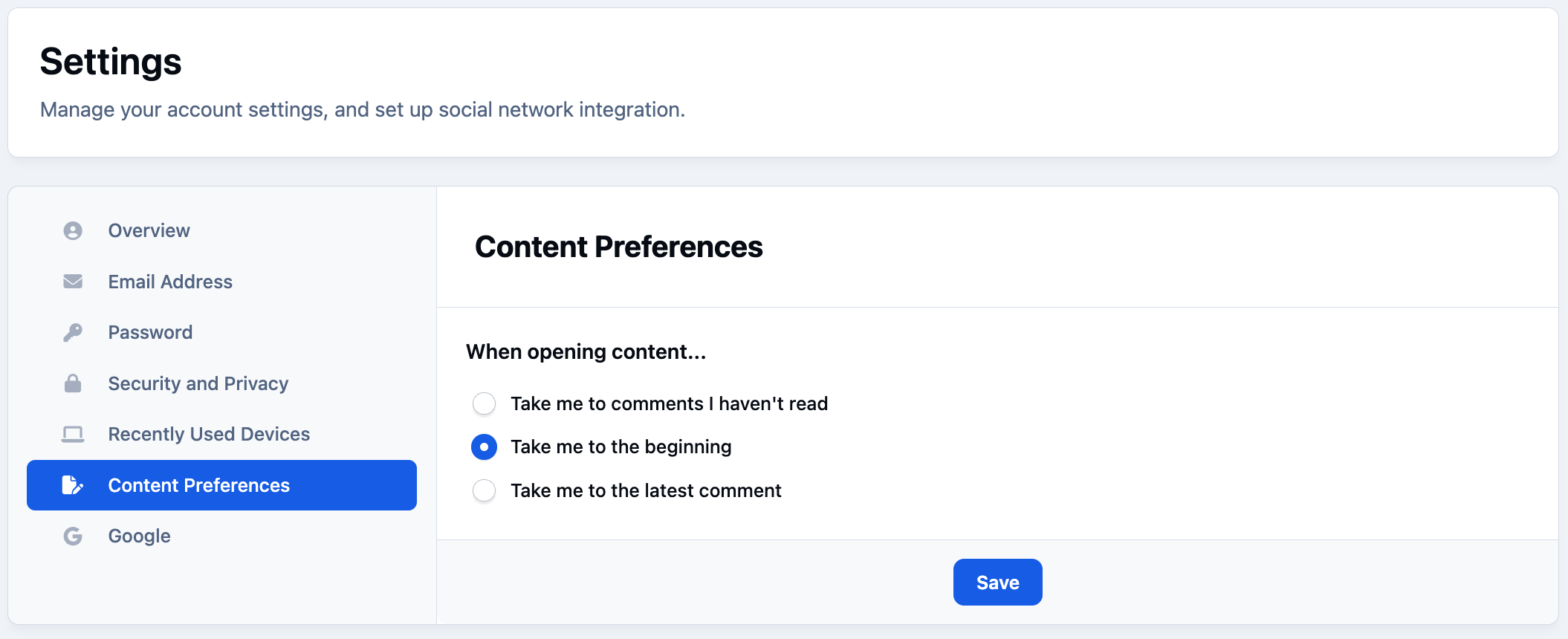
Please note that this setting does not affect links that include a specific date or time. In those cases, the link will always take the member directly to the content from that date, which is usually the most recent item. Search items are also unaffected by this setting, as they will lead to the item related to the search that has been entered.
Recommended Comments