


Introduction
Commerce is a powerful and flexible tool that allows you to sell digital products to your members. It provides an effective way to generate revenue from your community, whether you’re offering paid memberships and subscriptions or ad products directly through your site.
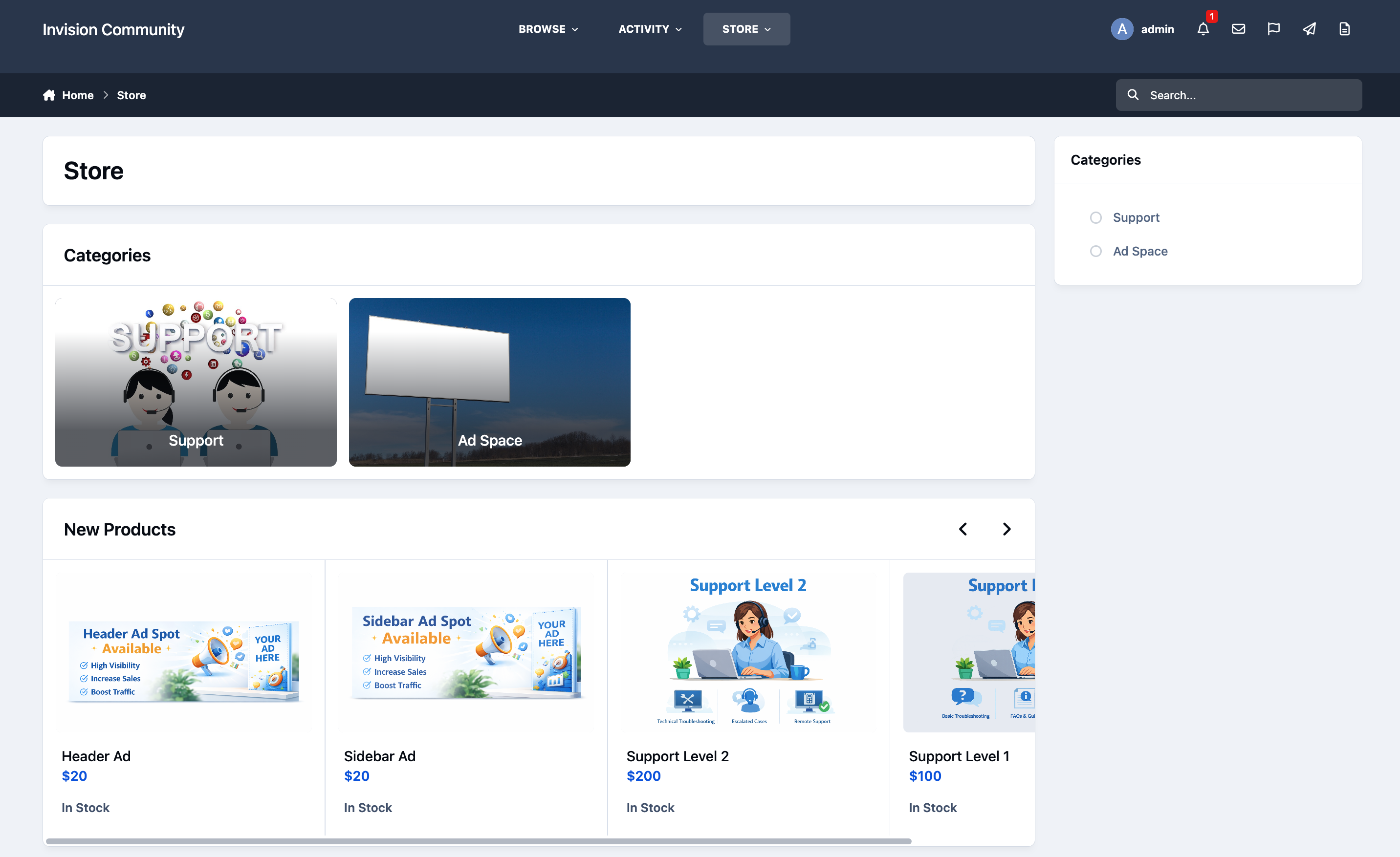
Store Example
Features
The Commerce platform includes a wide range of features designed to help you sell products in a way that best suits your community’s needs. These features include, and are not limited to, the following options. Each will be covered in more detail in the guides that follow.
Multiple payment methods
Invoicing
Anti Fraud integration
Customer profiles
Categorization and Filtering
Custom fields
Subscription selling
Automatic group promotion on purchases
Gift cards
Coupon codes
Donation system, with donation goals
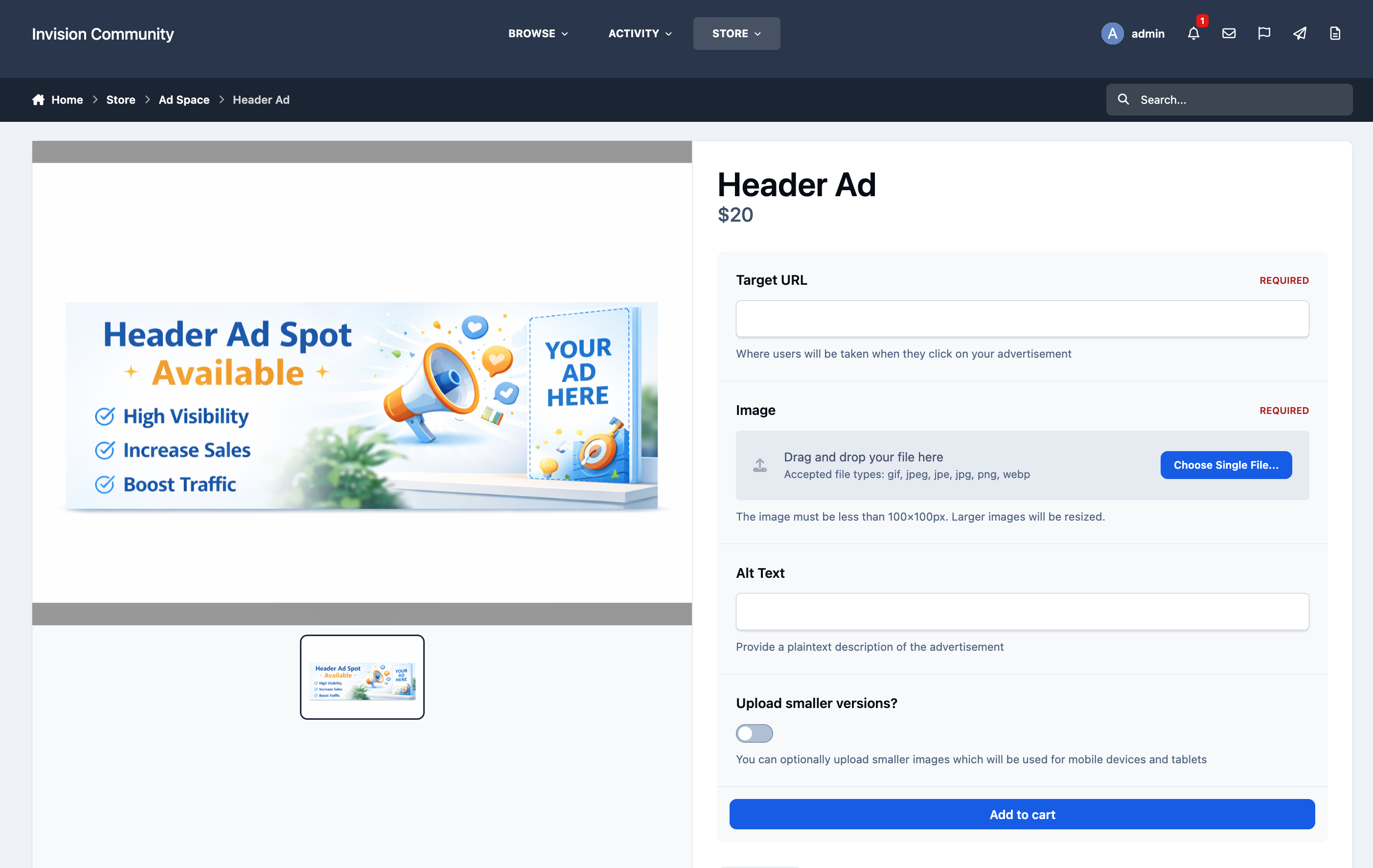
Example Advertisement Product
Throughout these guides, you’ll learn how to make full use of these features, build your own store from the ground up, and even provide customer support using the built-in support system included with Commerce.




Recommended Comments