


There may be occasions where you want to bring external content into your community automatically.
You can import content from RSS and Atom feeds into your Forums or Pages databases. This allows you to generate topics or records from external sources — such as news websites — helping to spark discussion and encourage member engagement around current or relevant content.
Creating a New Feed
You can create a new RSS feed import from the AdminCP at:
System → Site Features → RSS Feed Imports
To add a new feed, click the 'Create New' button at the top of the page. Enter the URL of the RSS or Atom feed you wish to import.
If the feed requires authentication, you can also enter the necessary authorization details. In most cases, this won’t be required and can simply be left blank.
Adding a Feed URL
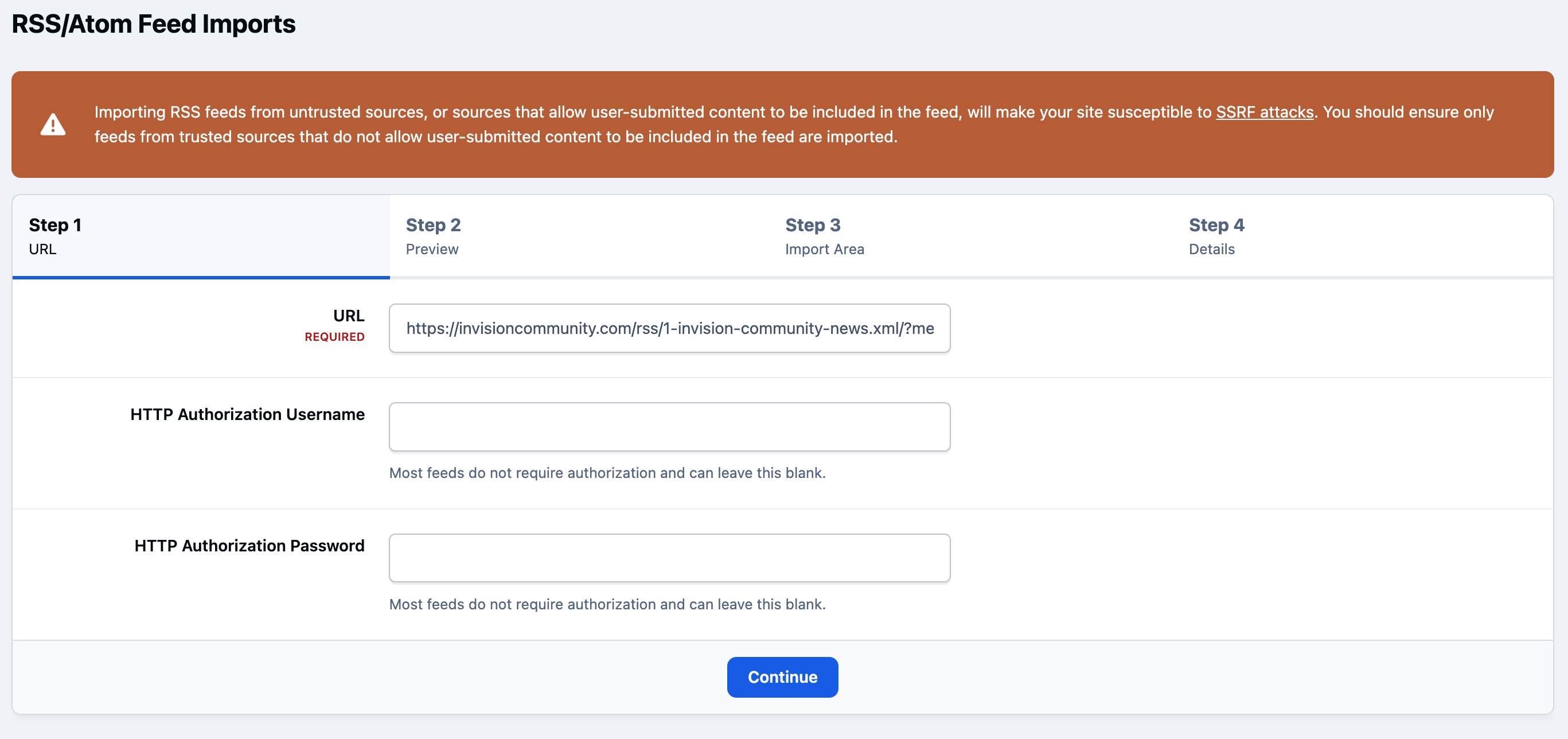
After entering the feed details, click Continue to proceed.
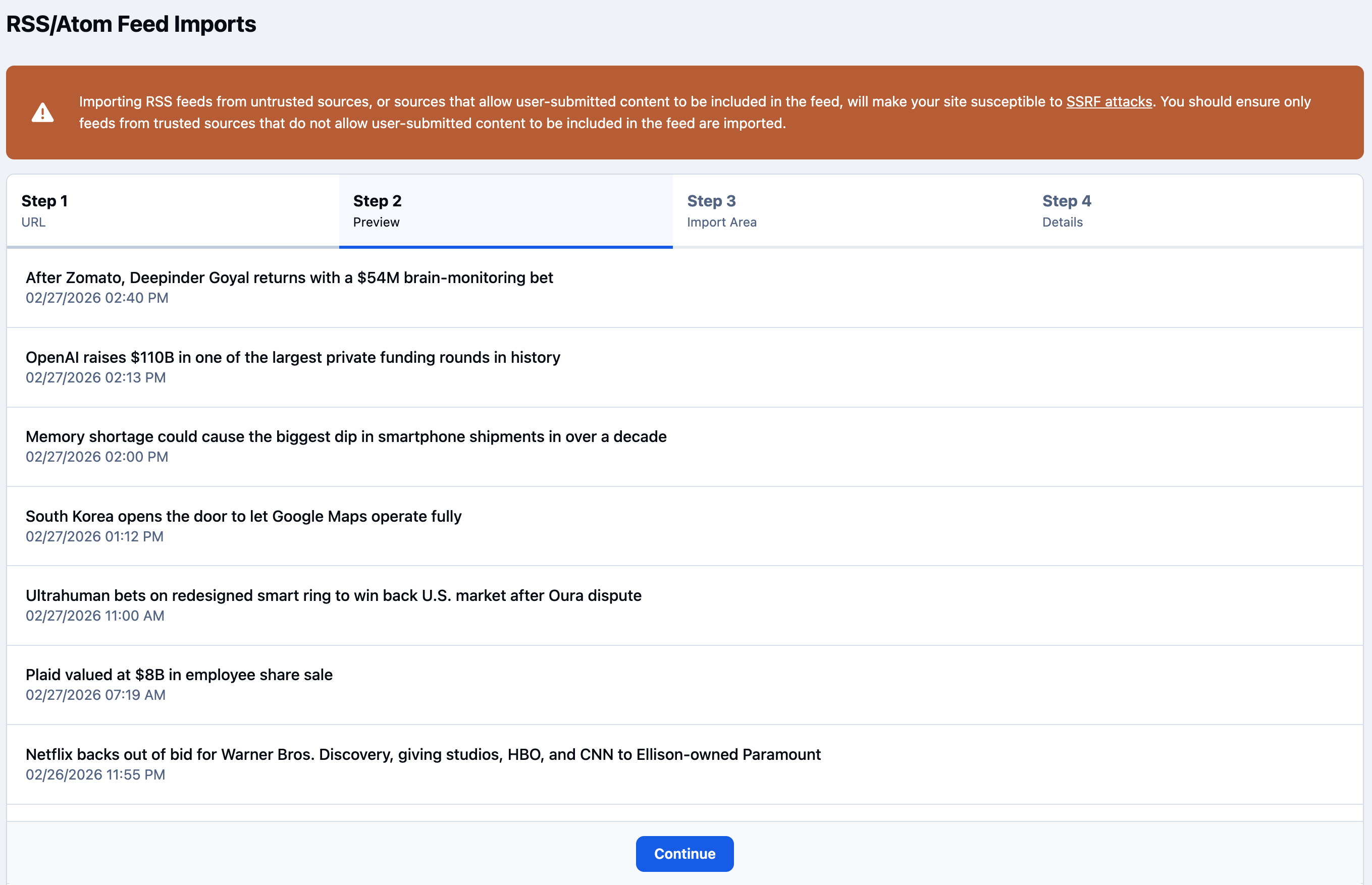
You’ll then be shown a preview of the content that will be imported, allowing you to confirm that the feed is being read correctly and that the data appears as expected before finalising the setup.
Preview Showing the Latest Items
Import Options
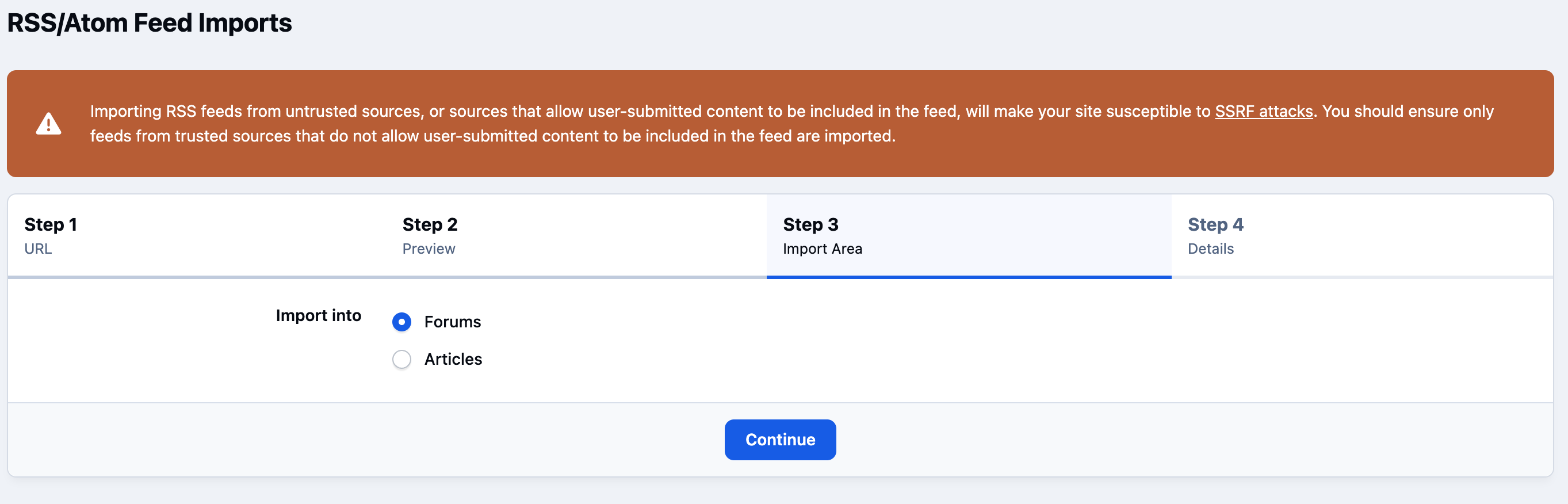
After selecting the import type, you’ll be prompted to choose where the content should be published.
Area to Import Into
At this stage, you can select the specific forum or Pages category the items should be imported into, along with configuring additional options that control how the imported content is handled, such as posting behaviour, author settings, and update preferences.
Import Options
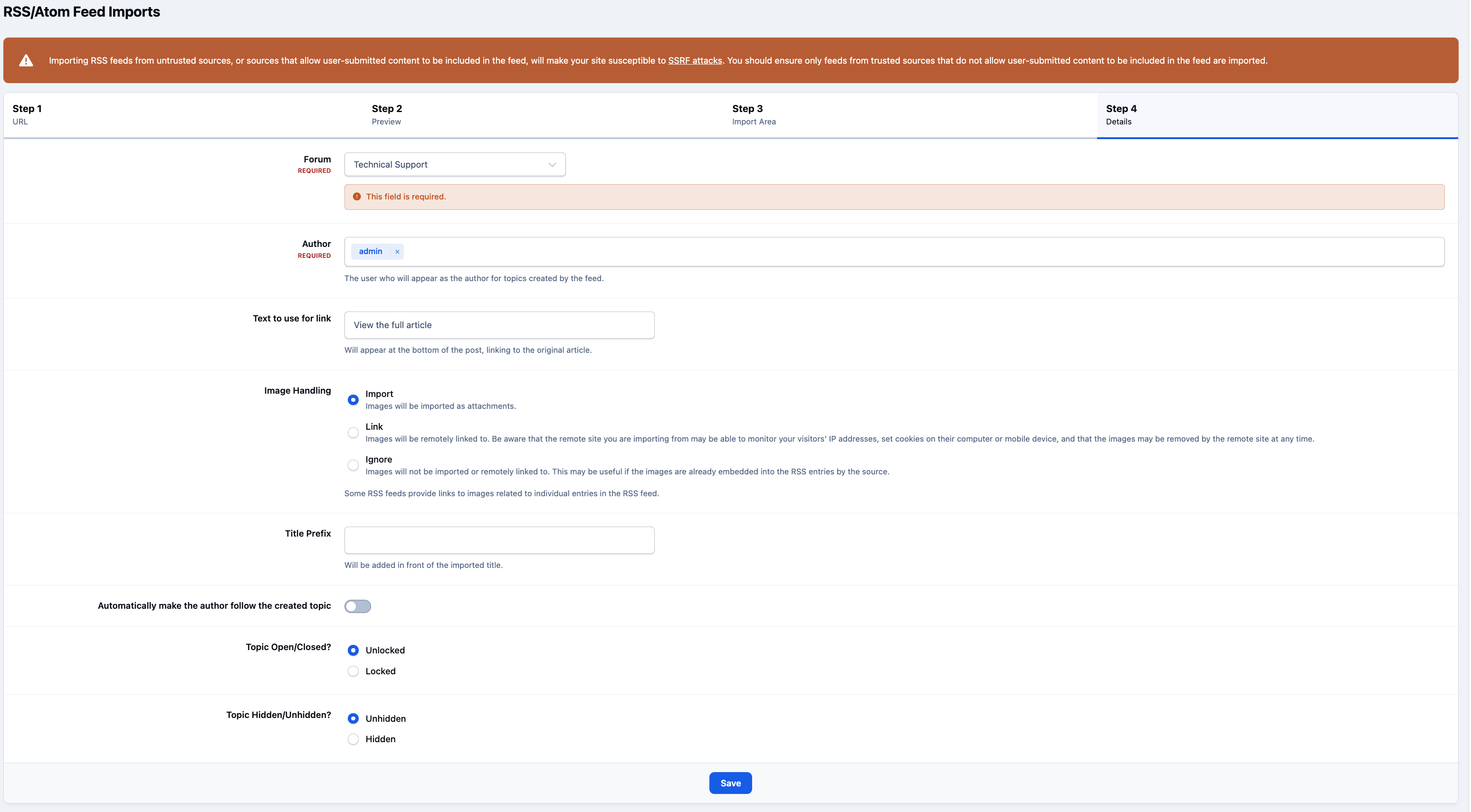
Once configured, new items from the feed will be imported automatically as the source updates, and published into the selected forum or database category you specified.
Recommended Comments