


What is Mailchimp?
Mailchimp is a widely-used email marketing service that integrates seamlessly, allowing you to automatically add or remove members from your mailing lists based on activity within your community.
You can also export your existing members and import them into Mailchimp. This includes support for a double opt-in process, where users confirm their subscription via email to ensure proper consent and compliance.
Setting Up
In order to set up mailchimp integration, you must first obtain an API key for your mailchimp service. You can get this from mailchip, by following the instructions laid out in their documentation

Mailchimp

About API Keys | Mailchimp
Once you have your key, head to the following location within your Admin CP
System → Integrations
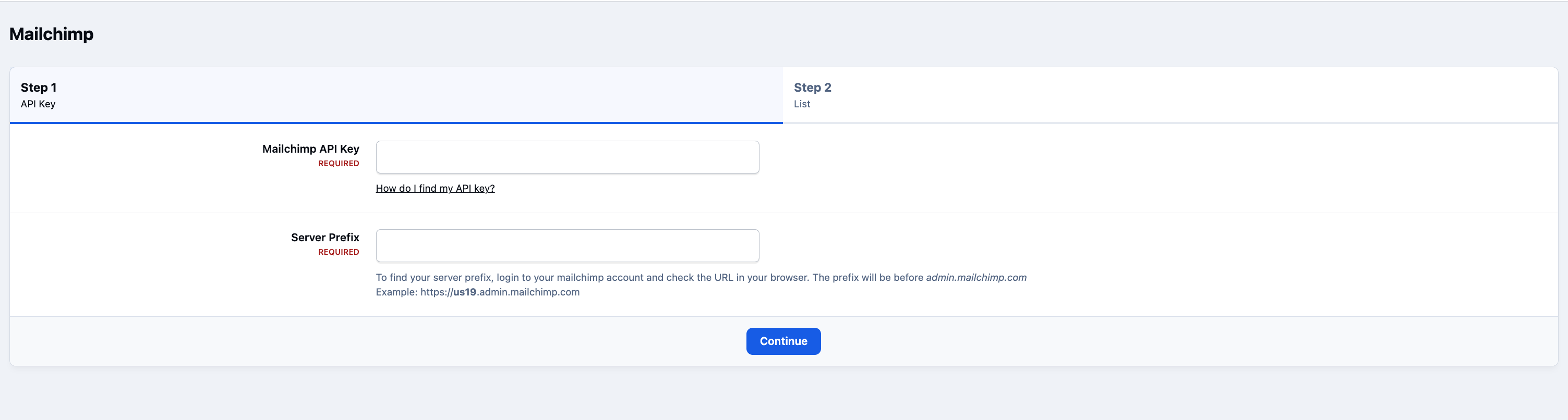
Locate Mailchip, and click Enable. You'll now be asked to enter your API key, and server prefix, which can be found by logging into mailchimp and checking the browser URL. You can then also select a list to add people to
Integrations Section of Admin CP
Recommended Comments