


What is IFramely?
Iframely is a service that provides a consistent way to deliver rich media embeds. It supports over 1,900 different services, allowing content to be easily embedded within the editor simply by pasting a link.
While Invision Community already supports many oEmbed providers, some platforms either do not use this standard or require a more complex setup process, such as Meta services like Facebook and Instagram.
Iframely helps remove this complexity by enabling embeds from these services without the need to create a Meta app or go through an approval process, making it much easier to include rich external content in your community.
Setting Up
In order to set up Iframely you need to obtain an Iframely Client Key Hash from them, at the following site.
Iframely

Embeds codes for today's Internet - Iframely
Note
For further information on how to set up things on Iframely, please refer to the Iframely documentation. While we provide the ability to integrate simply, we do not provide documentation for 3rd party integrations
Once this is set up, you will be able to get the hash key from a page similar to below
Example Iframely Setup Screen
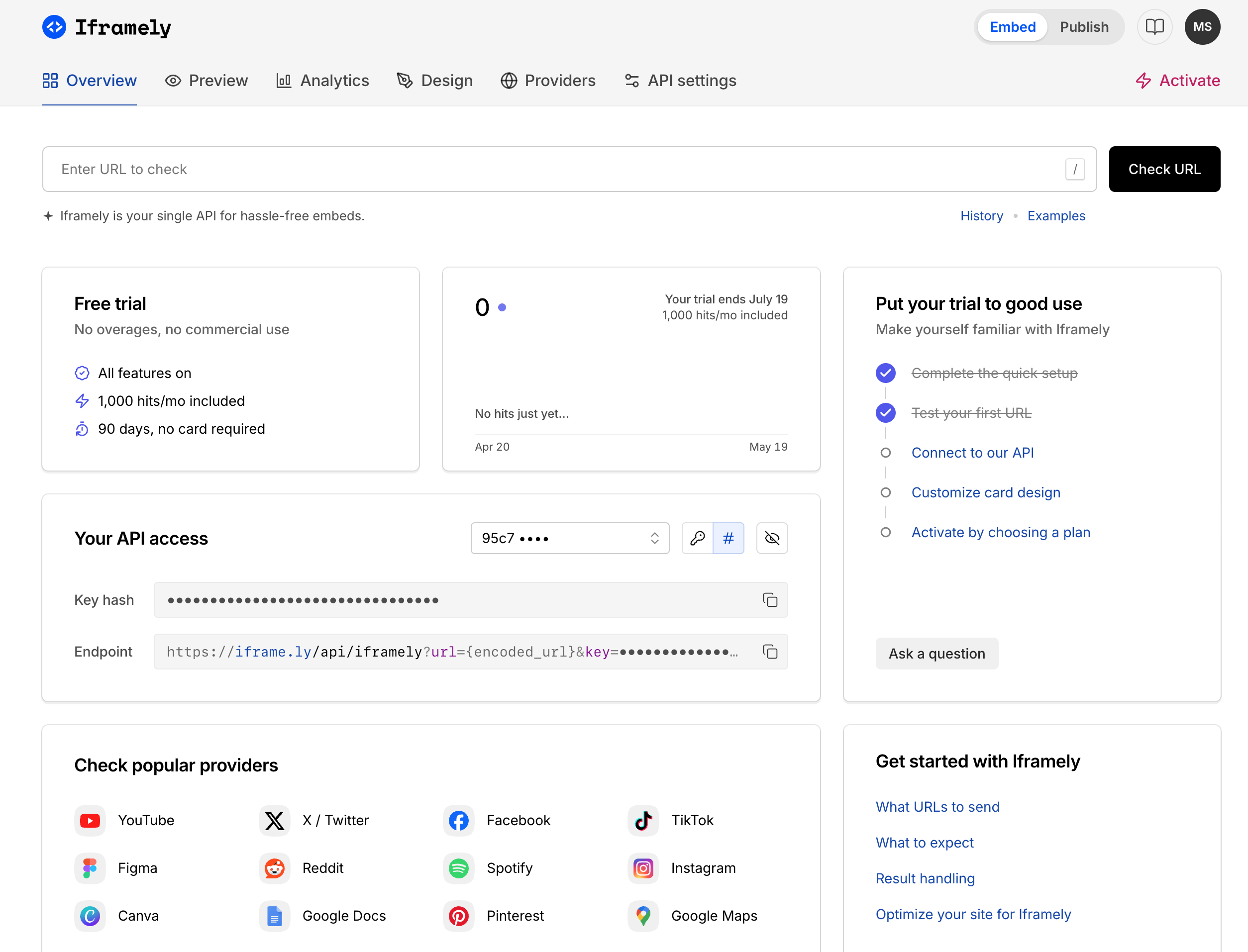
Once you have your hash adding to your IPS platform is straightforward. Simply navigate to the following location in your AdminCP:
System → Integrations
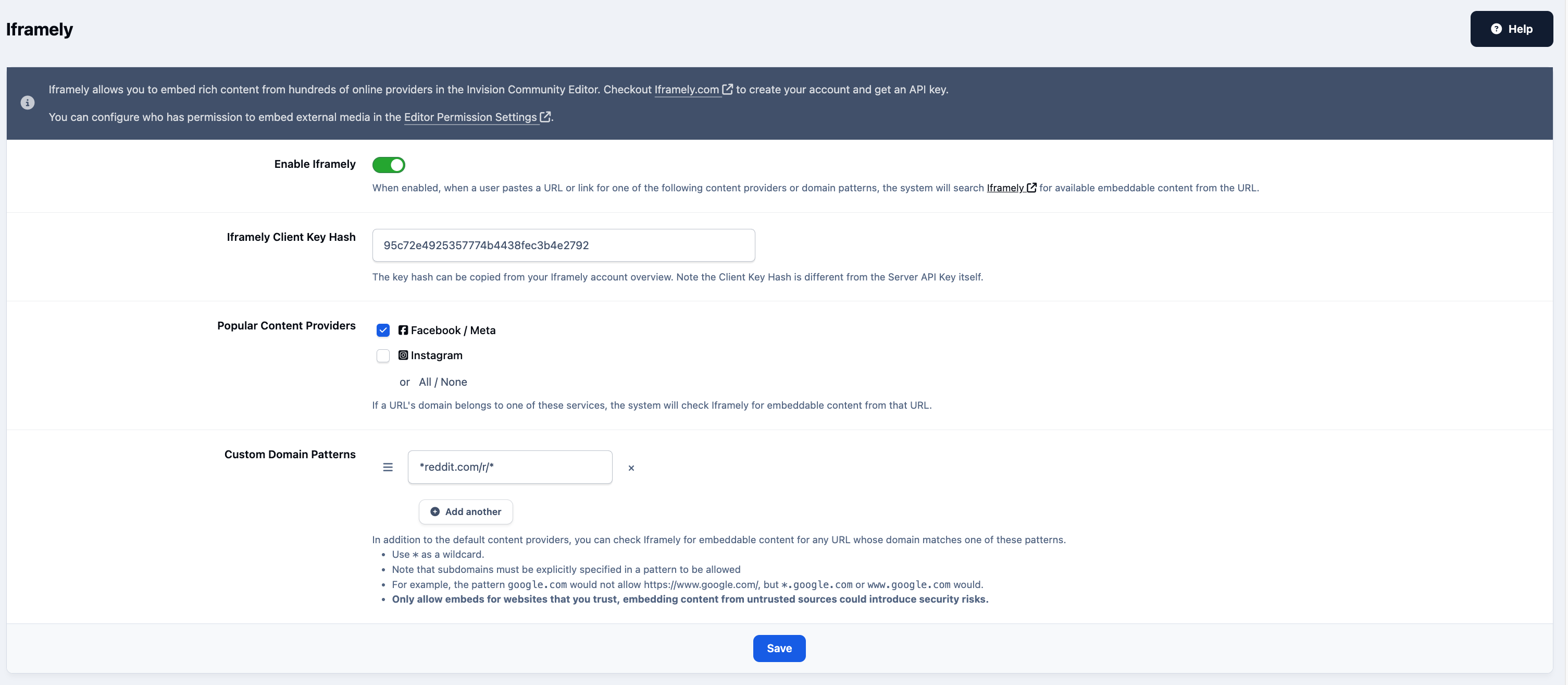
Locate Iframely, click Enable, and enter the hash you were given in the previous step. Ensure the integration is enabled.
You can add as many custom domain patterns as you would like to add, in the area provided. Here we have added reddit as an example. A full list of providers can be found within the Iframely providers pages.
Integrations Section of Admin CP
Recommended Comments