


What is Google Analytics?
Google Analytics is a web analytics service that allows you to track and understand how visitors interact with your site. It provides detailed insights into user behaviour, including how people find your community, which pages they visit, how long they stay, and what actions they take.
By using Google Analytics, you can measure the performance of your content, identify trends, and make informed decisions to improve user experience and engagement within your community.
Setting Up
In order to set up google analytics, you need to obtain your google analytics tag from google by signing up and going through the relevant sections here
Note
For further information on how to set up on googles site, please refer to googles guides on setting up google analytics. Screenshots of google pages may change over the course of time, and images are provided as an example only.
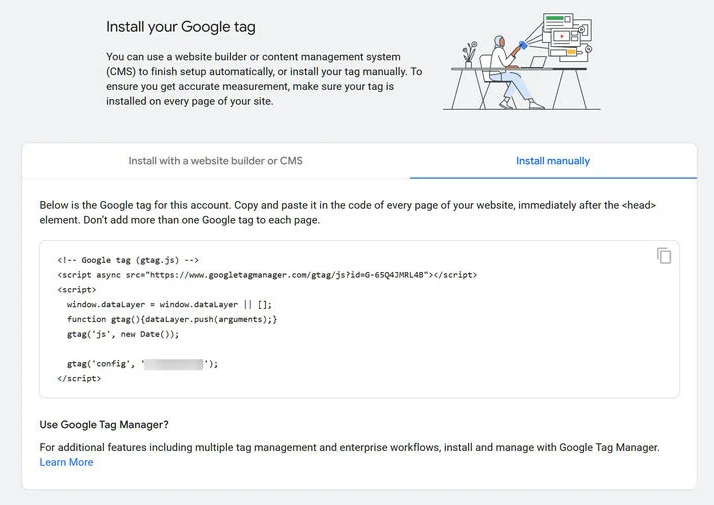
Once set up, you will be provided with a tracking tag similar to the one shown below. This is the code you will need to paste into your AdminCP.
Example Google Tag Snippet
Once you have your tracking code, adding Google Analytics to your IPS platform is straightforward. Simply navigate to the following location in your AdminCP:
System → Integrations
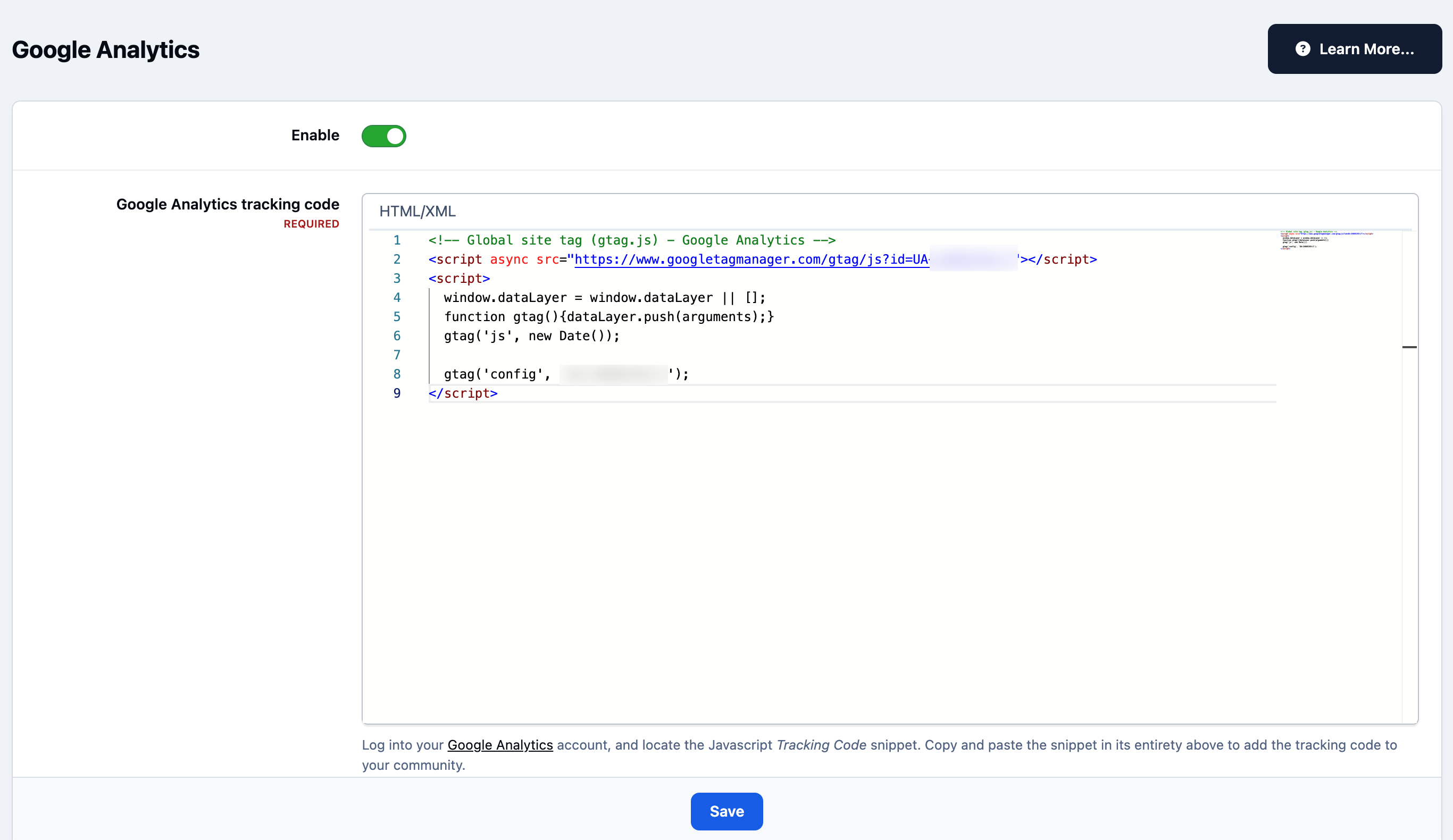
Locate Google Analytics, click Enable, and enter the tracking code you were given in the previous step. Ensure the integration is enabled, then save your changes.
Integrations Section of Admin CP
Recommended Comments