


In addition to the standard features included in the suite, Invision Community offers a range of ways to enhance and customise your platform. This includes integrations and add-ons from third-party providers, such as adding GIPHY support or enabling Google Maps integration within your calendar.
Community Integrations
Community Integrations are features included as standard within the suite, allowing you to connect your community with external services and providers. You can view and configure these integrations from the following location:
System → Site Features → Integrations
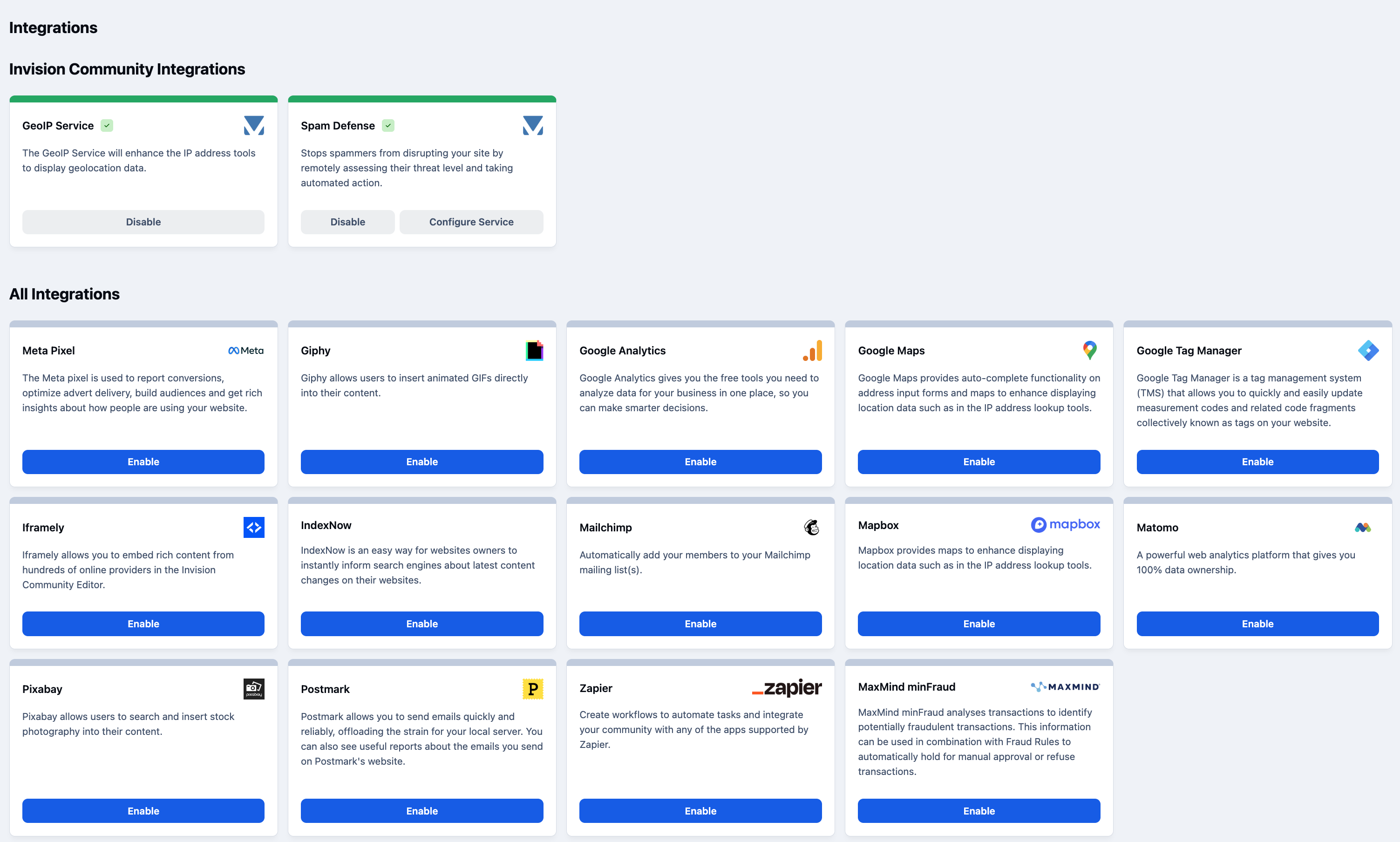
Once you are in this area, you will see a screen similar to the one below. From here, you can enable and configure each integration using the options provided.
Integrations Main Page
For a full description of each integration, please select the relevant item from the list on the left.
Important
While we provide guidance on how to configure these within your community, you should also refer to each provider’s own documentation for instructions on setting things up on their side.
Invision Community Integrations
In addition to 3rd party integrations, you will also see Integrations provided by Invision. At present, these are our GeoIP Service and our Spam Defense service.
GeoIP Service - The GeoIP Service will enhance the IP address tools to display geolocation data.
Spam Defense - Stops spammers from disrupting your site by remotely assessing their threat level and taking automated action. You can see more about this within our Spam Prevention guide in Security & Rules → Spam Prevention on the menu to your left.
Recommended Comments