Jump to content
View in the app

A better way to browse. Learn more.

Invision Community

A full-screen app on your home screen with push notifications, badges and more.

To install this app on iOS and iPadOS
  1. Tap the Share icon in Safari
  2. Scroll the menu and tap Add to Home Screen.
  3. Tap Add in the top-right corner.
To install this app on Android
  1. Tap the 3-dot menu (⋮) in the top-right corner of the browser.
  2. Tap Add to Home screen or Install app.
  3. Confirm by tapping Install.
Solutions

Resource communities.

Share information, files and articles relevant to your niche.

  • 30-day free trial
  • No commitments

Knowledge is power

Sharing information is an essential component to all thriving communities. It facilitates in strategic decision making, informs curious minds and empowers the community.

  • Build a resource hub

    Create and build upon a database of useful and searchable findings.

  • Disseminate or privatize information

    Easily share or shield the information based on group-specific permissions

  • Promote articles and news to social media

    Intentionally surface information of your choosing to your followers.

  • Organize a library

    Forge a path for your community to easily search and discover information.

  • Distribute downloads

    Incorporate a dynamic file sharing component for members to upload and share digital info.

  • Documentation

    Provide avenues for employees or members to stay up-to-date on important policy.

Build a robust library of searchable information.
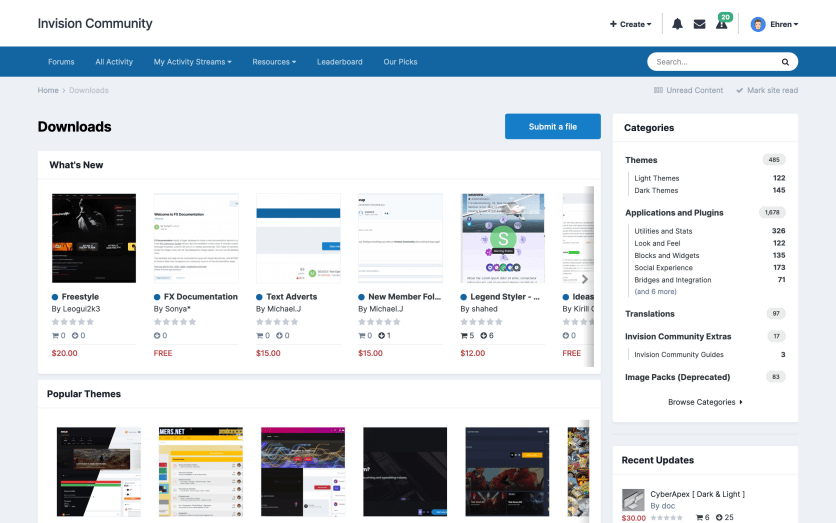
Screenshot of Downloads index page
Information

Build your own resource center

Use our native apps and features to seamlessly construct an information hub that your members can access 24/7.

Pages

The Pages app is imperative for a fully-functioning knowledge base.
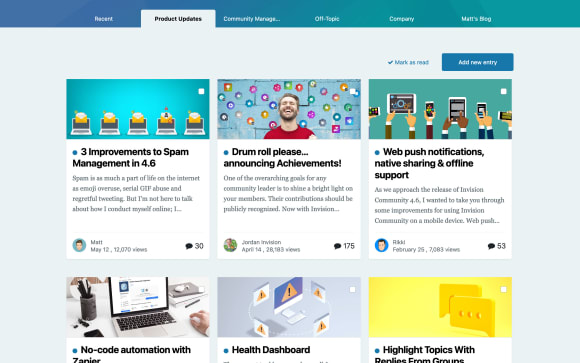
Screenshot of record list

Records

Create a "record" in the system with relevant information pertaining to your subject. These records display on a Page.
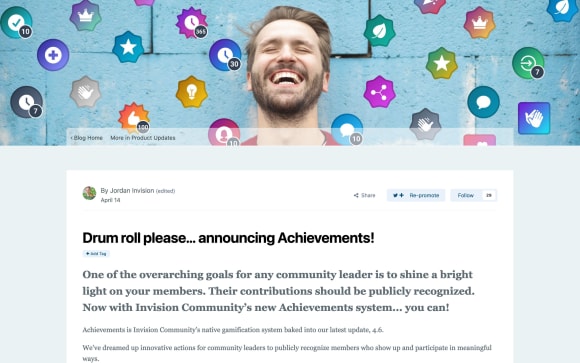
Screenshot of record

Clubs

Allow members to participate in in-depth, private or public discussions regarding unearthed information using our Clubs tool.
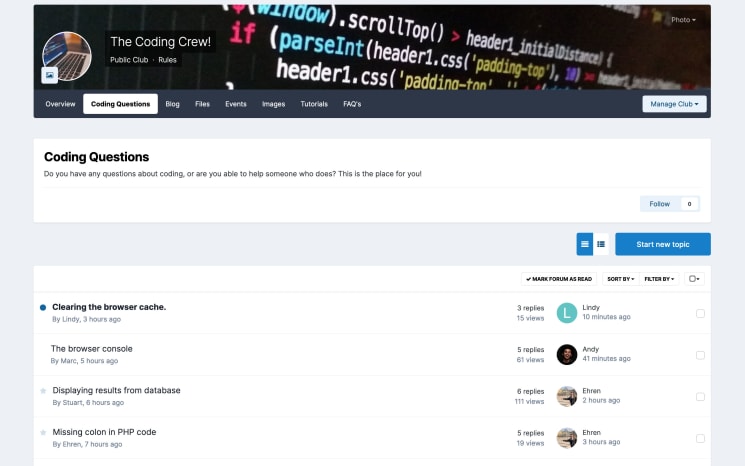
Screenshot of Clubs index

Achievements

Give props to your members for contributing quality information to the community.
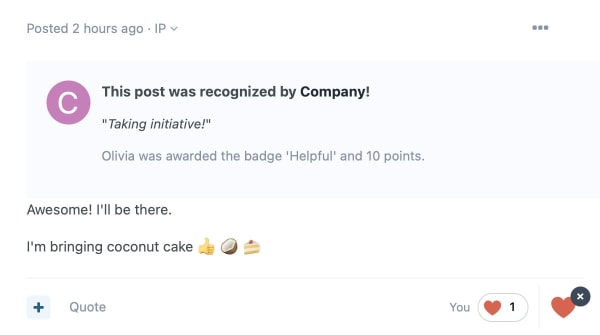
Screenshot of achievement being awarded

Forums

Members connect in a centralized place to discuss information and share resources.
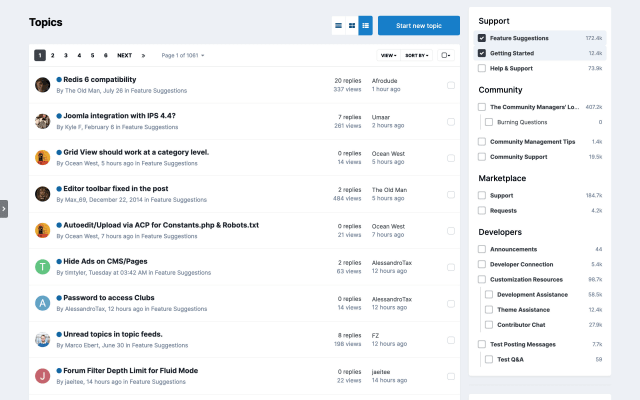
Screenshot of Forums index page

Files

Grant the ability to upload informational documents, PDFs, images and videos.
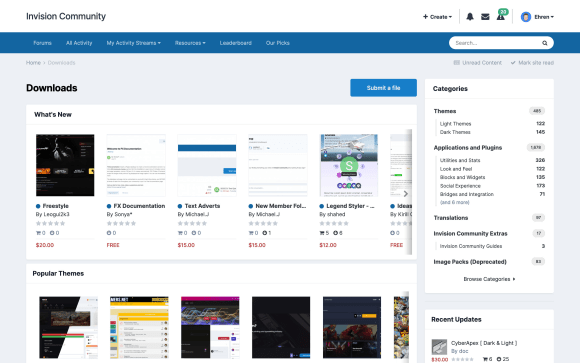
Screenshot of Downloads index

Get resourceful

Want your community to share digital files and information?

  • 30-day free trial
  • No commitments

Account

Navigation

Search

Search

Configure browser push notifications

Chrome (Android)
  1. Tap the lock icon next to the address bar.
  2. Tap Permissions → Notifications.
  3. Adjust your preference.
Chrome (Desktop)
  1. Click the padlock icon in the address bar.
  2. Select Site settings.
  3. Find Notifications and adjust your preference.