Jump to content
View in the app

A better way to browse. Learn more.

Invision Community

A full-screen app on your home screen with push notifications, badges and more.

To install this app on iOS and iPadOS
  1. Tap the Share icon in Safari
  2. Scroll the menu and tap Add to Home Screen.
  3. Tap Add in the top-right corner.
To install this app on Android
  1. Tap the 3-dot menu (⋮) in the top-right corner of the browser.
  2. Tap Add to Home screen or Install app.
  3. Confirm by tapping Install.
Solutions

Engage superfans.

Connect and reward a loyal following.

  • 30-day free trial
  • No commitments

Make meaningful connections

You won't find that on social media
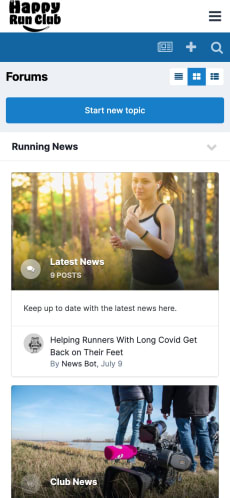
  • Complete control

    Take the conversation off social media and onto a community you completely own and control.

  • Know your audience on a deeper level

    Create opportunities to connect and get to know your loyal following.

  • Give Props

    Reward and recognize fans for participating.

Screenshot of community index

Diversify

Create revenue streams

  • Subscriptions & memberships

    Give perks, privileges and additional access to paying fans.

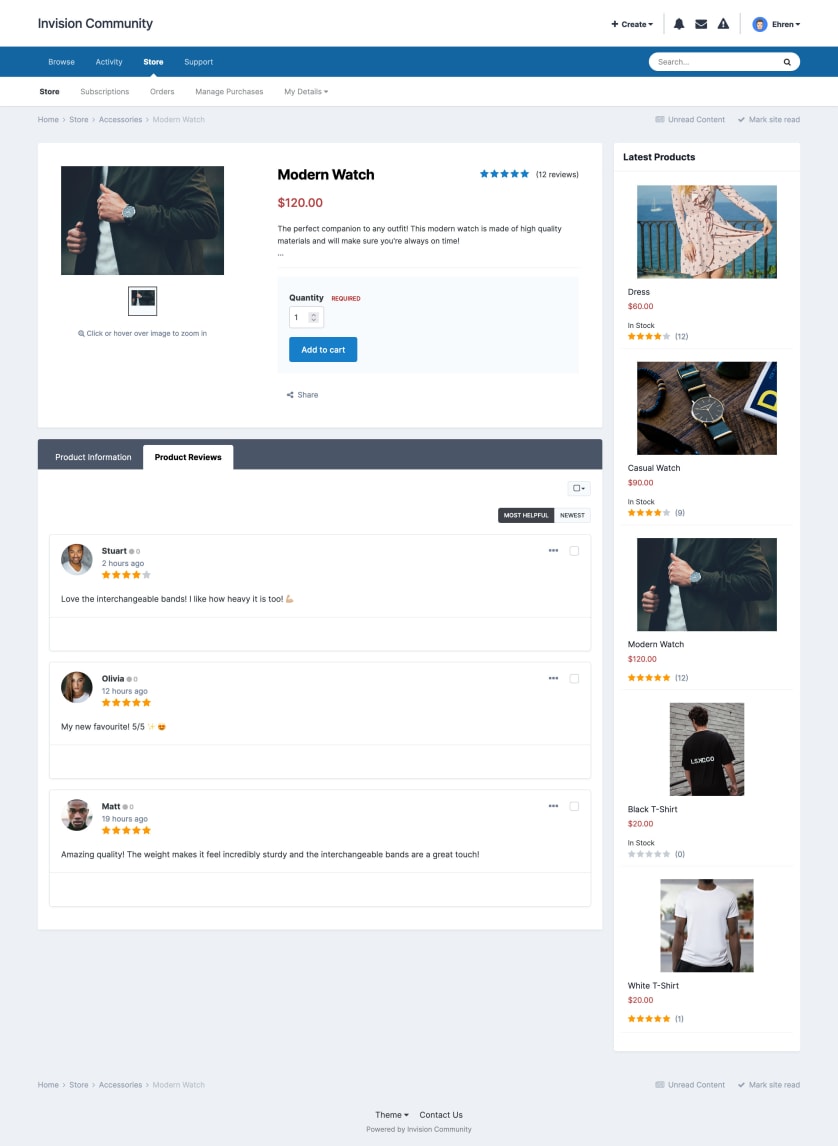
  • Products & e-commerce

    Sell merchandise directly to your die-hards.

  • Advertising

    Include programmatic advertising to genrate passive income.

Screenshot of Commerce

Achievements

Reward and recognize engaging members with badges and ranks.
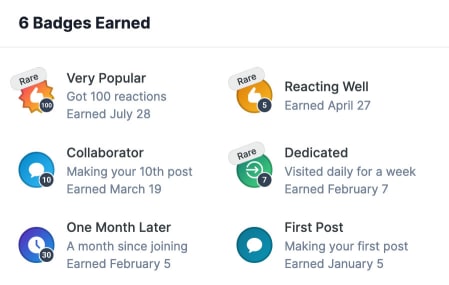
Achievements list

Clubs

VIP members can build and run their own micro-communities, fully-loaded with a forums, gallery, calendar and downloads section.
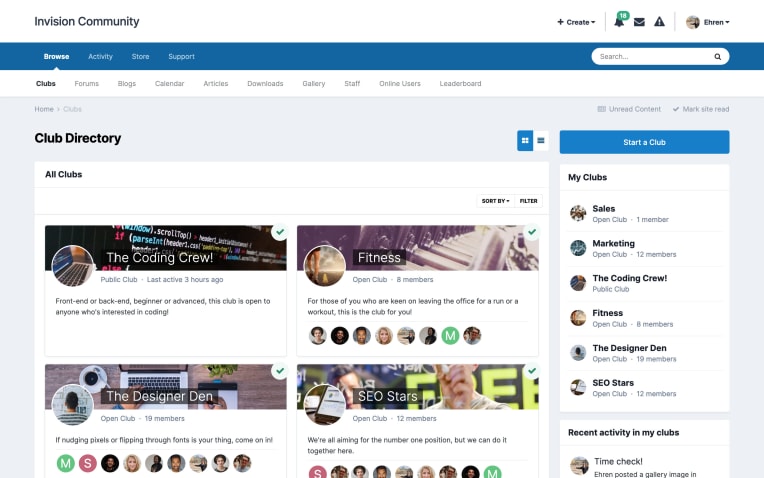
Club index page

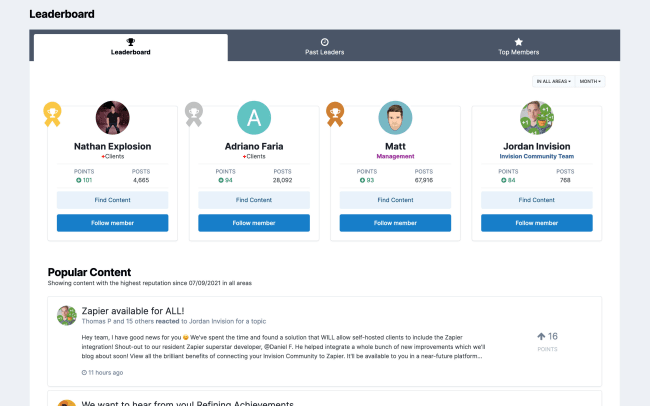
Leaderboard

Track the highest-ranking members each day, week, month and year.
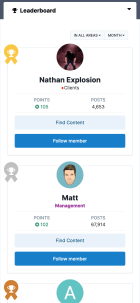
Mobile screenshot of leadderboard

Feature Content

Reward members for creating engaging content by featuring it throughout your community.
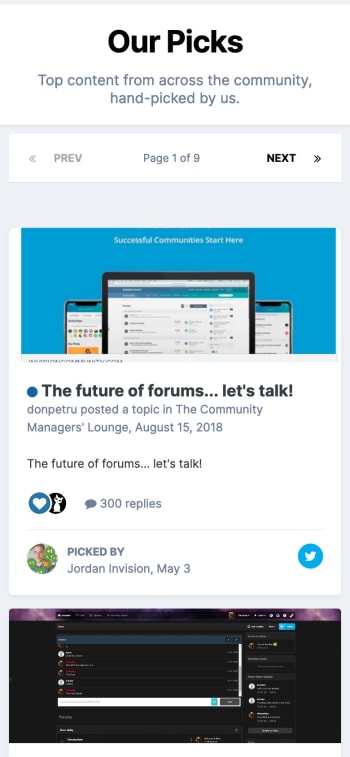
Our Picks

Social Media Promotion

Easily promote community content and drive new traffic.
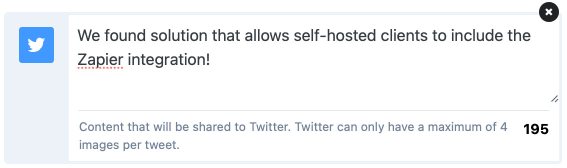
Promoting to Twitter

Moderation

Built-in tools halt toxic conversations.
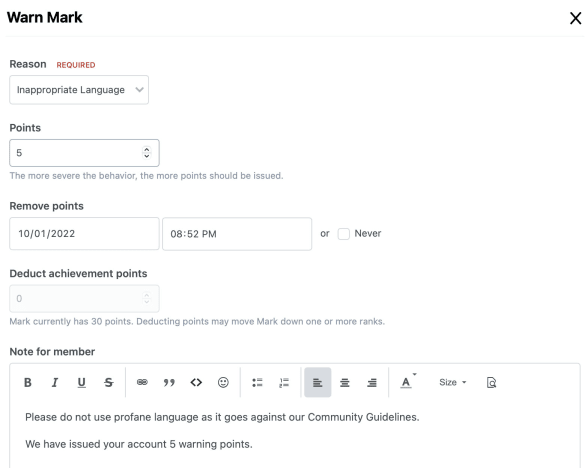
Screenshot of the warn dialog

Unite and reward impassioned fanbases

Ready to harness the force?

  • 30-day free trial
  • No commitments

Account

Navigation

Search

Search

Configure browser push notifications

Chrome (Android)
  1. Tap the lock icon next to the address bar.
  2. Tap Permissions → Notifications.
  3. Adjust your preference.
Chrome (Desktop)
  1. Click the padlock icon in the address bar.
  2. Select Site settings.
  3. Find Notifications and adjust your preference.