Jump to content
View in the app

A better way to browse. Learn more.

Invision Community

A full-screen app on your home screen with push notifications, badges and more.

To install this app on iOS and iPadOS
  1. Tap the Share icon in Safari
  2. Scroll the menu and tap Add to Home Screen.
  3. Tap Add in the top-right corner.
To install this app on Android
  1. Tap the 3-dot menu (⋮) in the top-right corner of the browser.
  2. Tap Add to Home screen or Install app.
  3. Confirm by tapping Install.
Solutions

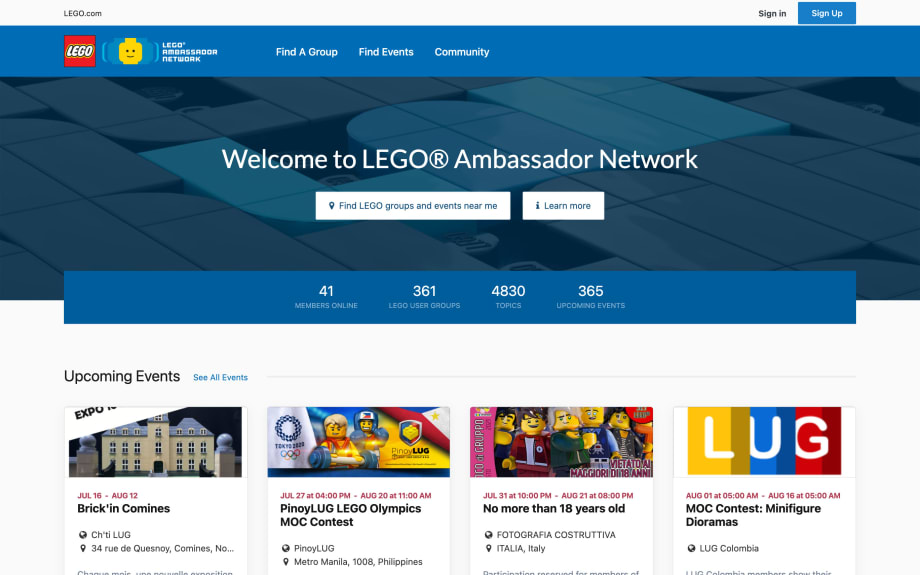
Brand communities.

Mirror your company's branding into the community.

Screenshot of IG
Screenshot of LEGO
Benefits

Having a community allows your brand to:

  • Gain a deeper understanding of your customers' needs

    Save money on market research. Tap into your audience's needs free of charge.

  • Be transparent and visible

    At the heart of any business are the customers. Show them your true colors and build trust.

  • Reward loyal enthusiasts

    Publicly recognize and treat your valued members with special offers.

  • Spark meaningful conversations

    Tired of your customers shouting into the wind on social media? Give them a special spot on the Internet to connect with your company.

  • Encourage an open dialogue

    Customers want to feel heard! Create an environment that's a two-way street so their thoughts and feelings don't fall into the Internet abyss.

  • Create focus groups and test new ideas

    If at first you don't succeed, dust yourself off and try again. Push the boundaries of innvoation with intentional enviornment testing.

Journeys

Incentivize, innovate, invigorate

Dream up unique user journeys for your customers to embark on. Along the way, they'll meet like-minded people who share their interests.

Achievements

Give props to your members for contributing quality content to the community.
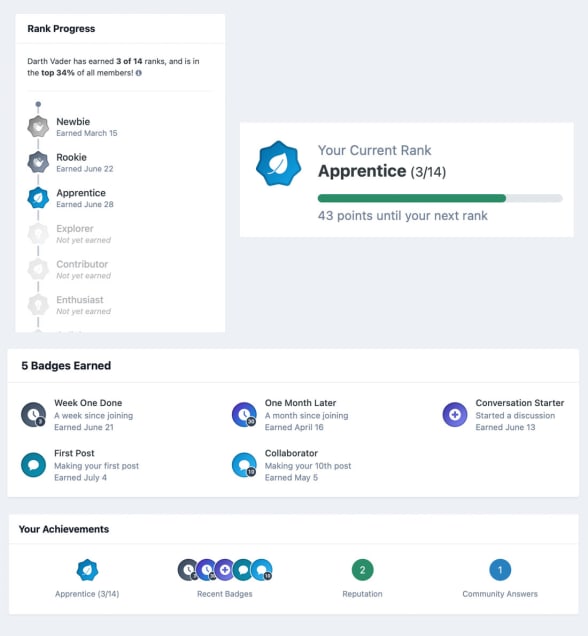
Achievements

Activity stream

Customize your browsing experience that's unique to you! Sort by unread, author, time period, tags, follows and more.
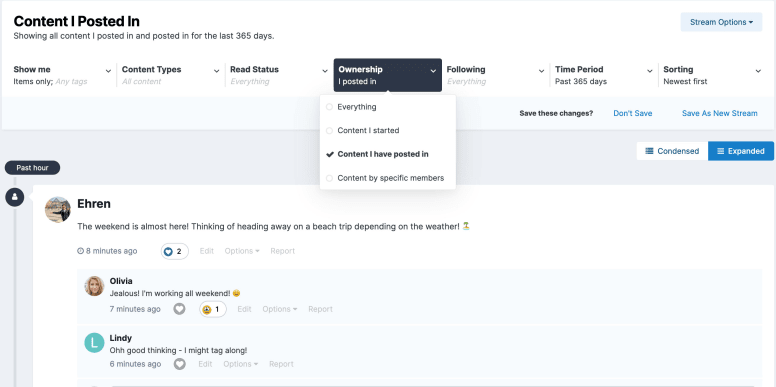
Screenshot of Activity Stream

Commerce

Sell physical or digital products to your fans.
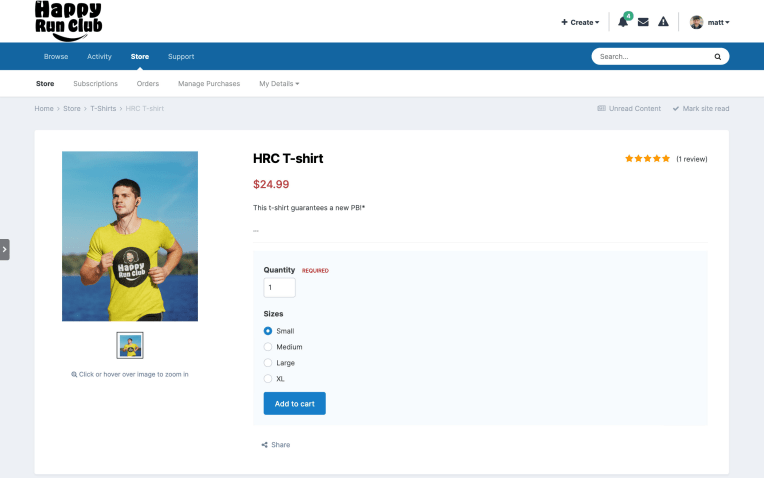
Screenshot of Commerce

Clubs

Empower your members to create social groups within your community.
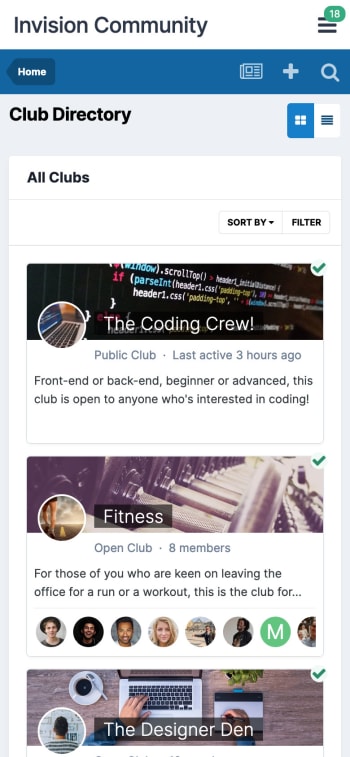
Screenshot of Clubs

Forums

Members connect in a centralized place, but enjoy an individualized experience.
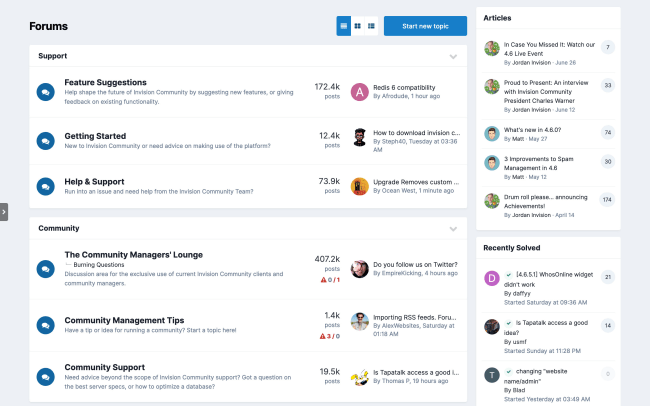
Screenshot of Forum index page

Blogs

Allow users to create their own individual or group blogs within your community, to share their ideas, thoughts and insights.
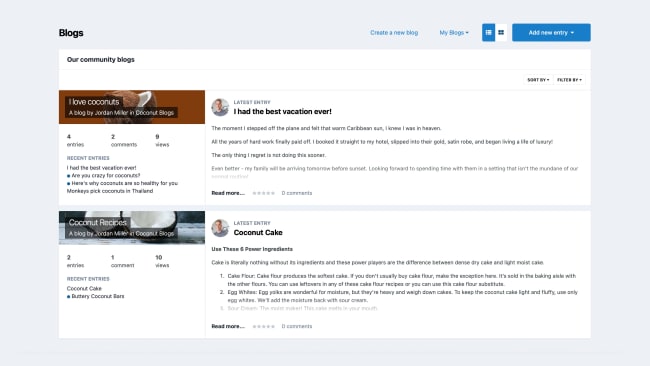
Screenshot of Blogs

Unite and reward impassioned fanbases

Ready to harness the force?

  • 30-day free trial
  • No commitments

Account

Navigation

Search

Search

Configure browser push notifications

Chrome (Android)
  1. Tap the lock icon next to the address bar.
  2. Tap Permissions → Notifications.
  3. Adjust your preference.
Chrome (Desktop)
  1. Click the padlock icon in the address bar.
  2. Select Site settings.
  3. Find Notifications and adjust your preference.