Jump to content
View in the app

A better way to browse. Learn more.

Invision Community

A full-screen app on your home screen with push notifications, badges and more.

To install this app on iOS and iPadOS
  1. Tap the Share icon in Safari
  2. Scroll the menu and tap Add to Home Screen.
  3. Tap Add in the top-right corner.
To install this app on Android
  1. Tap the 3-dot menu (⋮) in the top-right corner of the browser.
  2. Tap Add to Home screen or Install app.
  3. Confirm by tapping Install.
Custom theme

Enterprise Theme Service

We will work together to preserve your brand's reputation and culture.
We know how important your branding is

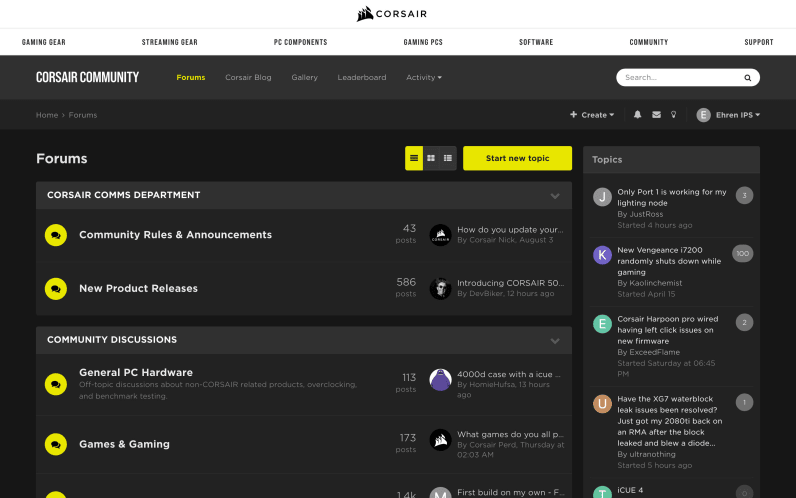
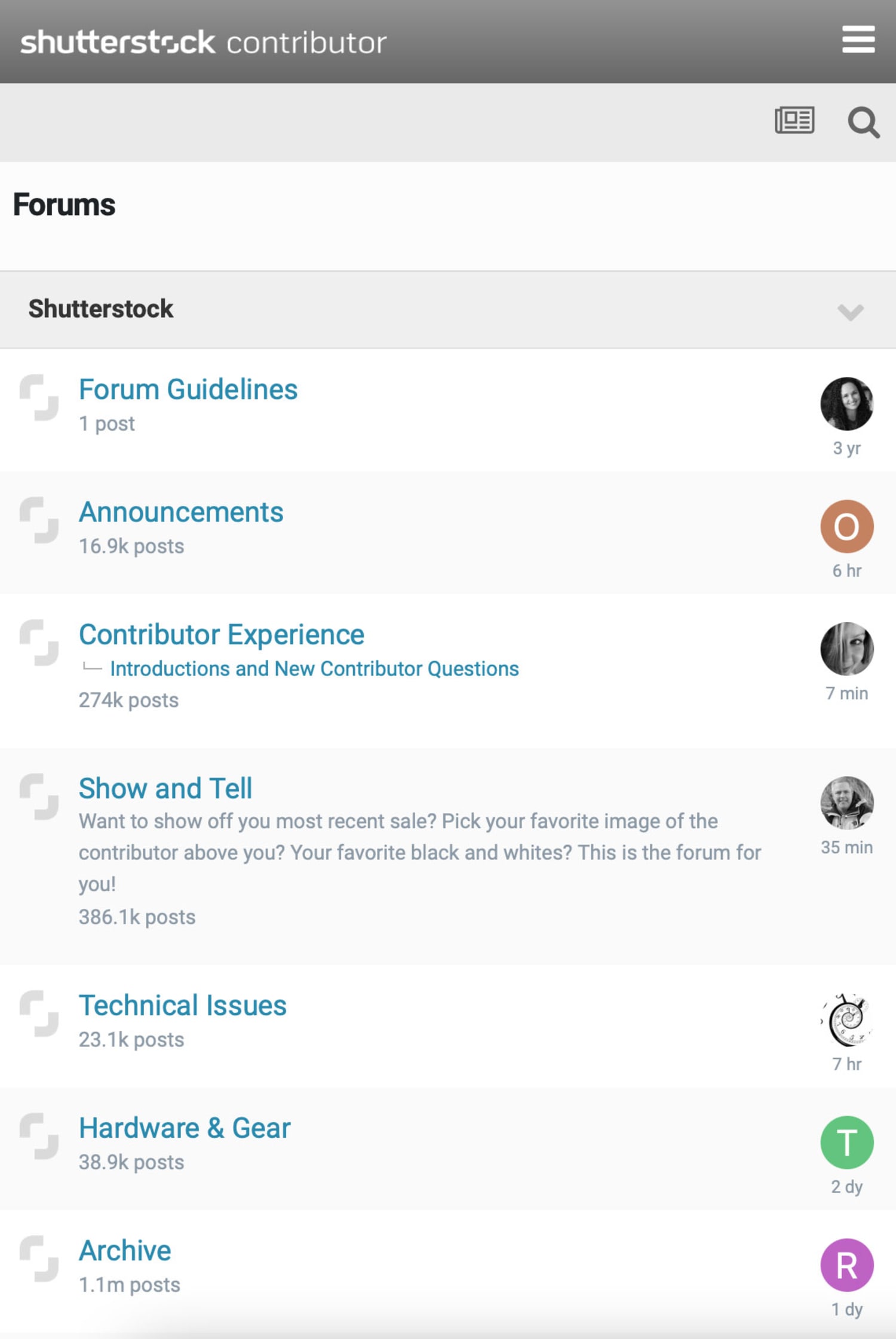
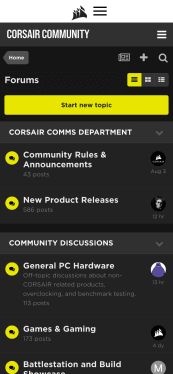
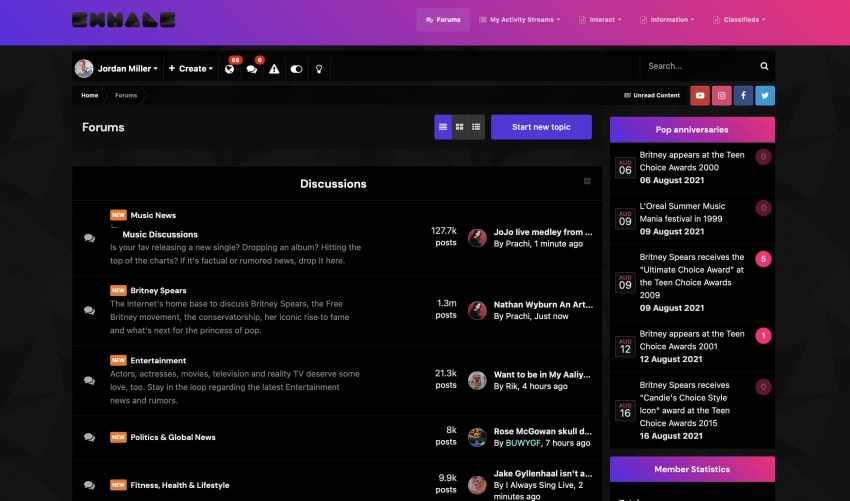
We will collaborate with you to dream up a stylized, visual theme that captures your company's magic in a bottle.
  • Collaborative brainstorming

    Once we get a clear understanding of your wants and needs, we will offer advice regarding how to offer the best-looking/functioning community to match your brand.

  • Rounds of changes

    Your community goes live once you are ecstatic about how it looks and feels.

  • Staging site setup

    A test environment tucked away from your live site allows us to implement changes and include updates without risking your active community.

Showcase

Some of our existing clients

It is not just about fonts and colors

Great branding conveys emotion. Work with our experts to bring your vision to reality. Pricing starts from $1250.
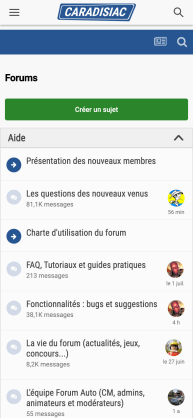
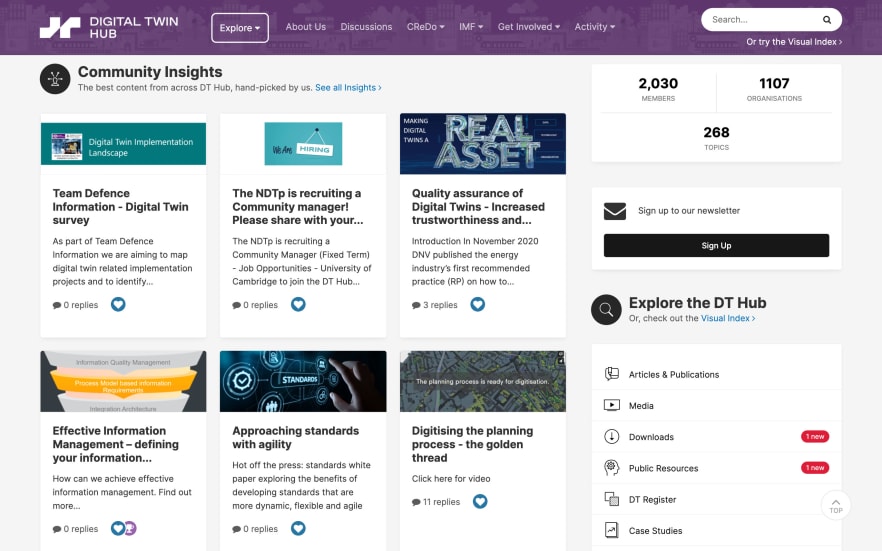
Enterprise Theme Service

Great branding captures a feeling

Distinguish yourself from competitors with a fully-loaded, branded community.

Account

Navigation

Search

Search

Configure browser push notifications

Chrome (Android)
  1. Tap the lock icon next to the address bar.
  2. Tap Permissions → Notifications.
  3. Adjust your preference.
Chrome (Desktop)
  1. Click the padlock icon in the address bar.
  2. Select Site settings.
  3. Find Notifications and adjust your preference.