


Gary Lewis
Clients
-
Joined
-
Last visited
Everything posted by Gary Lewis
-
Thanks. But I'm coming to the conclusion that Community wasn't meant to be a website builder. Yes, there are frequently work-arounds, but they are for something that is straightfoward on a website builder. I've been doing a test to see how easy it would be to move my website here, and it is pretty obvious that it wouldn't be easy. The two things that have stumped me to this point, tabs and a gallery widget, are missing. And it feels like I'd find others if I kept testing. Thanks again. I do appreciate everyone's help.
-
Marc - Thanks, but I was hoping it was just that I was missing something. Instead it looks like another something Community is missing - a picture gallery widget or the ability in the existing widget to do a wallpaper view. I do see that there is a workaround - create an album and then use the Image Feed widget on a page. But that's kludgy as now I have the same pics showing up in two places.
-
Jim - I'm not seeing that at all. My post above shows what I'm seeing. I know I'm missing something and I feel like an idiot, but I'm just not finding it. If you can edit it and show me what I'm missing I'd love it. There is nothing that can't be rebuilt. Here's the URL - I think.
-
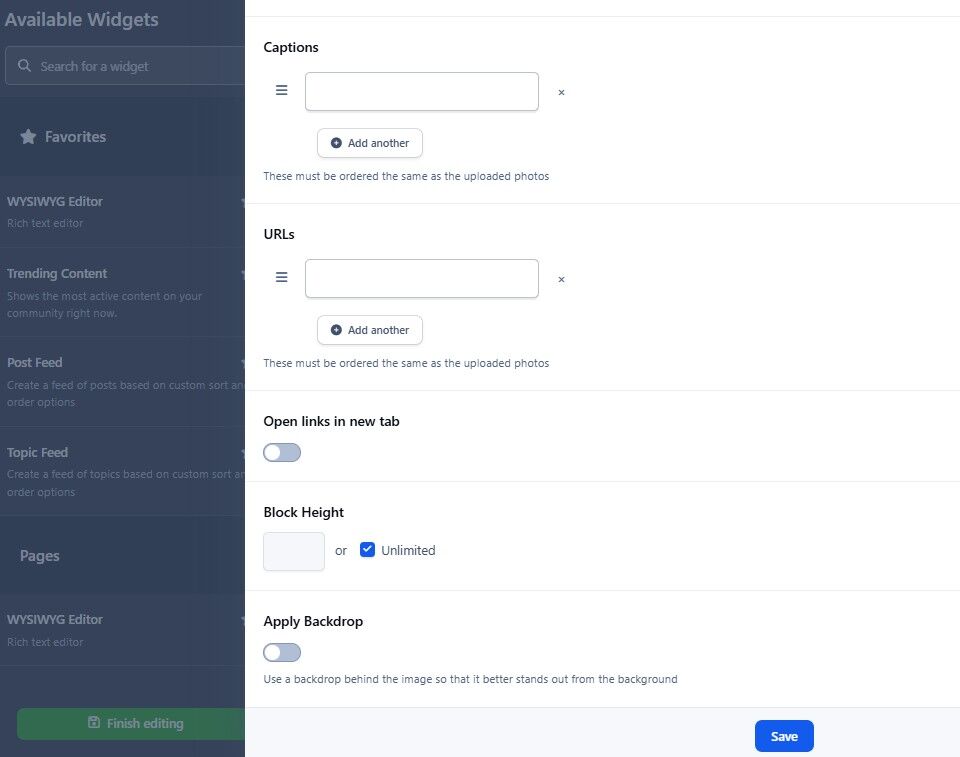
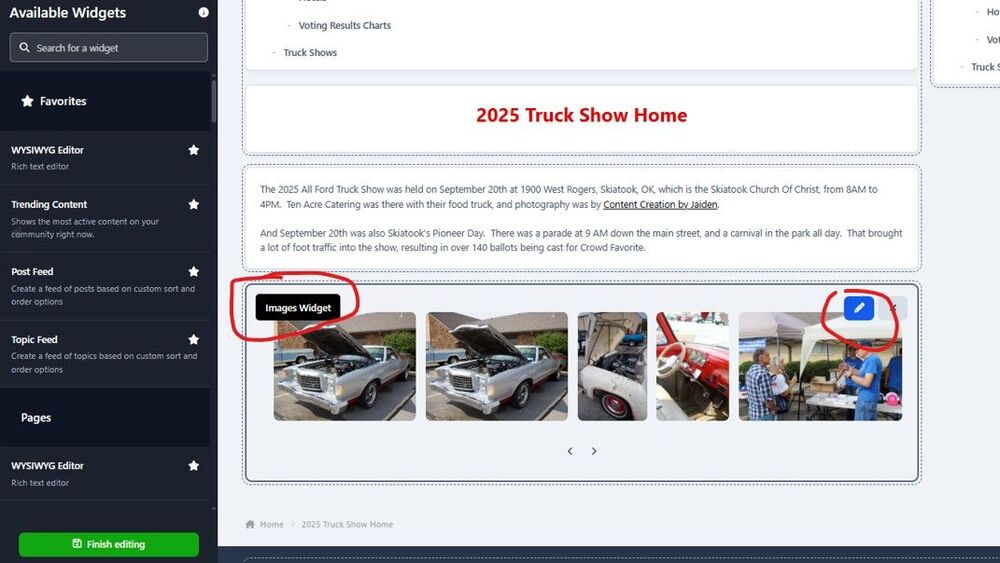
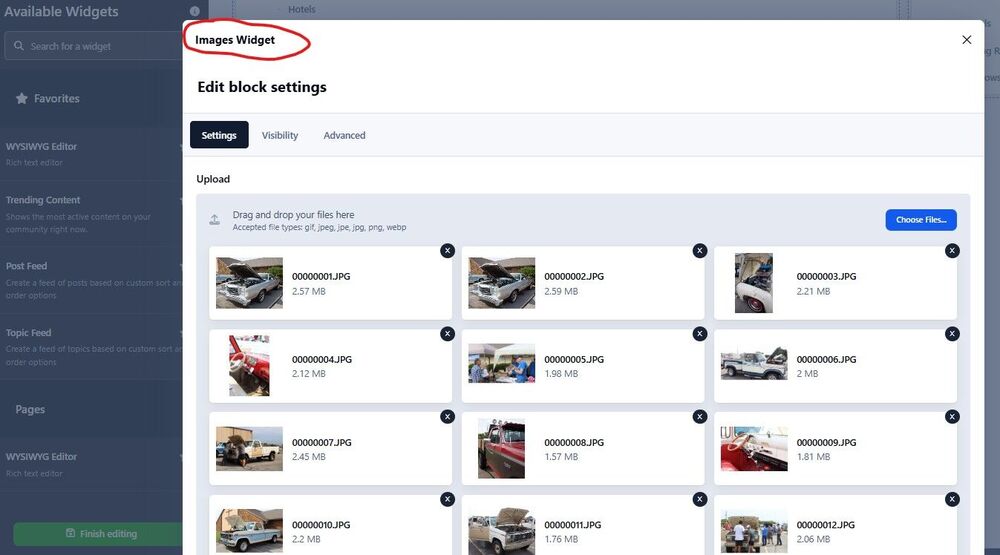
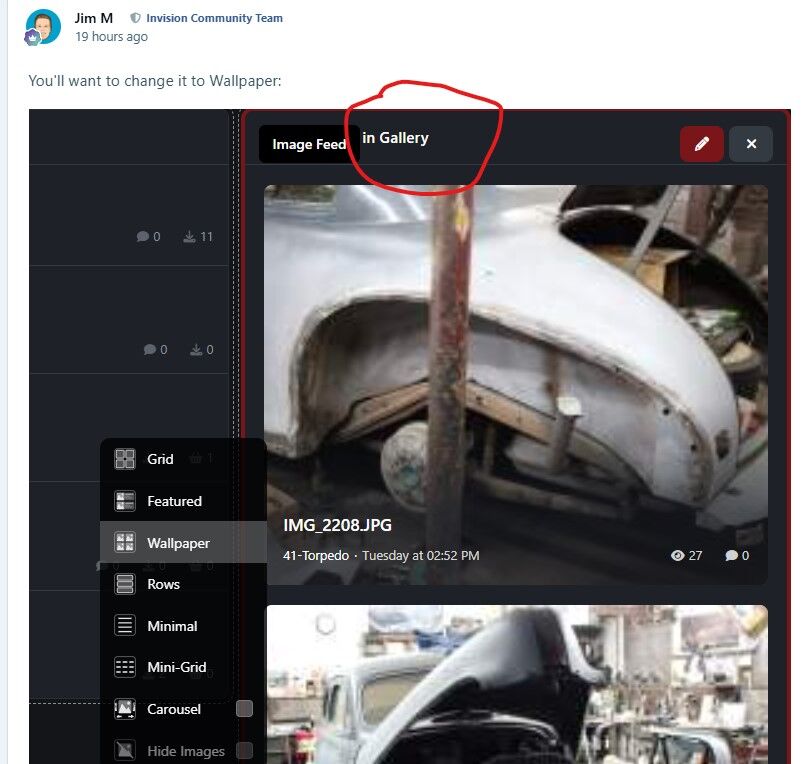
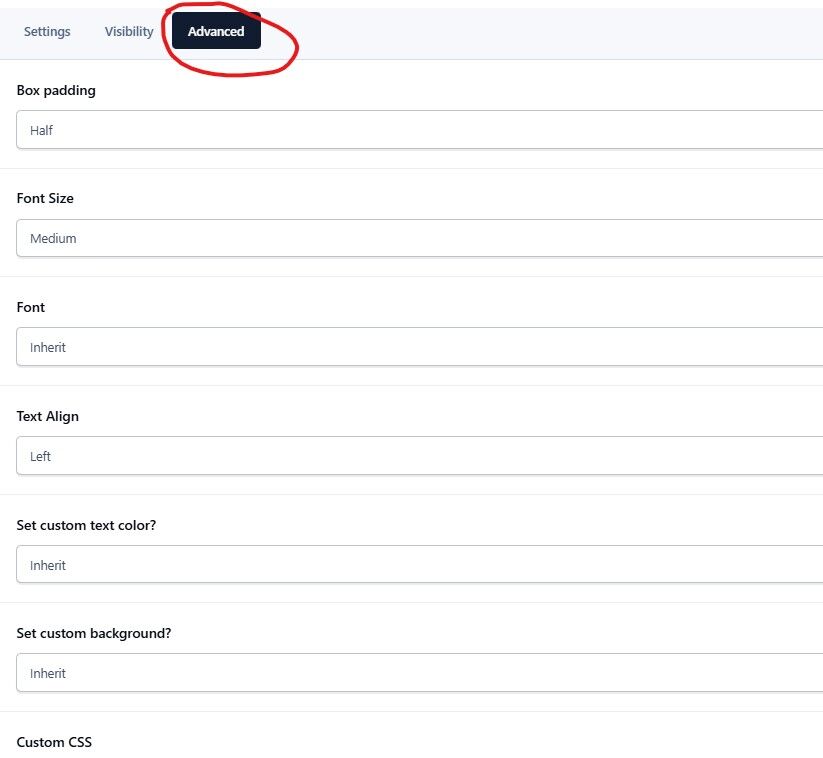
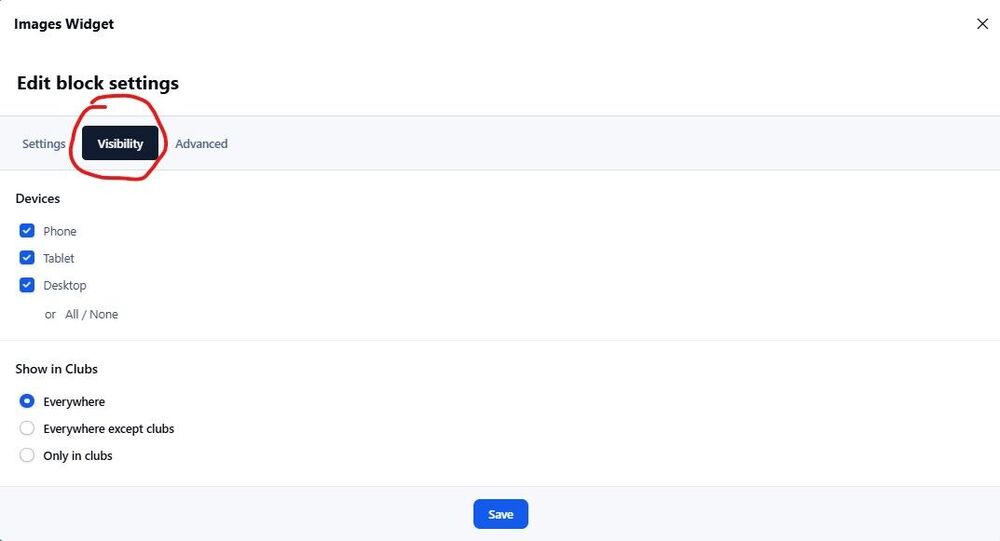
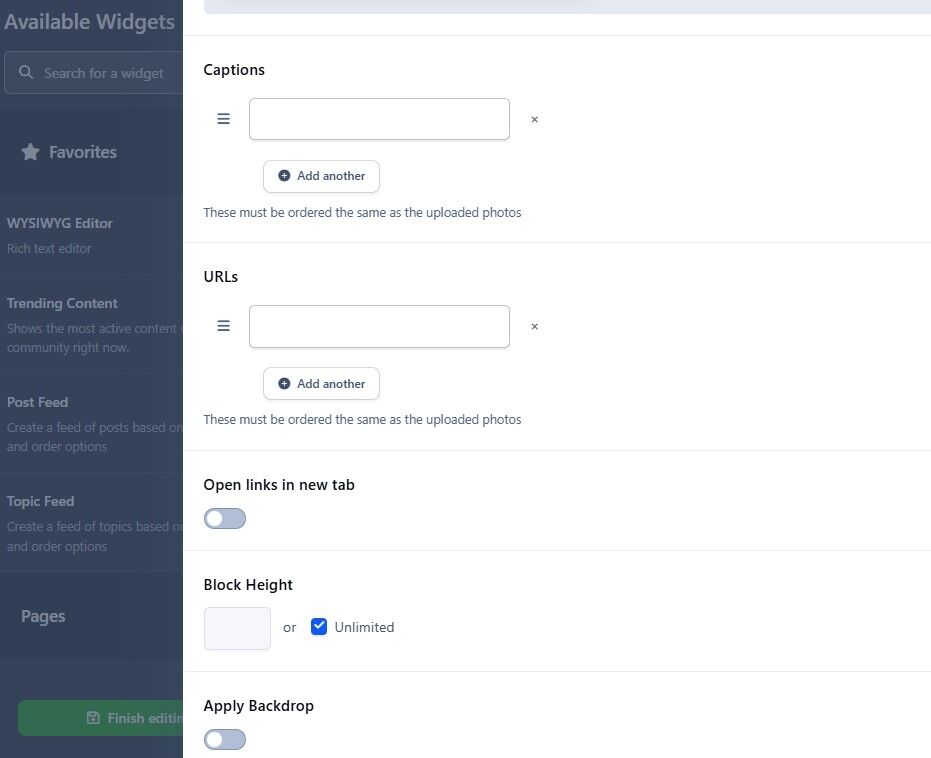
I think we may be talking cross-purposes. I'm talking about the Images Widget on a Page and I think Marc and Jim are talking about a Gallery. Yes? I say that because in Jim's screenshot it says "Gallery" - shown to the right: But when I go to my Page with the Images Widget and the blue pencil, shown below. And then if I click the blue pencil I get what is shown below that on the Settings tab - in two screenshots as I have ~150 pics that show between the top and bottom The other two tabs, Visibility & Advanced, options are shown below but to the right. And nowhere that I can find are options like Jim is talking about. I'm missing something that is probably obvious. I'm sorry. ☹️
-
Sorry, but I'm dense. That looks like it is on a Gallery page, not the Images Widget on a page I've created. In the Images Widget the box at the bottom of my page just lets me restore or remove box-style wrapping.
-
Thanks, @Jim M. I'd not have twigged to that since it says box-style wrapping. But do it want it on or off? And what settings should I set the padding to? Am I missing some instructions on how to do this?
-
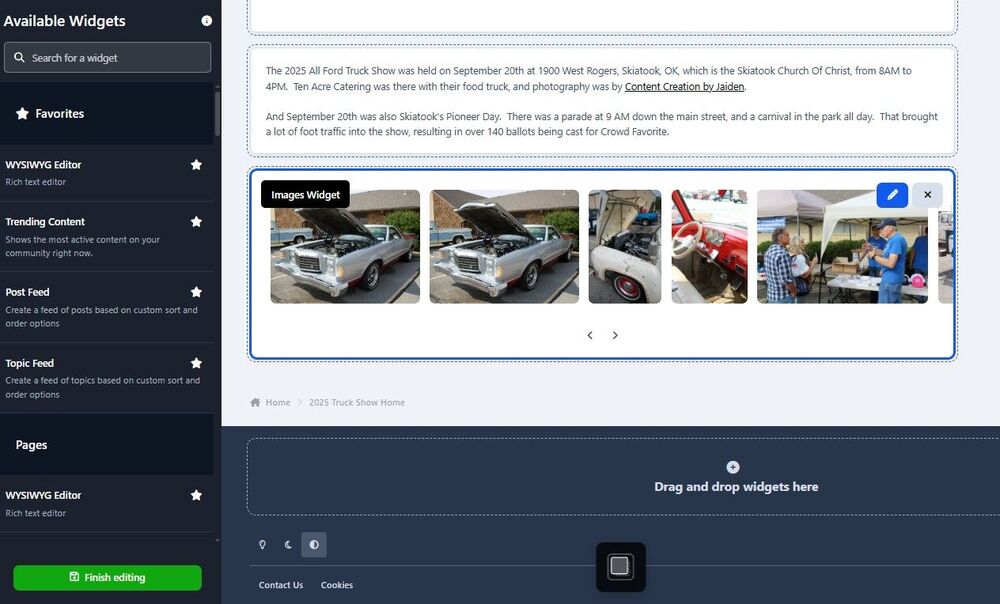
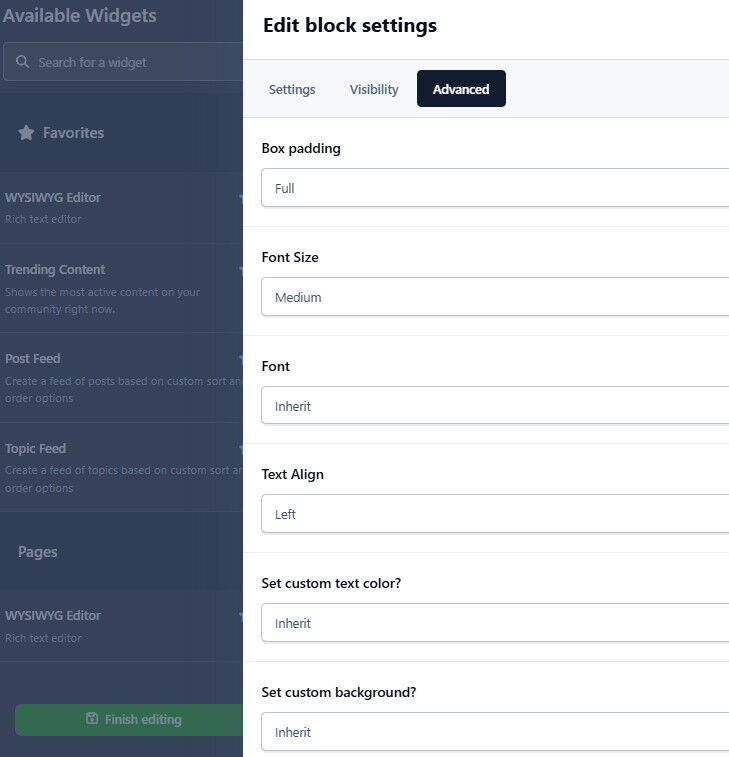
Marc - I was, and still am, unsure what you mean. So I opened the page editor, selected the Images widget, and saw this at the bottom of the page saying "Remove box-style wrapping". Then I clicked the edit button and found, oddly enough, three tabs. The Settings tab has the options shown on the left below at the bottom of the page. The Visibility tab just lets me determine what devices the pics will be shown on. And the Advanced tab has the options shown on the right. But none of them say anything about Wallpaper view. So I'm missing something. 😒
-
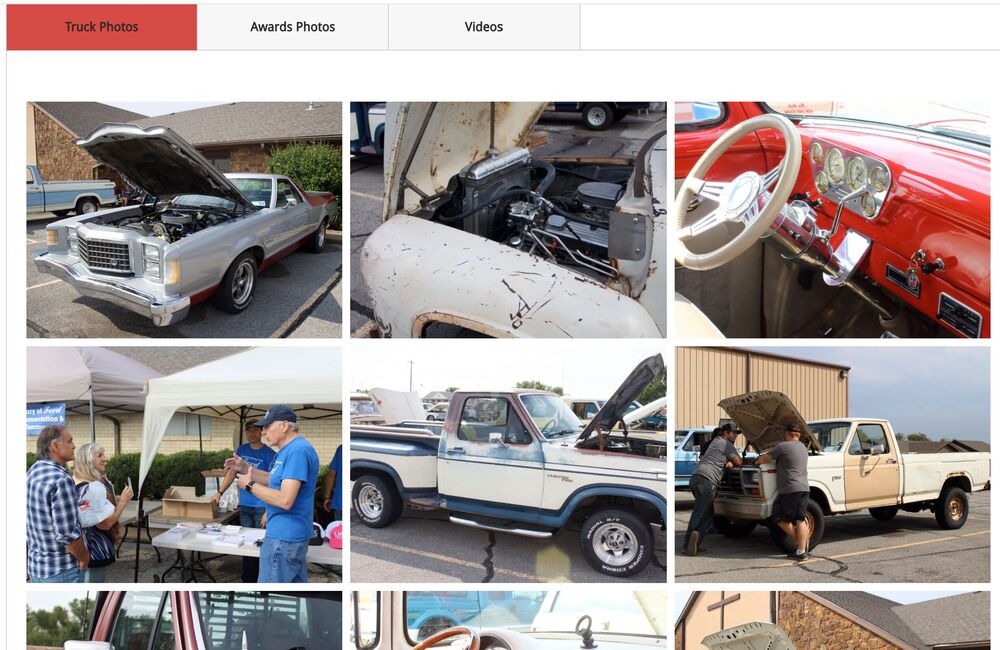
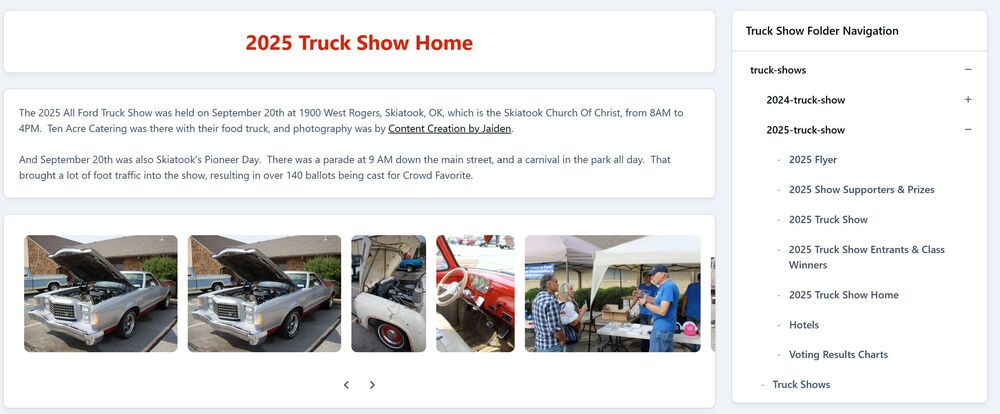
I'm struggling with getting the look I want in my trial of Community to replace my Weebly site. One page I'm trying to clone is shown on the left below. Part of the issue I'm having is that I used tabs on the Weebly page, which you don't have, so I'm creating separate pages for each of the tabs and using the folder navigation widget to let the user navigate somewhat like having tabs. But ignoring the tabs issue, the page is basically a gallery of pictures 3 columns wide and ~50 rows deep. That lets the viewer scroll through and get a good feeling for everything that went on at the show. But on Community I'm seeing these ways to show the pics, none of which are what I'm looking for, so I need help: Images Widget: I've loaded the pics but all I can see is a narrow strip of them, as shown on the other screenshot below. Maybe I'm missing something in the settings on how many rows will show, but I've not found a setting that seems to work. Albums: I've created an album that does show the pics, but getting to and from it to my 2025 Truck Show page doesn't work. In other words, while I can create a menu item to go to the album and have it in the folder navigation, I can't figure out how to put the folder navigation widget on the album page so the user can easily navigate back. Clubs: Mike has created a club for our truck shows, but while I find that to be a very kludgy approach it seems to suffer in the same way Albums do as I don't see a way to have the folder navigation widget on a club page. Surely I'm missing somethings, plural, on this so I look forward to your help. But if there isn't something I'm overlooking how about either modifying your images widget to allow setting the number of rows and columns or having another widget that creates a gallery?
-
Thanks, @Ehren. Glad you realize there are benefits in having a tab function. (Obviously there are or you wouldn't be using tabs in several places yourselves.) But I hope that "sometime in the future" isn't far off. I say that because so far my evaluation of Community's ability to replace Weebly for hosting all our documentation says it isn't - without a major redesign of the site. In fact, I'd considered asking Invision to migrate the Weebly site over as you did our Nabble forum, but I don't think that is possible w/o tabs. But I'm not au fait with HTML so I can't even consider creating the pages manually. I'm just a 78 year-old guy with a massive website full of Ford truck documentation and I was wondering if moving it to Invision would integrate better with the forum. It would integrate better - if only there was a nice, clean way to do it. I'll keep trying the suggestions to see what I can come up with. But it would help a bunch if you had places you could point me where people have used those features and I could see how they work.
-
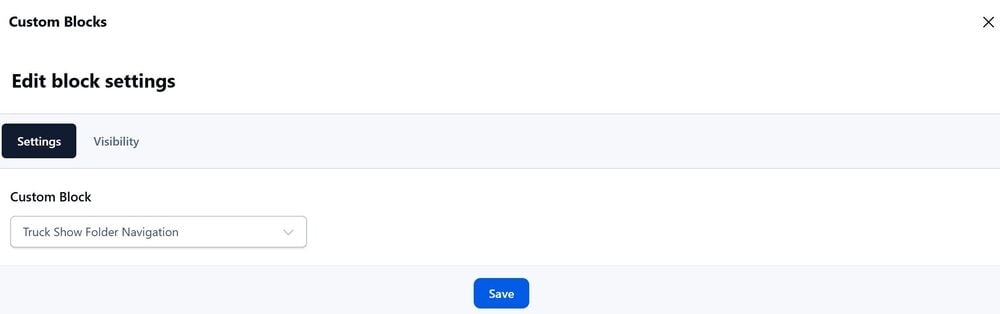
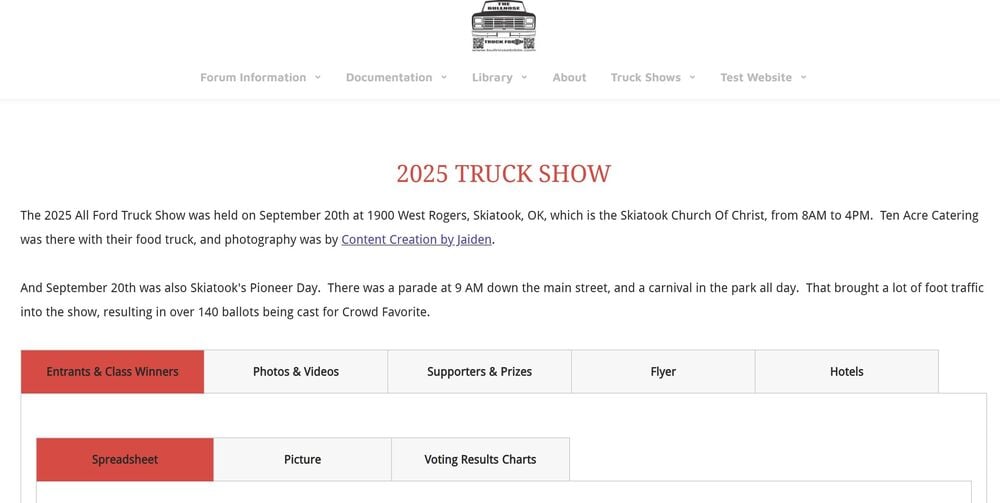
I hadn't heard about "anchor links". How do I find out about them? But you use tabs, as shown on the screenshot below. So why don't you have a widget to let us use tabs?
-
Tabs that let me create pages like this. Let's the readers see what all the things are to view on that page, and then click the tab they are interested in to view it. Yes, I can create new pages and have them show in the menu, but the menu takes up room on the page. That's not too bad on a desktop but can be in the way on a mobile device.
-
Mike Gitkos has been helping me test Community as a way to integrate my Weebly website with my Invision forum. But one thing I find lacking, and very limiting, on Community is the lack of a tab function. And I find that odd because your AdminCP and your Clubs functions both use tabs so you see the need to have them. I've used them extensively on the website - as you can see on the 2025 Show page. Mike has suggested that I break it up into separate pages and use the navigation folder widget, which I've done on the trial. That works fairly well, but the lack of tabs is still very constraining. (He also suggested that I use the Club feature, and he even created an example, but that seems very kludgy since it says Clubs, people can join, etc.) Moving my website would be a huge undertaking and I'd have to do it myself as I don't have a staff. And without tabs I'm not sure I can get it done in a workable fashion for my users. So please consider adding a tab widget.
-
I'm trying out Google's Gemini AI and have asked it to summarize a long thread on my forum. But it is telling me that it doesn't have access, saying "If you are able to inquire with the forum platform administrators, asking specifically about their anti-bot measures, crawler-blocking settings, or robots.txt file configuration would be the most productive avenue. This would help clarify the exact reason for the access denial." Is there something that I can modify that would allow Gemini in? And, if so what are the implications of doing so?
-
Great! Our forum is for owners of old trucks, and some of them tend to be ... colorful in their language. And similarly-oriented Facebook pages have people bashing each other. But we try to be "family friendly" and I even have my 13 yearold grandson on the forum. So I spend a lot of time reading the mail to ensure that people are adhering to the guidelines, and it would sure be nice if I had a helper.
-
Let me go into a bit more detail on what I'm not looking for. I don't want an AI that goes out and gathers info from the interweb and answers members questions. That's because I've had further interaction with the one on the FSB forum and I've found that it is like all the other AI instances I've encountered - very unreliable. It told me that it responded to my post as a one-off because it was told to pick someone and have an interaction. But we easily saw that it had struck up conversations with others, in spite of saying it doesn't And it answered a technical question with the wrong information, and when we pinned it down it said that it was giving us the predominate answer out there. So if 10,000 Frenchmen think the world is flat that's the right answer? But, a something that perused all of the posts and flagged those it thought might be outside of the guidelines would be a help. And one that would remind me that I've been mentioned but haven't replied in 24 hours would be handy as well.
-
I'm on the Invision cloud and when I applied the patch the posts appear to have come back.
-
That would let someone review a topic, but probably wouldn't alert a moderator that someone was using profanity or bullying, both of which are no no's on our forum. I was thinking of something that monitored posts, compared them to the guidelines, and then letting a moderator know there might be an issue.
-
I understand, but if it was reading the mail and alerting the moderators/admins if there's a potential breach of the guidelines it would sure be helpful.
-
I'm on a forum called Full Sized Broncos and they have a new feature called ForaFrank which is an AI helper. I had a lengthy chat with "him" on what he can do, which you can see starting here. And you can see what he says about himself in his signature on the screenshot, below. But that got me to thinking that having something like that on my Invision forum would be a big help. Here are my thoughts on how we could use it: Monitor posts to ensure they meet the guidelines and alerting the moderators if they don't. I try to read every post to make sure my members are playing by the guidelines, but that is a daunting task as the forum grows. Reminding folks in a day or so if they've been mentioned but they've not responded. I try to respond to everyone, but that is getting difficult given the growth of the forum. Answering technical questions. ForaFrank says that he has "read a colossal library of automotive information from all over the web, including technical manuals, enthusiast sites, and forums." I'm sure there would be lots of other uses, so have you thought about that? Would you, please?

-
@Marc has asked me to post this: Admins have the ability to send "bulk mail", and members have the option of receiving "newsletters" - and apparently those are the same thing. If that is true then could we, please, make them one and the same? As a new admin I didn't know that they are the same and had to ask for help figuring out how my members could opt in on receiving bulk mail. And with my memory I will probably forget that soon. So could we please make them the same?
-
Well, @Miss_B, you were right - it was easy to apply the patch. And that appears to have fixed that really long thread. All the posts seem to be where they are supposed to be. Thanks!
-
@Miss_B Thanks, but that's beyond my ken. I'll ask my technical guru to do that.
-
@Cedric V & @Dll: We are on the Invision cloud. Is this something we need to be doing? And, the posts are now back, albeit on a different page in the thread. The posts are in the right order, but the page break is in a different place. I'm confused.
-
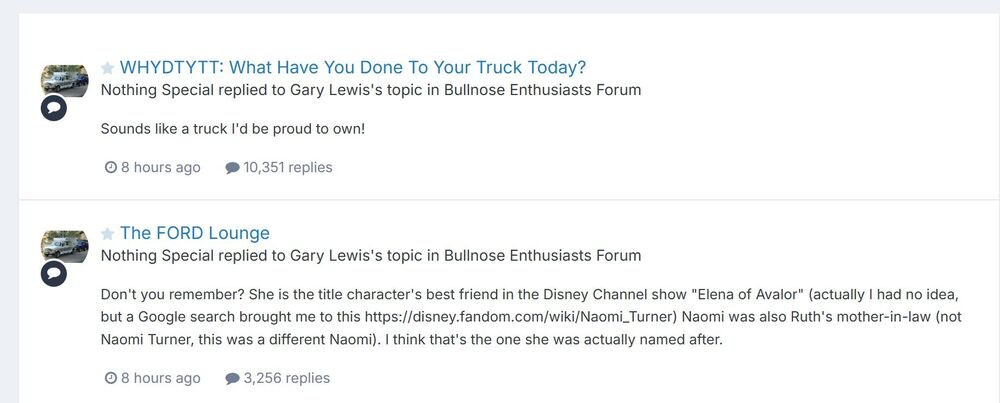
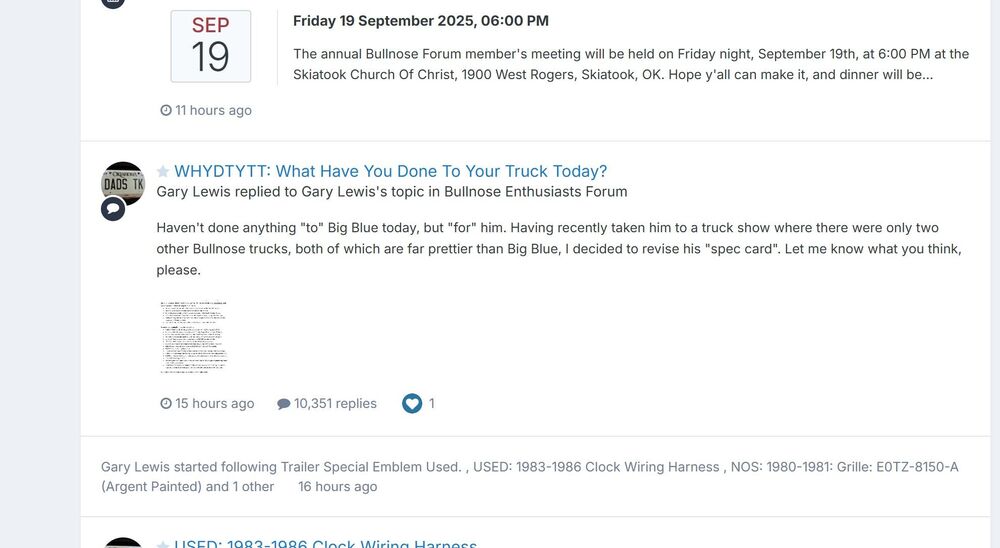
The other day I had a member report that one of his posts has gone missing. And now one of my posts as well as a response to it from another member have gone missing. However, if I go into my list of posts and his list of posts I can see both posts, as shown below. But if you click on the link to either of those posts it takes you somewhere else. On top of that, a few minutes later more posts in that same thread are missing. Those posts were immediately ahead of my post that disappeared. The last one on that page in that thread is here. I should add that this is a very very long thread and the posts that disappeared were on Page 1035, so maybe that has something to do with it. And the posts started going away at the bottom of the page and the page has gradually gotten shorter over night. But the following page, where we are discussing the disappearances, seems intact. HELP!
-
Makes sense. Thanks. @Marc - It may be trivial, but is this something that we could get changed? Make the AdminCP match what the user sees? It sure wasn't obvious to me, and I doubt it will be for your new client admins.





